Missing Icons in Universal Apps Menu
from  Stardock Forums
Stardock Forums
I'm still using Windows 10, but using Start11.
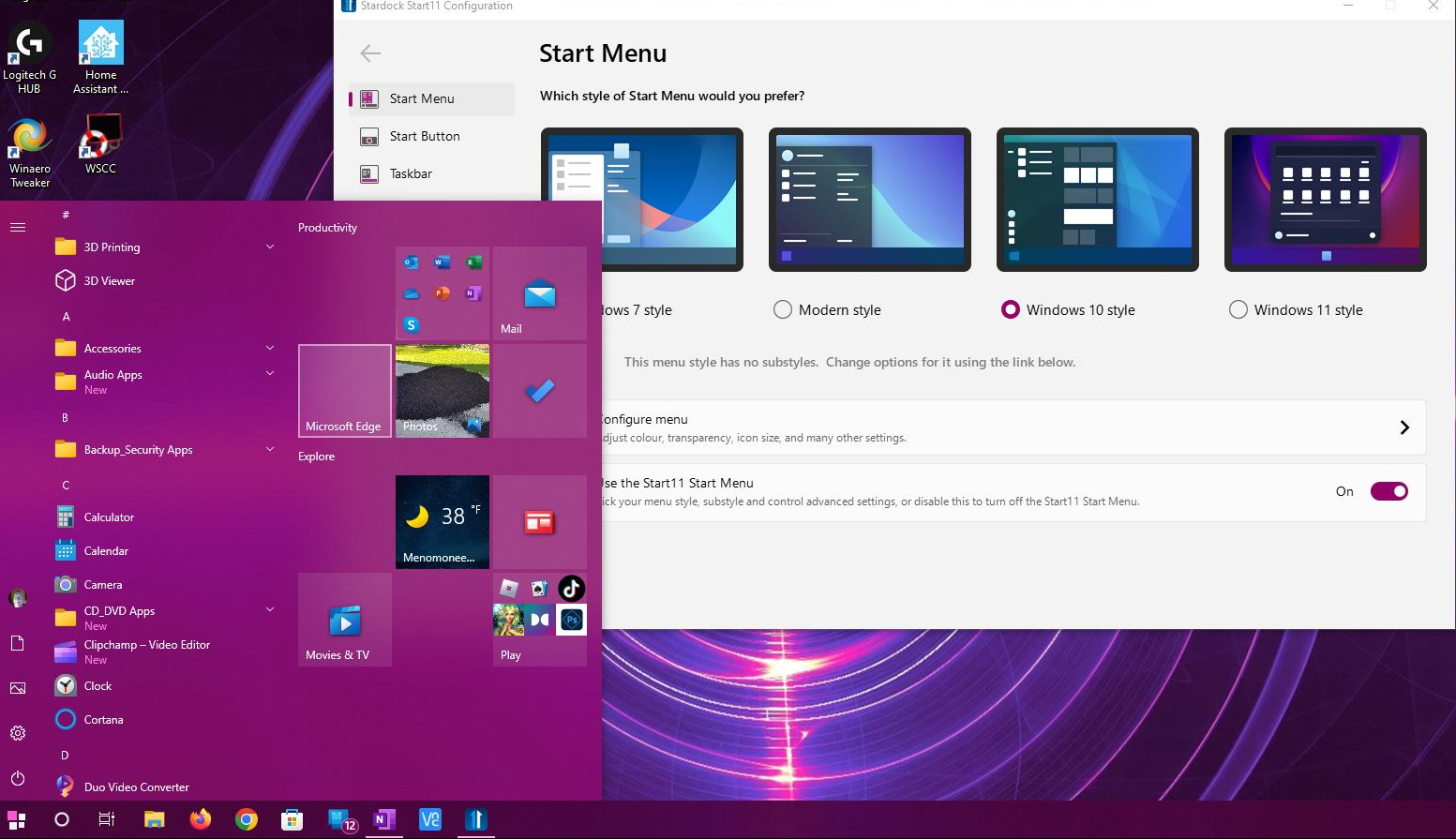
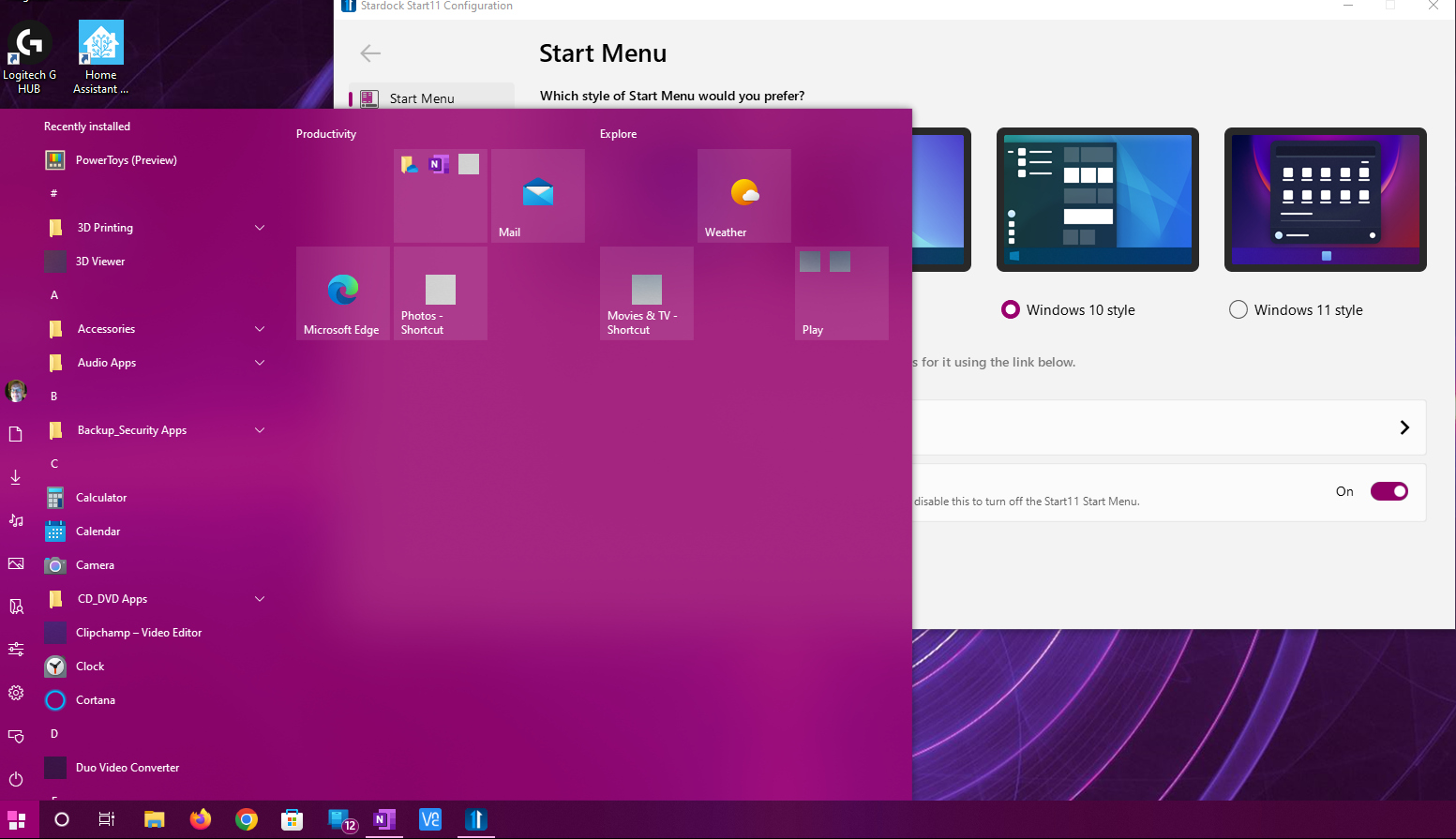
I recently suffered a drive crash, and could not reload any recent backups. I managed to reload an image from 18 months ago, when I was still using Start10. The problem I am experiencing now is the Universal Apps Menu/List as shown in the screenshot. Some apps that are installed are missing its icon. These icons is also missing if the app appears on my frequently opened list.
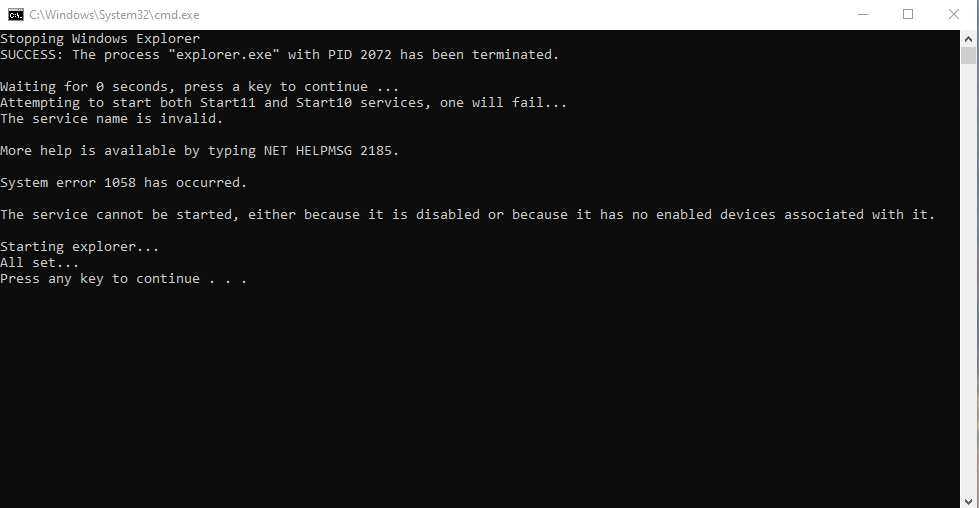
I have tried: uninstalled (using PurgeStartAll.bat) & reinstalled Start10/11, rebooted several times, deleted the StarDock folders from ProgramData & User\AppData\Roaming so it can be recreated, uninstalled & reinstalled the effected apps, searched on these forums for a similar question.
Any ideas are appreciated!
Mike