10-15 Second Click Lag on Desktop

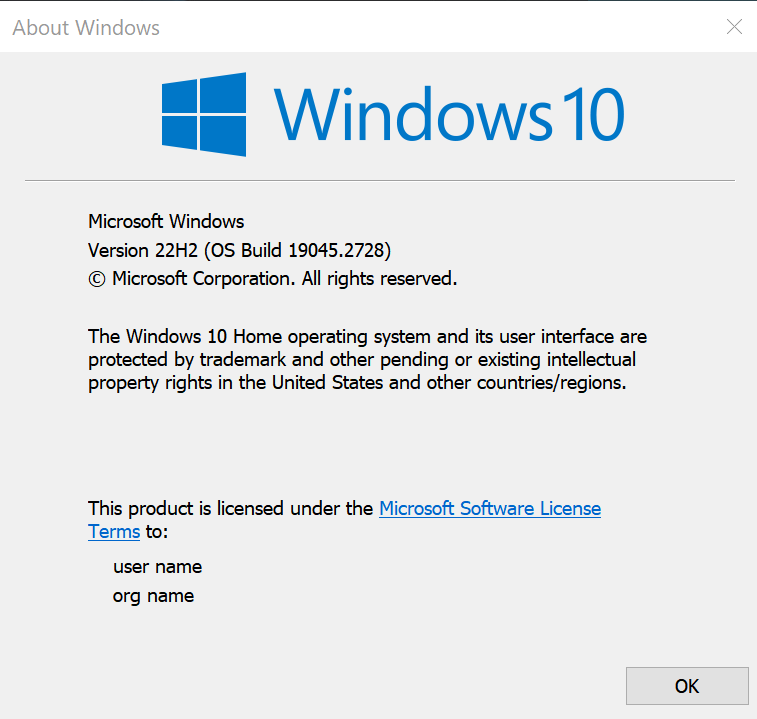
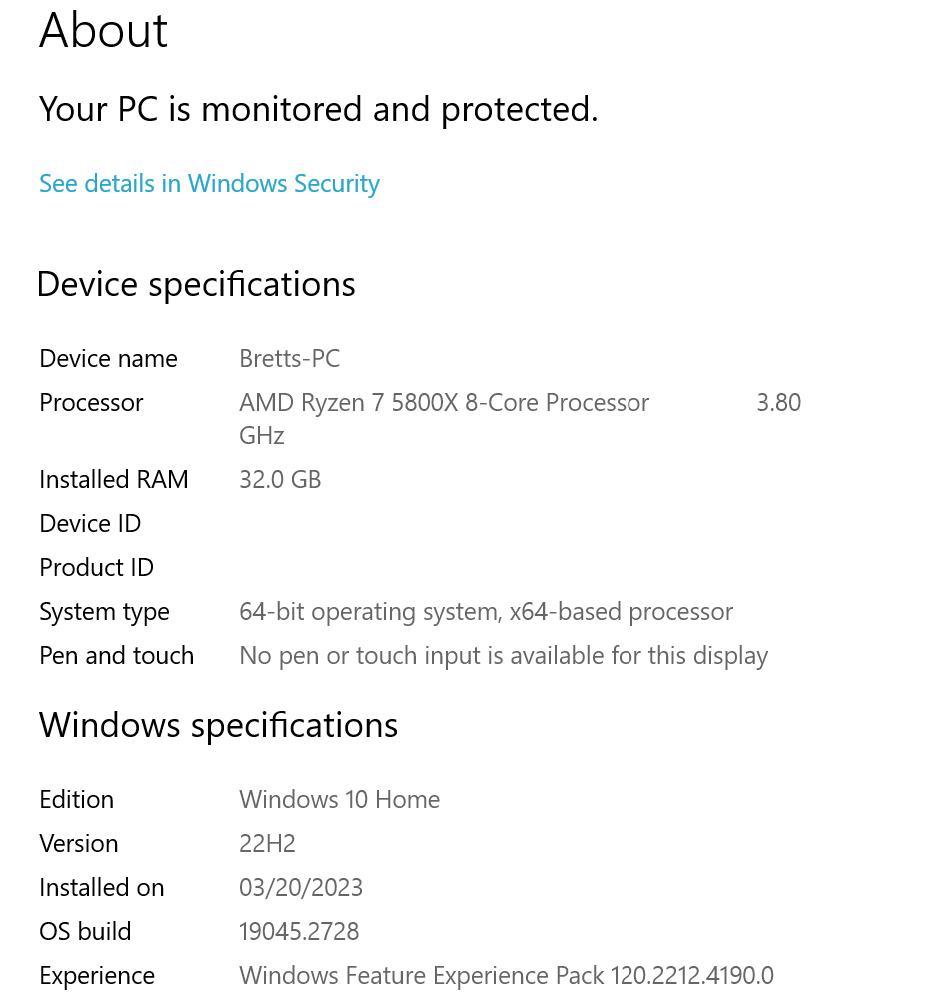
I'm experiencing a 10-15 second lag when I do to right or left click on the desktop and any icon. Whether I'm clicking to open the file/app, right clicking, or trying to change a file name there is a 10-15 second lag. I've have purged and re-installed Fences v4.10 to no avail. This doesn't happen when Fences is disabled. 


4,742 views 5 replies
Reply #1 Top

Hello,
Sorry to hear you are having issues. Please try purge and reinstall steps as mention here : [Link]. Download latest version mention here https://forums.stardock.com/517370/get;3881371 . Important to reboot immediately after the purge. Install and reboot again after the installation. Retest and report back here.

Thank you,
Basj,
Stardock Community Assistant.

Reply #3 Top

Thanks for the video. Seem like something is blocking your desktop from working properly. Would like to suggest doing cleanboot and see if that help. https://forums.stardock.com/486084/fences-support-faq#cleanboot


Thank you,

Basj,
Stardock Community Assistant

Reply #4 Top

Hi Basj,

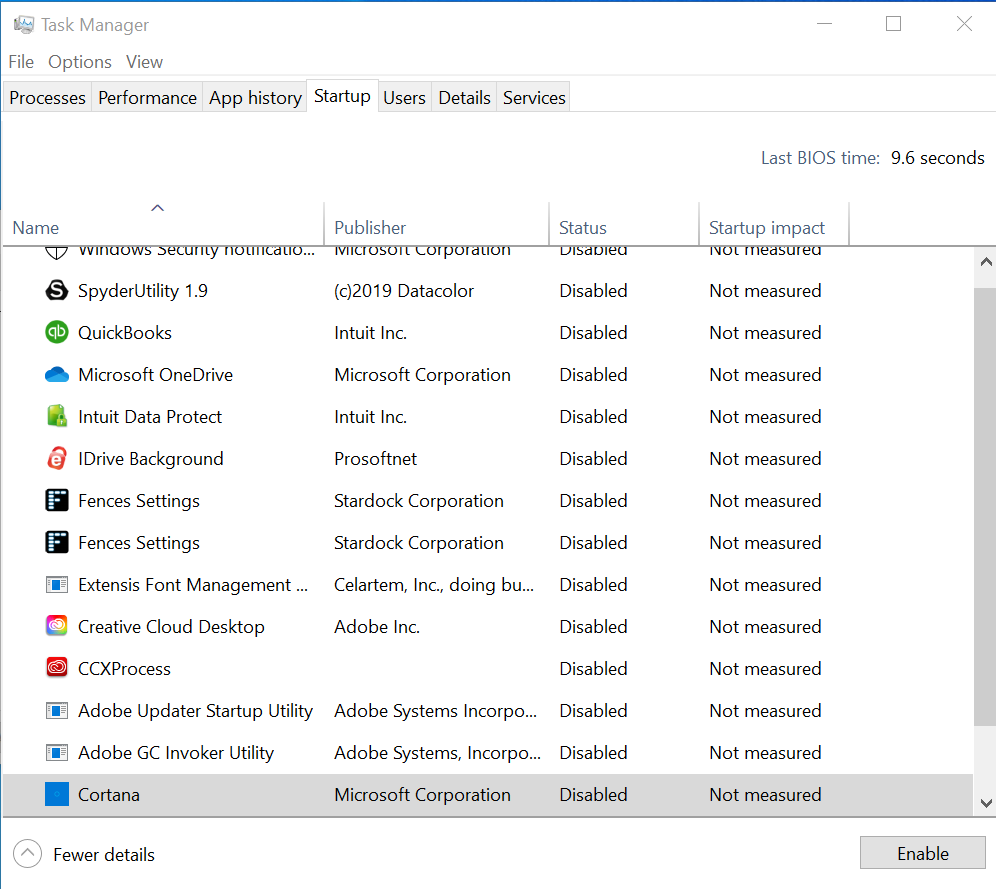
In doing a clean boot I do not have the same problems in my other Admin account. I went back into my main profile and it seems to be fixed as well and there isn't any more lag. I disabled many of the auto-start applications in msconfig and that seems to have solved it. If I run into issues with other programs I'll re-enable one-by-one and see which one was the culprit. I also noticed two "stardock settings" in the task manager. One is now running and the other isn't, but they're both being pulled from the same file location. Could having them both on have caused a problem within the Win10 environment? See attached screenshot. 

Reply #5 Top

Fences need to be startup twice. That is normal.

Thank you,

Basj,
Stardock Community Assistant