Fences 4.0 Won't activate
Fences Activate
 Stardock Forums
Hi,
Just bought a new license of Fences 4.0.
Steps #1# and #2#:
Download from within the site with the link you've sent me.
Activate Fences with the Key and email, resulting on a Successfull Activation
When i right click with the mouse, just shows "Activate Fences", but If i open the Application its already active.
Steps #3# and #4#:
Deleted the the file with the Window+R option, as said in your "Product keeps prompting to activate" troubleshooting guide.
Activate again Fences, resulting again on a sucessfull Activation.
Yet the problem persists when i right click the mouse button, and the aplication is already active also.
I've unistalled everything again and started all over. The behaviour is the same.
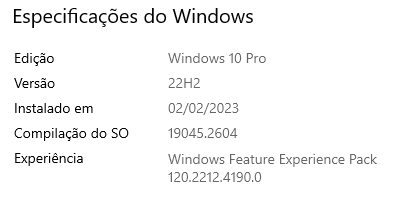
I have administrator permissions and executed all with administration privileges. Its a Windows 10 PRO environment.
Can you please help me here ?
Thank you