Start11 show up on the left but should show itself centered.

I'm using Start11 quite a while, and love the program but there is a bug that bothers me.

Sometimes the start menu shows up on the left when it should be centered like this:
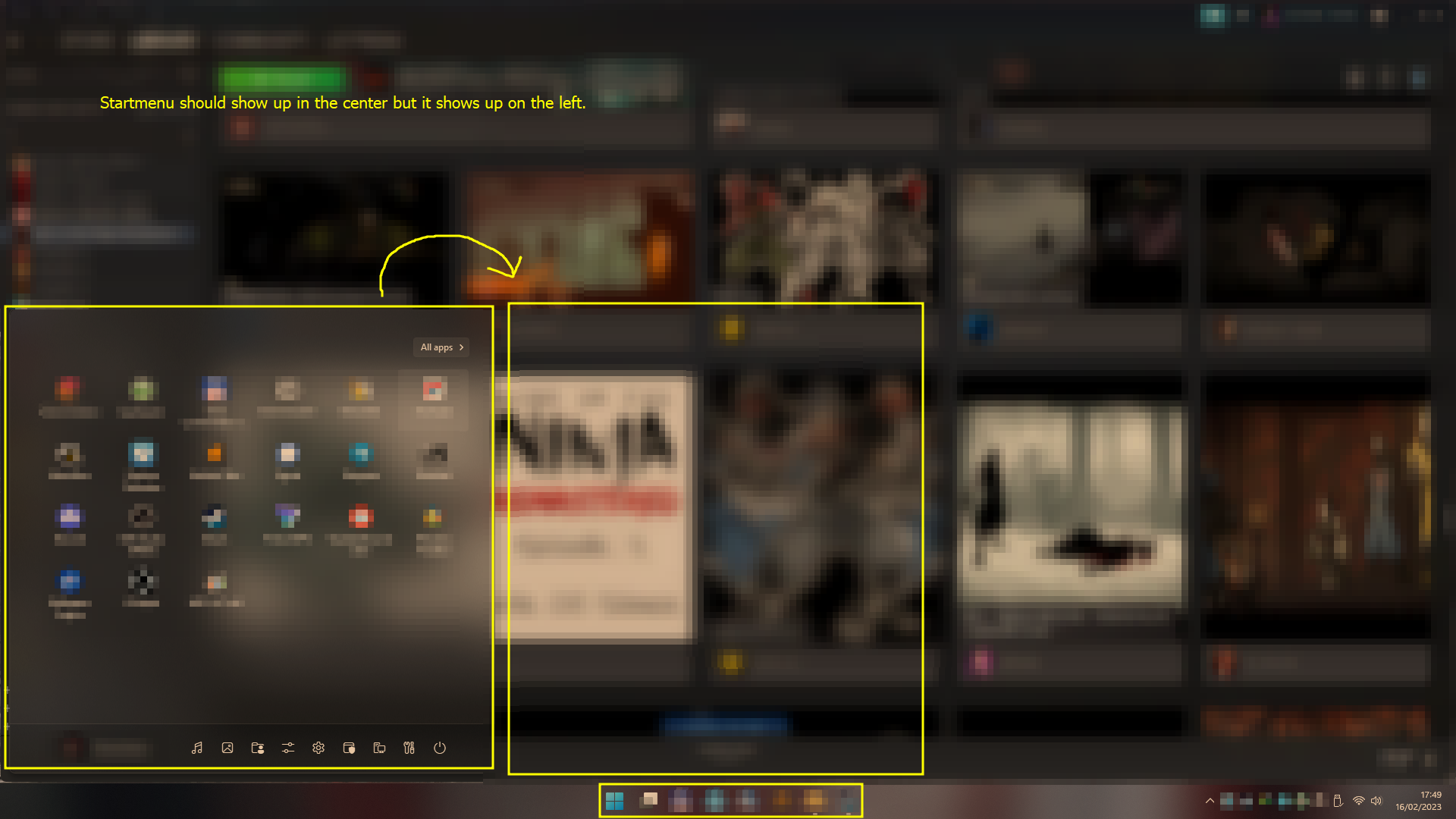
Menu position bug


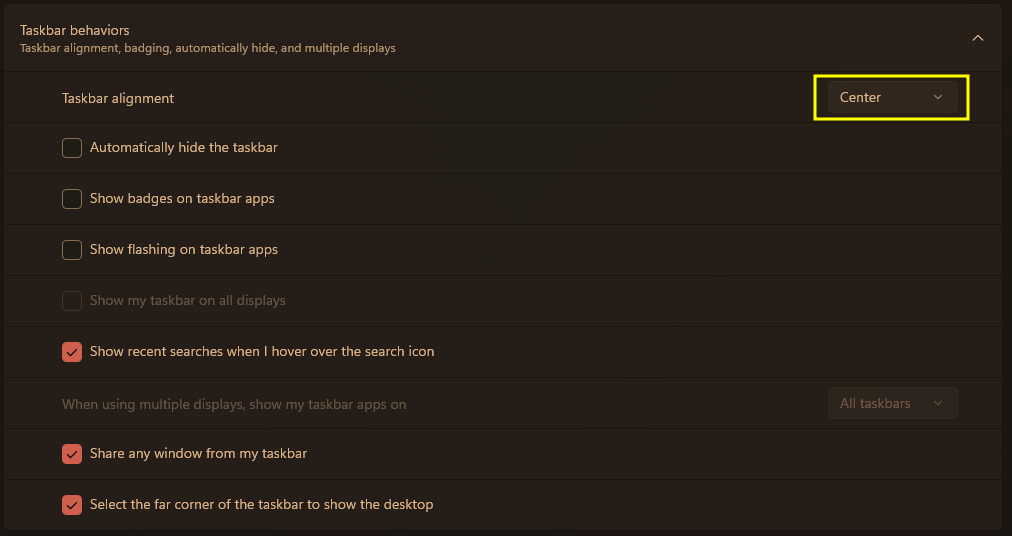
My windows settings look like this:

WIndows Taskbar Settings


To replicate the issue:

1. Simply open the start menu (Keyboard button or Taskbar button).

2. keep repeating till the issue shows up. (it occurs randomly so might take a while).


Other possible useful stuff to know:

OS: Windows 11 22H2, build 22621.1105


3,469 views 9 replies
Reply #1 Top

Hello,
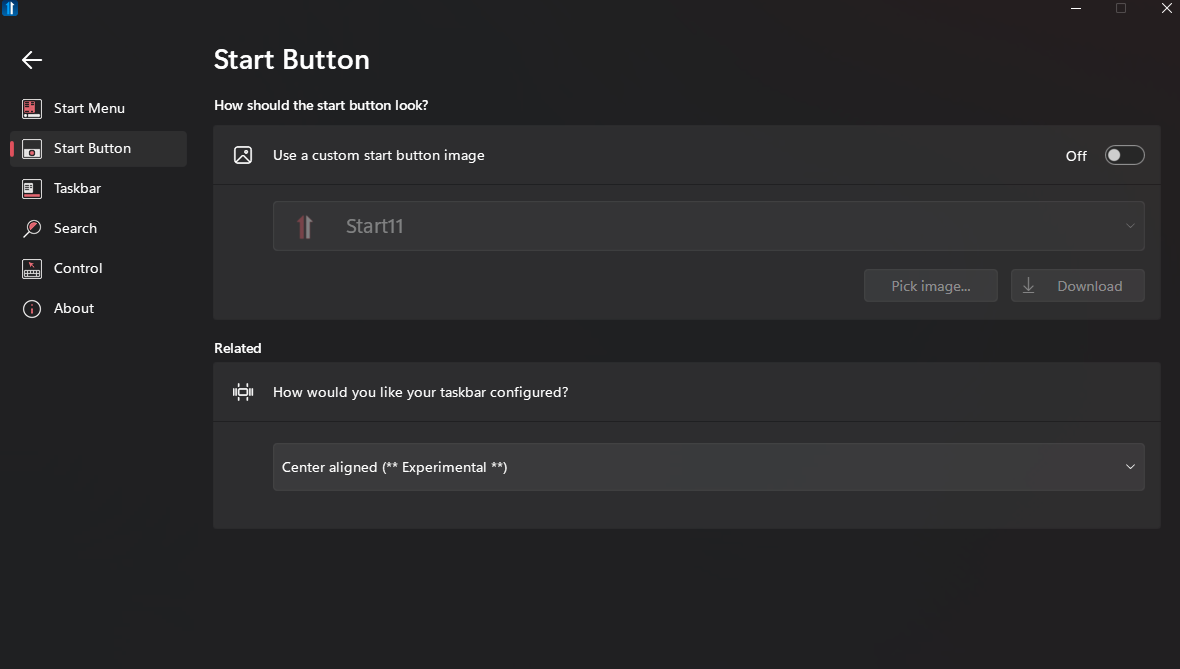
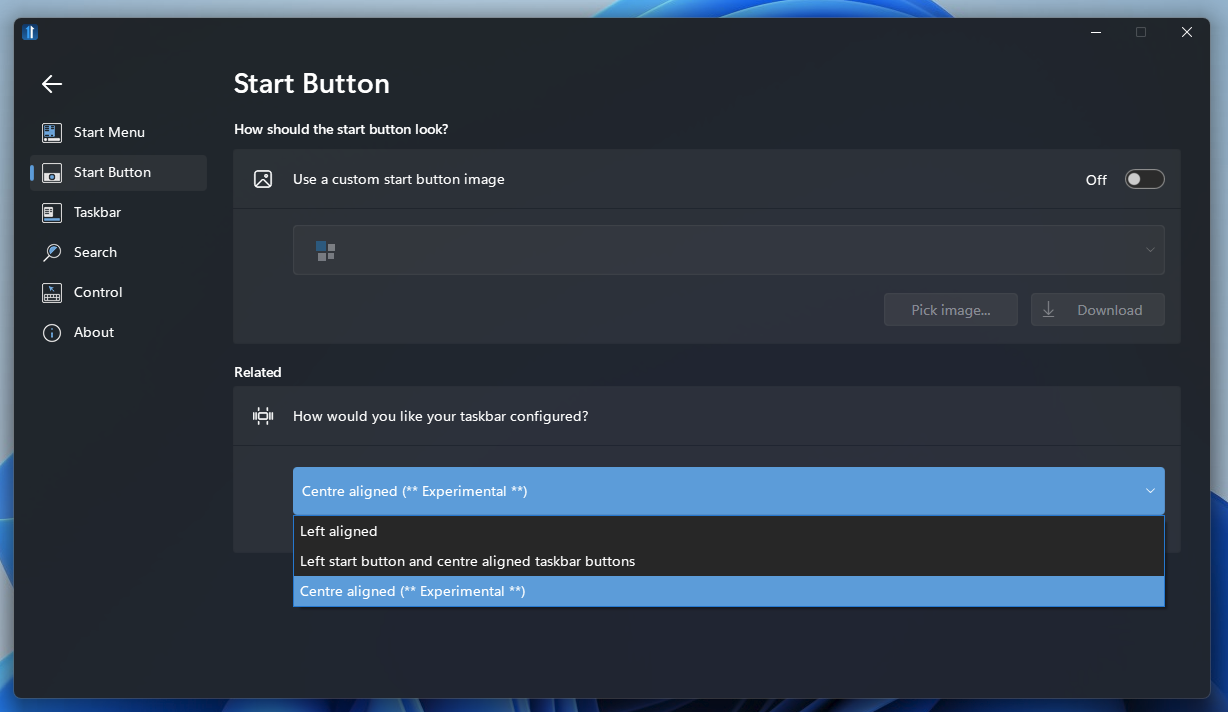
Sorry to hear you are having issues. I can not reproduce your issue on my system. Anyway. I wonder what is your setting on Start11 on Start button.


Thanks
Basj,
Stardock Community Assistant.

Reply #2 Top

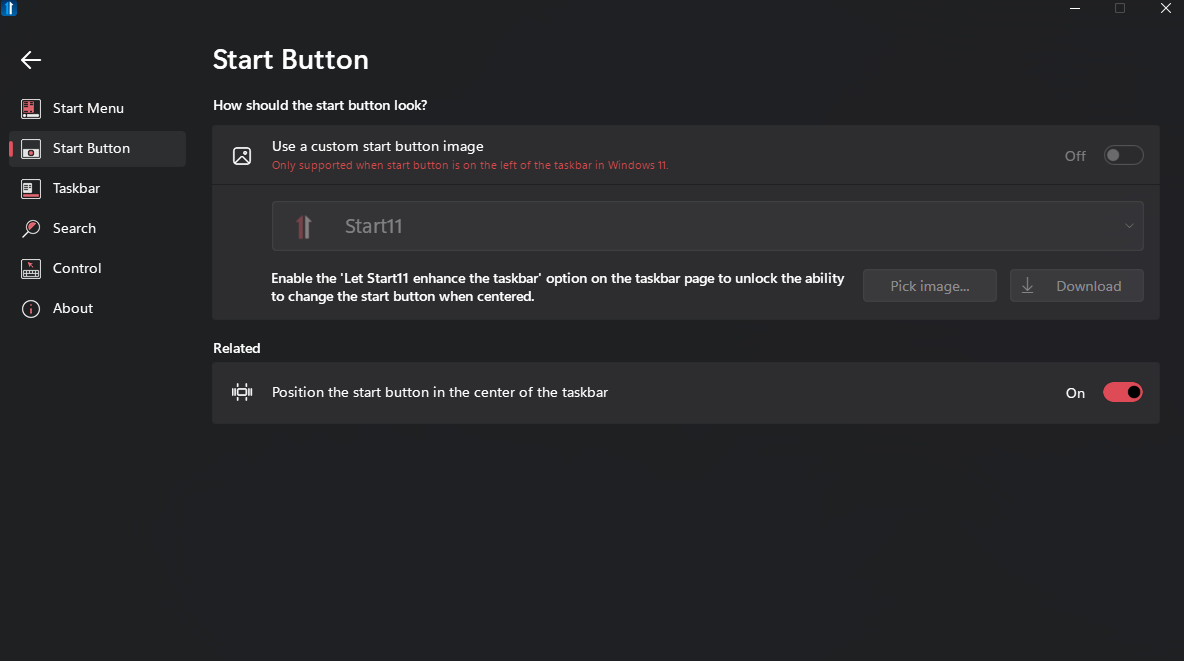
Mine look like this:


I noticed that the issue appears more often when you use your mouse to open the start menu.


Reply #4 Top

Still I can not reproduce your issue. Please try this, uninstall Start11, reboot immediately, redownload latest Start11 version. Reinstall it, reboot immediately again after the install. Retest it and report back.

Thank you,

Basj,
Stardock Community Assistant

Reply #6 Top

Just found out the issue, but don't know how to fix it.

When using start11 and opening the menu, The Windows' Taskbar Alignment setting resets itself to 'left'.

After changing it back to center (again), it works until it resets itself for another time.

Reply #7 Top

Hello,
I have forwarded your problem/question to Stardock Support Team for their assistance. Please keep an eye on this thread for any updates. We appreciate your feedback and patience.

Basj,
Stardock Community Assistant

Reply #8 Top

Quoting Le, reply 6

Just found out the issue, but don't know how to fix it.

When using start11 and opening the menu, The Windows' Taskbar Alignment setting resets itself to 'left'.

After changing it back to center (again), it works until it resets itself for another time.
End of Le's quote

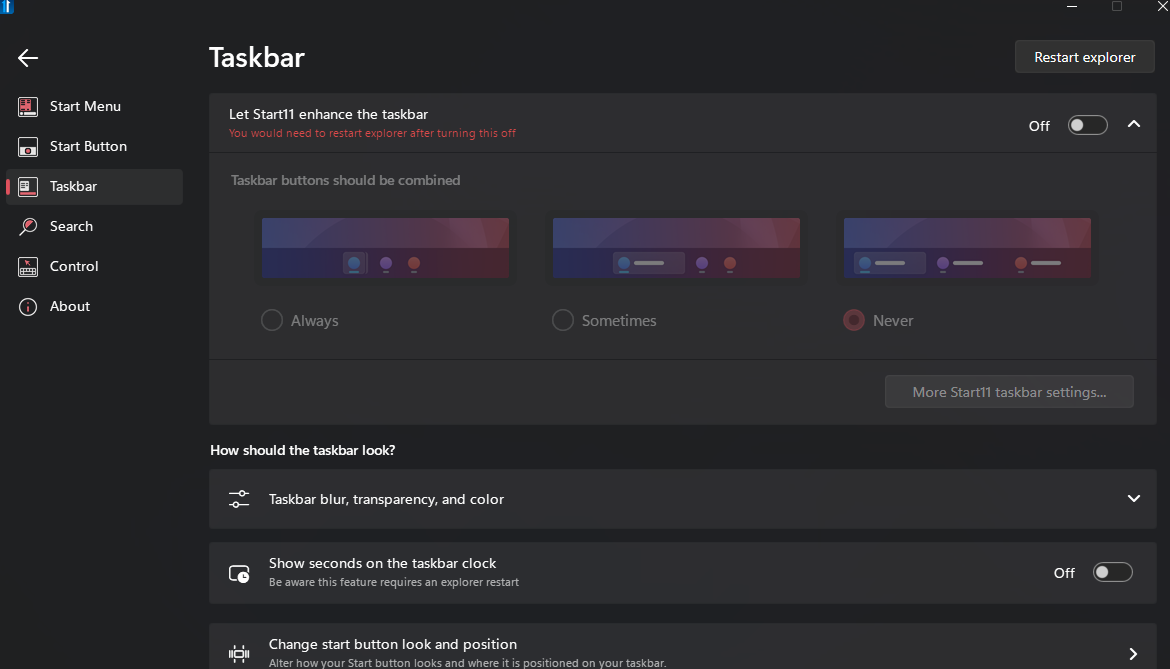
If you are using the enhanced taskbar settings in start11 then it setting itself to left would be normal.  So you have this enabled in start11?