Start11 Bug with Virtual Desktop Keyboard Shortcuts

I use Windows keyboard shortcuts to switch between virtual desktops in Windows 11. (The shortcut is Ctrl+Win+R/L Arrow.  I seldom use the switcher button on the taskbar for this.) The Start11 enhanced taskbar seems to not always be aware that I switched to a different virtual desktop. The programs open on the taskbar do not always change like they should, but when I mouse-over the taskbar, that causes them to update. 

Could you please fix this bug, so that the enhanced taskbar properly updates when switching virtual desktops using shortcut keys?
2,979 views 5 replies
Reply #1 Top

Hello,
Sorry to hear you are having issues. Need to know,

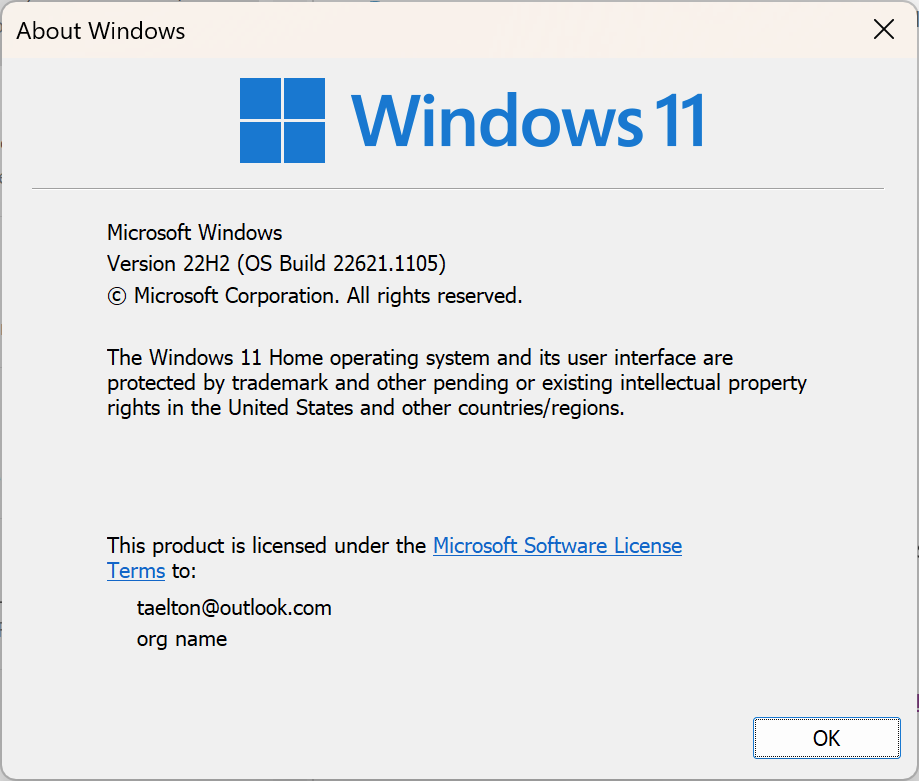
  1. Your Windows 11 full version numbers. Use Winver.exe to get it.
  2. You on Start11 version?

Thanks
Basj,
Stardock Community Assistant.

Reply #3 Top

Try this, uninstall  Start11, reboot immediately after, download the latest Start11 V1.38 Beta, should be available in your product account page, install that version, reboot immediately after installation finished. Retest and report back.

Thank you,

Basj,
Stardock Community Assistant

Reply #4 Top

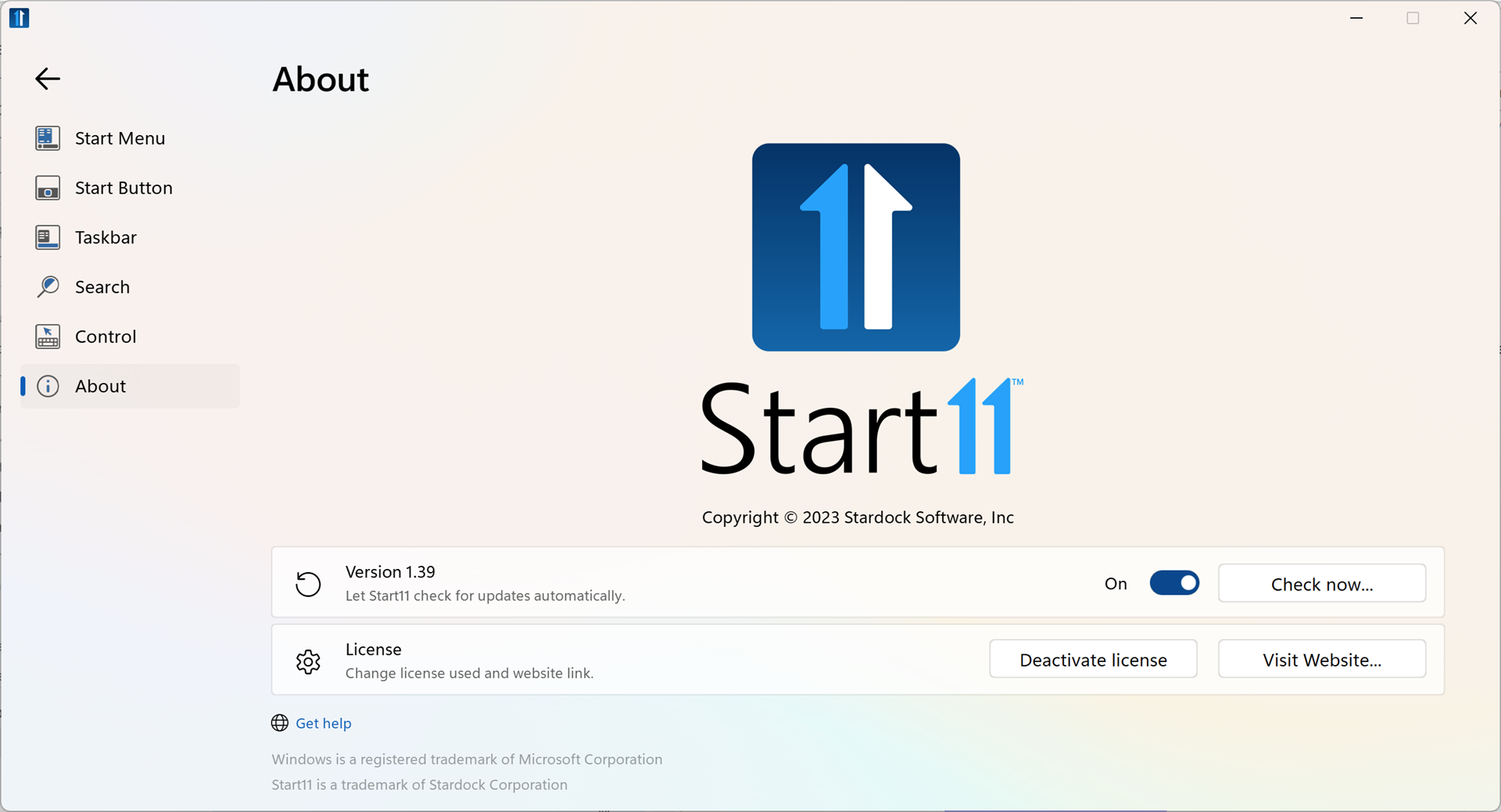
I followed the instructions, but the bug is still there.  However, when I check the version of Start11, it says 1.39, not 1.38 beta. I downloaded and installed "Start11_1.3.8.0-j269-Setup_sd.exe", so I don't know why the version says 1.39.


Reply #5 Top

First, about the V1.39 issue, yes, I see it too on my system. My guess is there are some numbering error somewhere.

On your main issue. I still cannot reproduce it on my system. Here a video on it. At 0.22s I switch using keyboard but the button changed accordingly.

Would like to suggest run Cleanboot and see if the issue goes away: https://forums.stardock.com/505872/start11-support-faq#cleanboot

Thank you,

Basj,
Stardock Community Assistant