basj, I had tried that option SEVERAL times and it was NOT showing up in the context menu! Then I searched a little more and found this post:
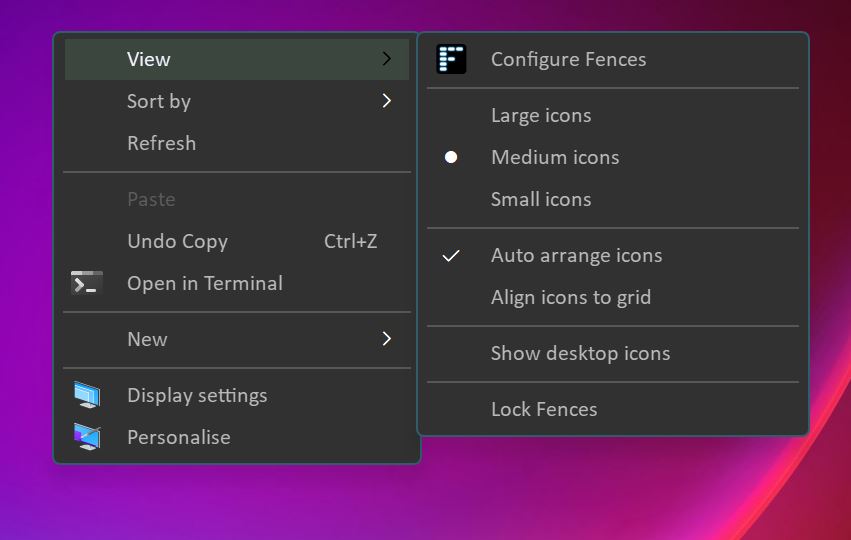
After further experimentation, I was able to consistently get the Lock Fences menu option to appear and reappear on the right click menu with Fences 4 under Win11.
It is tied to the "Show Labels" option under "Color & Appearance". Setting to "Never" removes the menu option from the right click menu, while "On Mouseover" and "Always" shows Lock Fences in the right click menu.
End of liquidduane-o's quote
I would like to add the primary steps to that snippet: "Open Customize Fences" Icon after install, "Configure Fences" then navigate to "Color & Appearance". I had a shortcut on my desktop that was "Customize Settings" then a popup "Configure Fences". The context menu did NOT have "configure fences, lock fences or anything about FENCES" in it until I did the above

.
This completely fixed my issues! I also remembered to take a Snapshot before rebooting and so far, all is well! Thank you for replying, Katedid


 Stardock Forums
 .
. 