Start button will not automaticly change


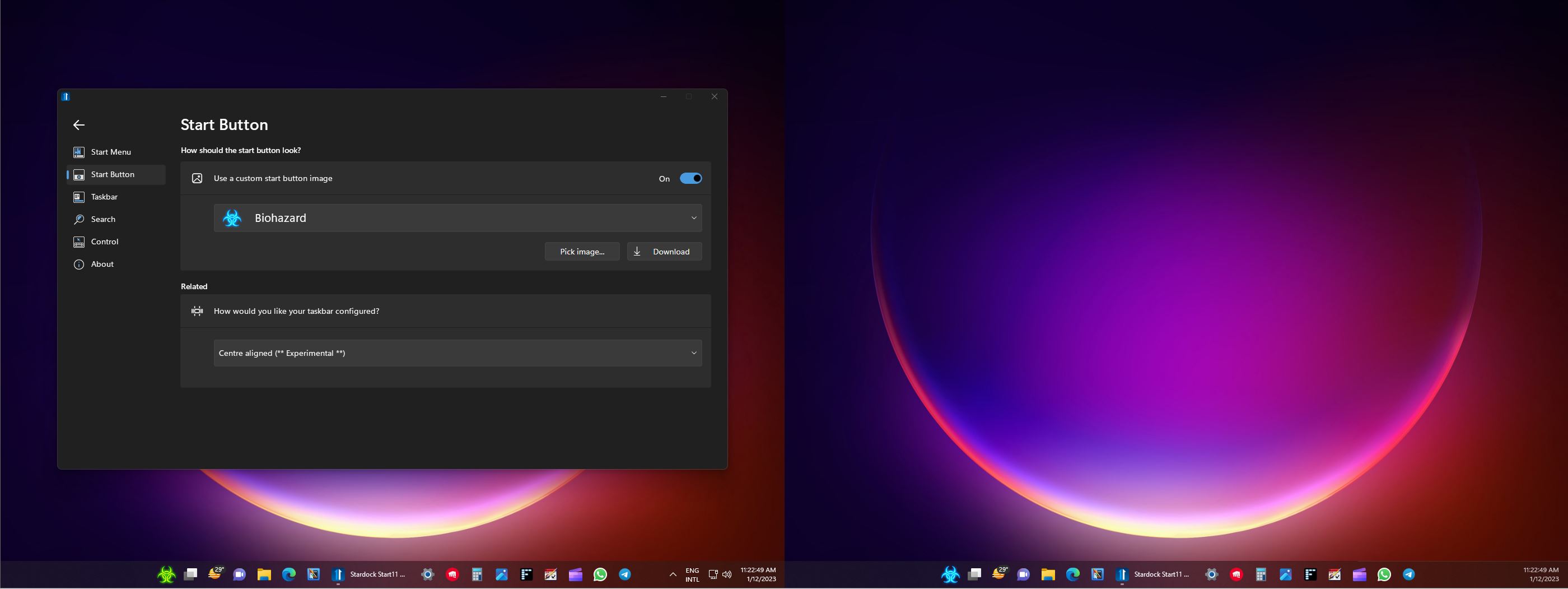
Hello, I use 2 screens on win11 Version 22H2 build 22621.963 I use Start11 version 1.36


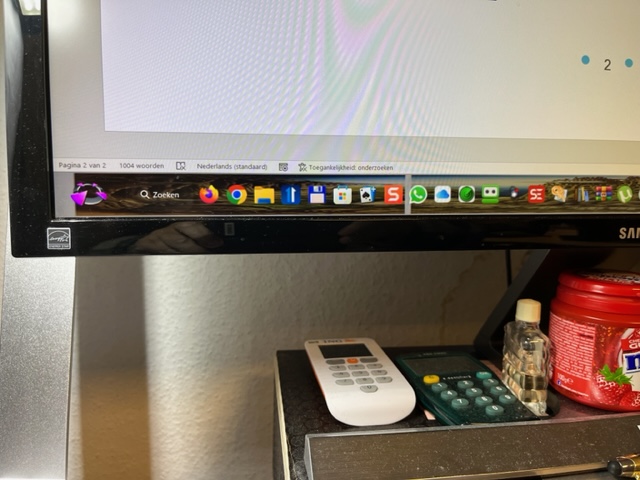
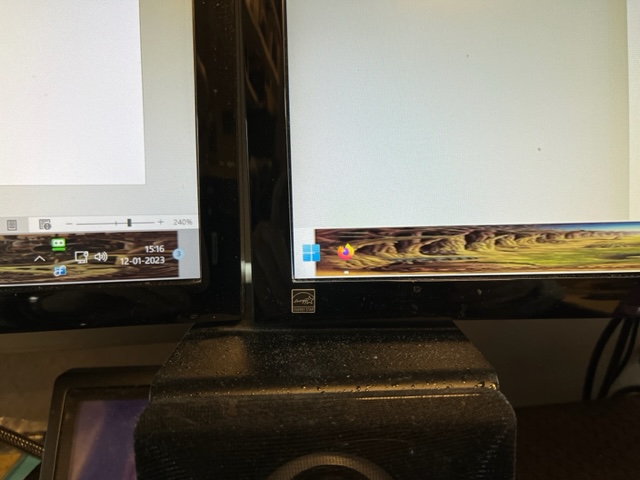
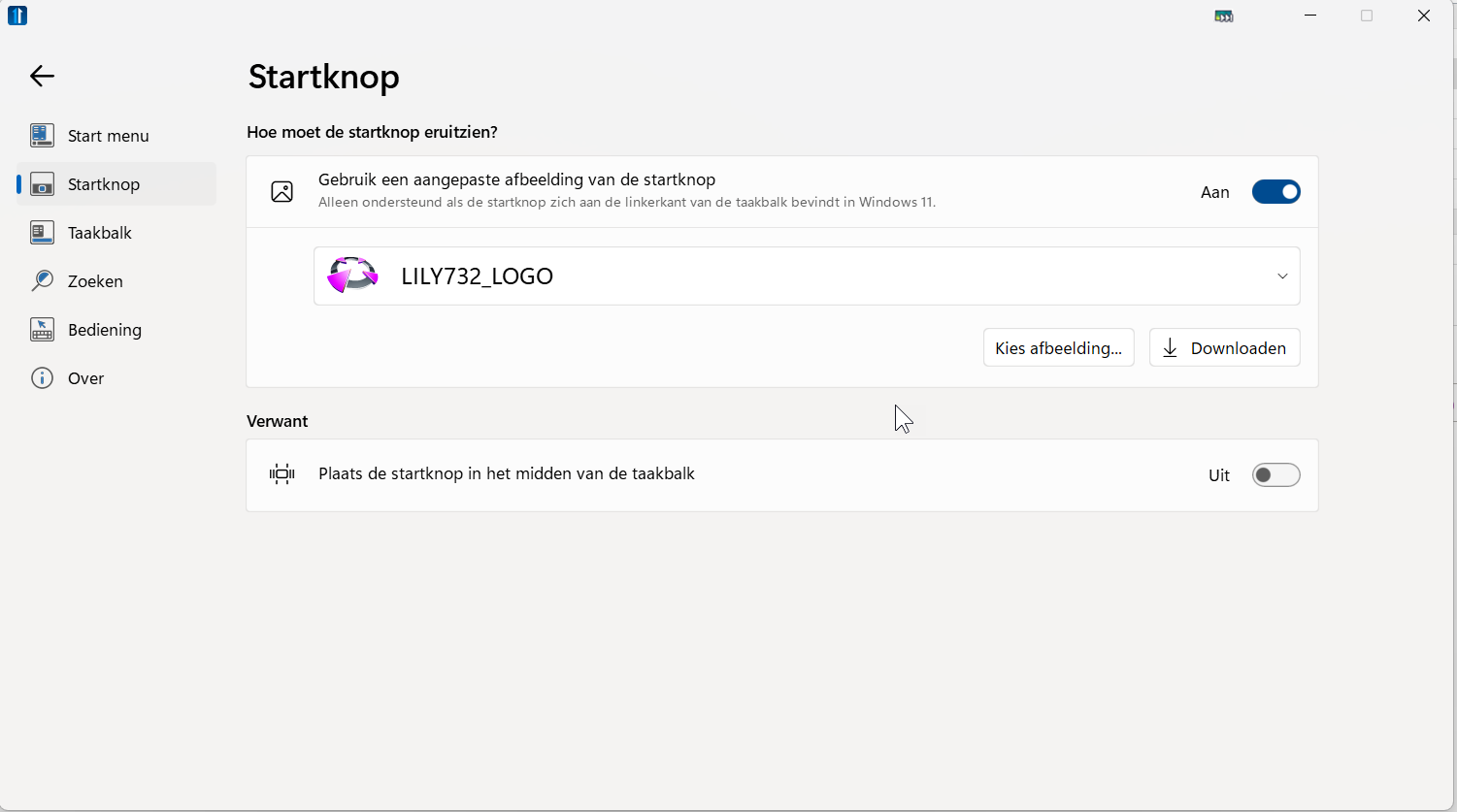
Before Start11 and Windows11 I had the possibility to show on both taskbars 2 downloaded pictures (jpg) as the start button instead of the windows picture. Now I can only put another jpg on my left screen and on the right screens is the windows picture. Further I have always start Start11 now manually while in former days I had the possibility to start the program at start-up of Windows. What is wrong? And what is the solution for this “problem”?


2,556 views 12 replies
Reply #1 Top

Hello,
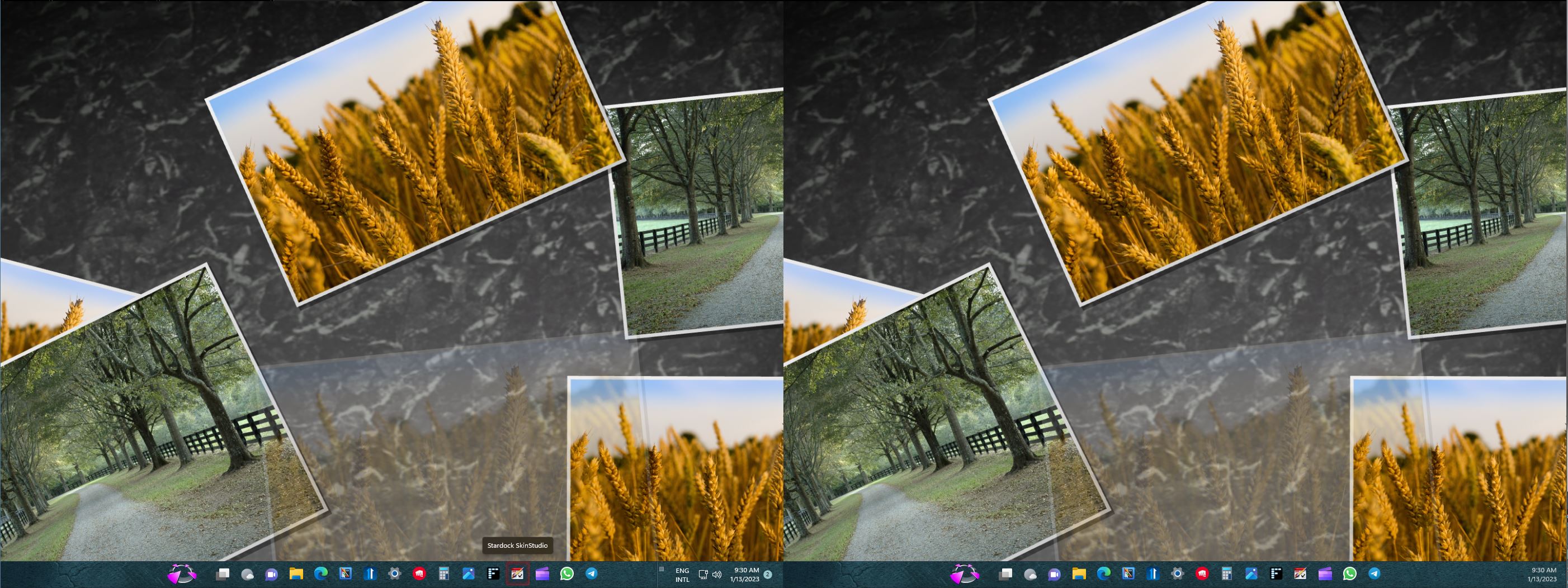
Sorry to hear you are having issues. But, you should be able to change both Startbutton as shown below.

Thanks
Basj,
Stardock Community Assistant.

Reply #3 Top

Can you post screenshot on what you get?

Thank you,

Basj,
Stardock Community Assistant

Reply #5 Top

How do you change this one?

Thank you,

Basj,
Stardock Community Assistant

Reply #6 Top


2 downloaded pictures (jpg)
End of quote
You can't apply jpg with Start 11, only png.

Reply #9 Top

Can you share that png file here and let me see what is the issue with that file.

Also it worth to mentioned that it best to have at the correct size (40x120px) and correct 3 states. Something like below.

Thank you,

Basj,
Stardock Community Assistant

Reply #12 Top

That Start button look okay on my system. Might need to look at your Start11 setting? What is the taskbar size? Also do you have monitor scaling applied on both of your monitors? 100%? 125%?

Thank you,

Basj,
Stardock Community Assistant