Reply #1 Top

Hello,
Sorry to hear you are having issues. Do you see the same behavior if you have Static wallpaper on?

Thanks
Basj,
Stardock Community Assistant.

Reply #3 Top

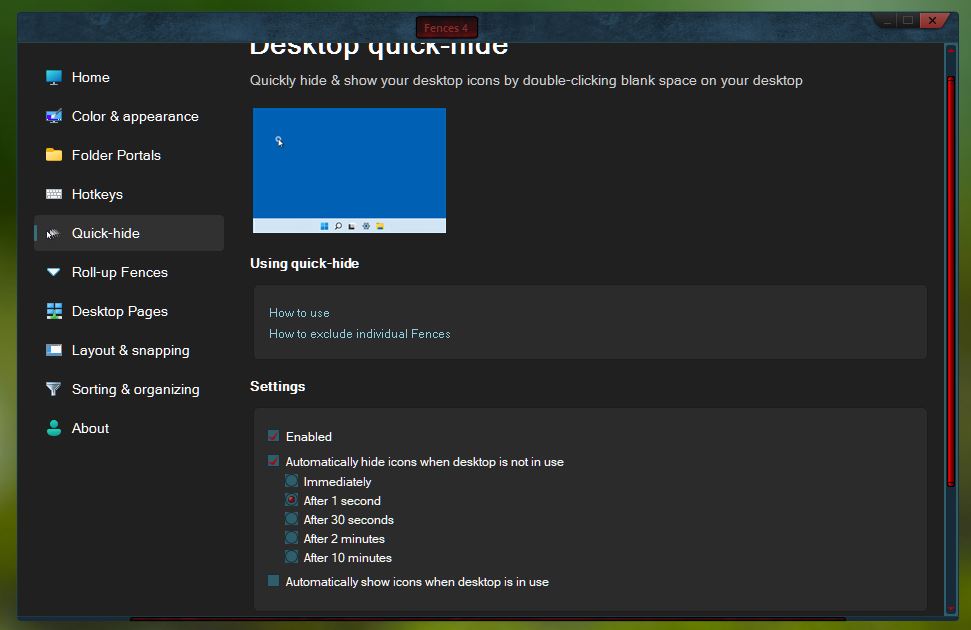
I am on Windows 10 22H2 19045.2364. And I am also have Deskscapes 11. The issue don't appear to me because I have set my Fences to auto hide when inactive. And only appear when I double click on desktop.

Thank you,

Basj,
Stardock Community Assistant

Reply #4 Top

Thanks for the reply... But the problem remains and autohide doesn't change the behavior. When you double-click to appear the Fences and roll over the mouse above 2 Fences, they start rolling up and down randomly.

Reply #5 Top

Hello,
I have forwarded your problem/question to Stardock Support Team for their assistance. Please keep an eye on this thread for any updates. We appreciate your feedback and patience.

Basj,
Stardock Community Assistant

Reply #6 Top


Hello everyone...

Fences 4 is rolling up and down once my mouse point roll over 2 different fences, when using Deskscapes 11, either while the video background is playing or paused.

Here's a screen recording showing exactly my problem.

Does anyone have any experience and a solution ? 

Thanks.
End of quote

Hello,

Sorry to hear you are having trouble.

We are not able to reproduce the issue you are seeing:

https://cdn.stardock.us/support/uploads/2023-01-10_14-43-57.mp4

If you have a gaming mouse with a very high polling rate - and you dial it down to the lowest - do you still see it?

Sean Drohan
Stardock Product Lifecycle Manager

Reply #7 Top
Quoting sdRohan, reply 6

Hello,

Sorry to hear you are having trouble.

We are not able to reproduce the issue you are seeing:

https://cdn.stardock.us/support/uploads/2023-01-10_14-43-57.mp4

If you have a gaming mouse with a very high polling rate - and you dial it down to the lowest - do you still see it?

Sean Drohan
Stardock Product Lifecycle Manager

End of sdRohan's quote


I have no gaming mouse but my mouse has a button for 3 different speeds. I tried changing all of them but no luck. It happens no matter the mouse settings. Today I completely removed everything from Stardock and re-installed. It keeps doing it.

Reply #8 Top

Next would be to try to clean boot each app:

https://support.stardock.com/space/SHC/1332445272/Fences+Clean+Boot

https://support.stardock.com/space/SHC/1346928700/DeskScapes+Clean+Boot

Sean Drohan
Stardock Product Lifecycle Manager