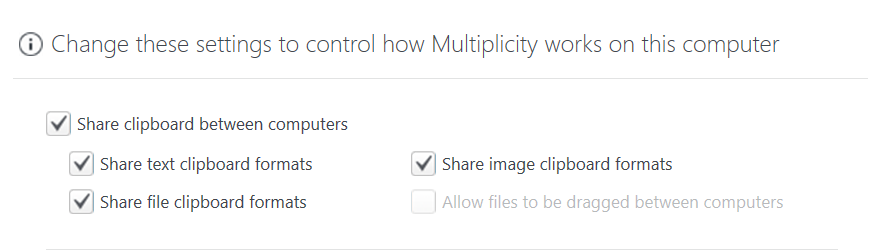
Option "Allow files to be dragged between computers" is greyed out in KVM version

Like the title says, the settings option "Allow files to be dragged between computers" is greyed out.  I have the KVM version so I'm not sure why it's disabled?  I think it used to allow this option.  Any tips to get this working?  
 

2,934 views 6 replies
Reply #1 Top

Hello,
Sorry to hear you are having issues. Have you see this guide: https://forums.stardock.com/486104/multiplicity-support-faq#cantcopy

specifically on this

"Also, while Drag and Drop is available on on the KVM version, it does not work for KVM sessions, only Seamless. You would use Copy / Paste for KVM sessions."

Thanks
Basj,
Stardock Community Assistant.

Reply #2 Top

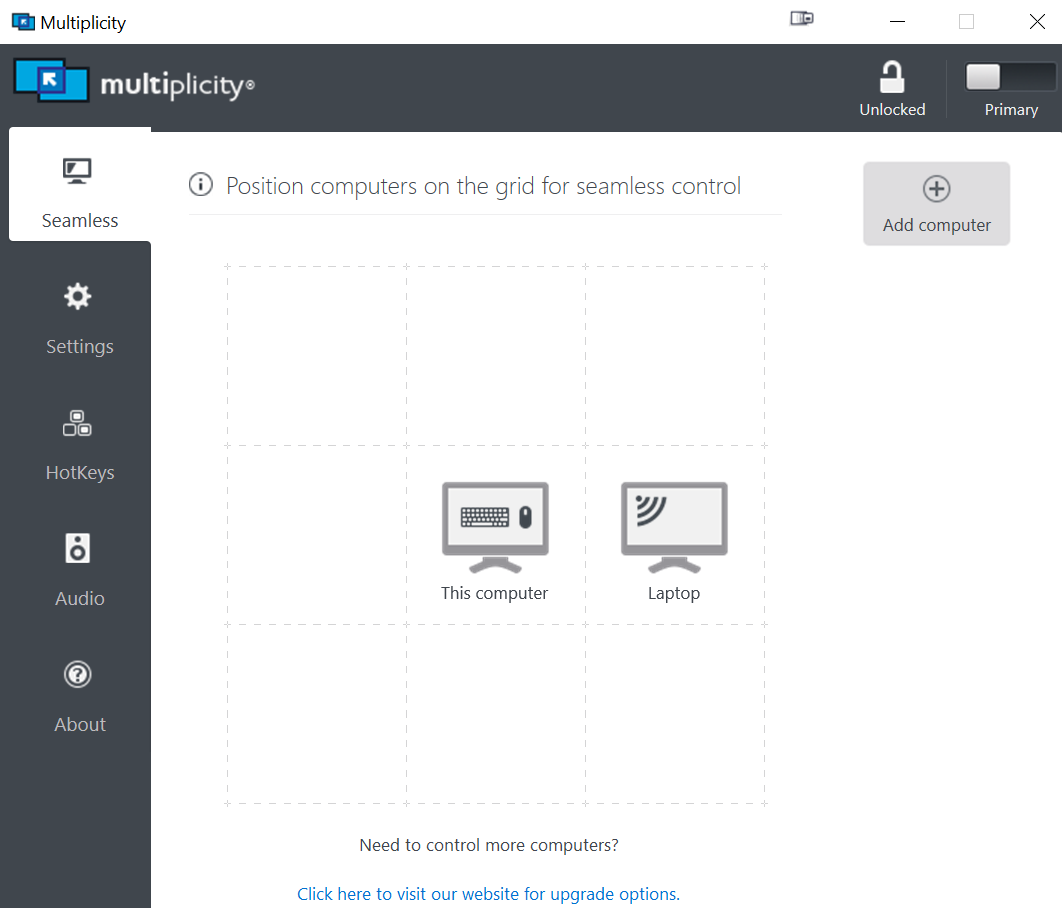
Hi thanks for your reply.  I think I am in seamless mode already?  How does one switch between KVM and seamless? Maybe thats the problem.

Reply #4 Top

It looks like I am in seamless mode already.  Any idea why drag and drop doesn't work but copy/paste does?  Is this a known issue?

Reply #5 Top

Hello,
I have forward your problem/question to Stardock Support Team for their assistance. Please keep an eye on this thread for any updates. We appreciate your feedback and patience.

Basj,
Stardock Community Assistant

Reply #6 Top

Hello,

It looks like you are using Object Desktop, the Multiplicity version with OD is KM, which does not have the Drag & Drop functionality


Paul Scroggins
Associate Technical Support Analyst