Pin to start means the app is a pinned app.
By the looks of it you are seeing it in the installed apps list rather than pinned apps which would be correct as it is an installed app. This will be the same with or without Start11.
Uninstalling the app would remove the link in the start menu or depending on app type you may be able to manually delete the shortcut created by the app installer. This would be in the start menu folder.
Be aware automatically updating apps may well recreate the shortcut each time they update.
End of Neil's quote
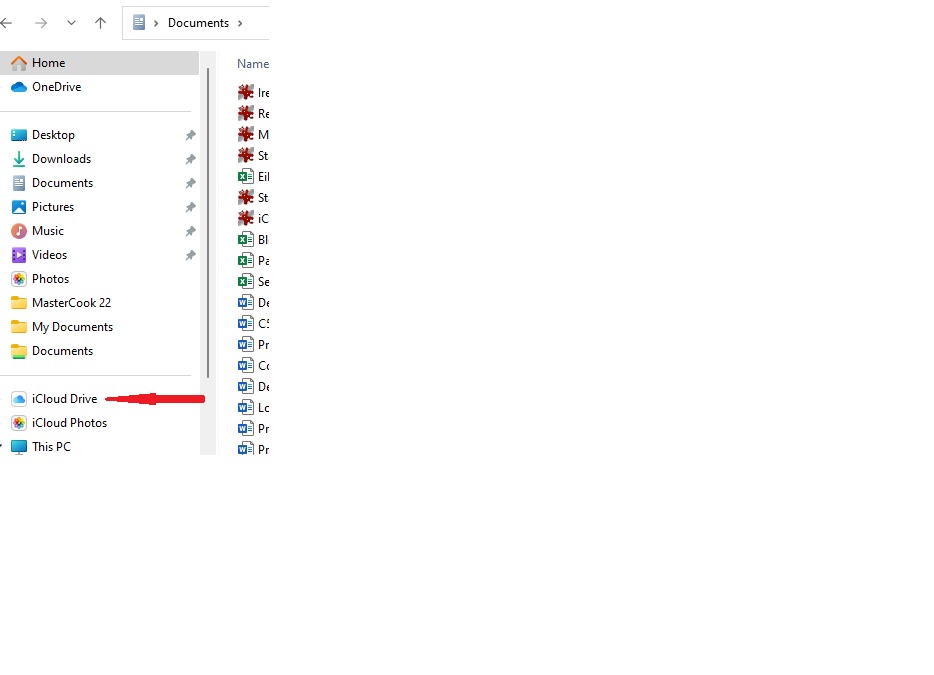
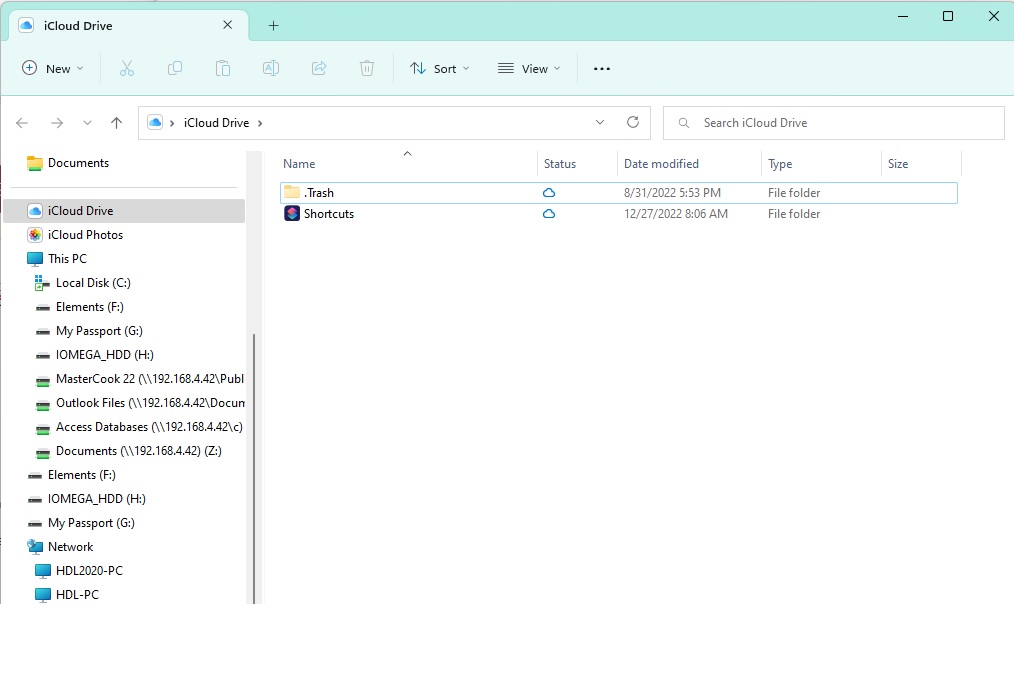
Normally I would agree whole heartily with what you said. But in this case, it is not an installed app. It is actually a shortcut that opens up an incident of Windows File Explorer. Please see the attachment in this post. It is what happens when I click on the entry in the Start menu.
As far as it being in the start menu folder, I have looked in"C:\Users\<username>\AppData\Roaming\Microsoft\Windows\Start Menu\Programs" and C:\ProgramData\Microsoft\Windows\Start Menu\Programs and found absolutely nothing anywhere close to iCloud Drive. I have searched the Registry and found many entries for iCloud Drive but nothing I could identify as something to delete. If you have a suggestion of anywhere else I may find this elusive start menu, I would be more than happy to try it.
If I Right click the Start menu's iCloud Drive's "shortcut" it only offers only 1 option, "Pin to Start11." Keep in mind I placed it in the Start menu thinking it was a shortcut to open iCloud For Windows app in order to set my preferences. Actually when I installed iCloud for Windows it did not create an entry in the start menu or a desktop shortcut. With the help of Apple Support I managed to get the iCloud for Windows app pinned to the Start and then was able to create a desktop shortcut from that. This entry in my Start menu is absolutely worthless to me but I have found no way to remove it.
Also, one other point, because it really isn't and app, Apple Support does not think uninstalling iCloud for Windows would remove it from my start menu, although it would remove it from my Windows File Explorer and I would no longer have iCloud for Windows installed on my computer.


 Stardock Forums