How to revert everything to windows original state?

Hey, i Just bought the Object desktop... and installed windows Blinds and Curtains...

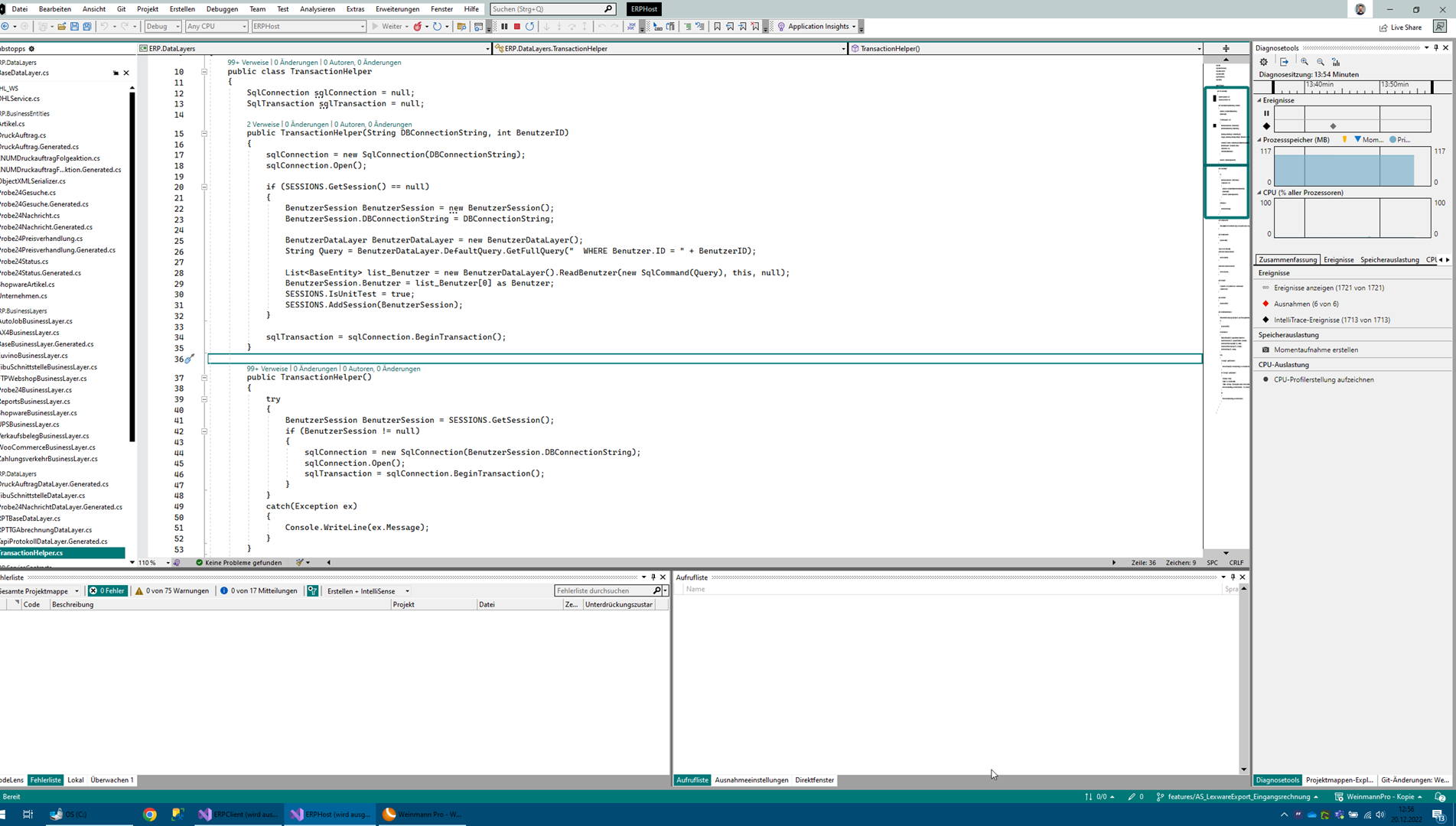
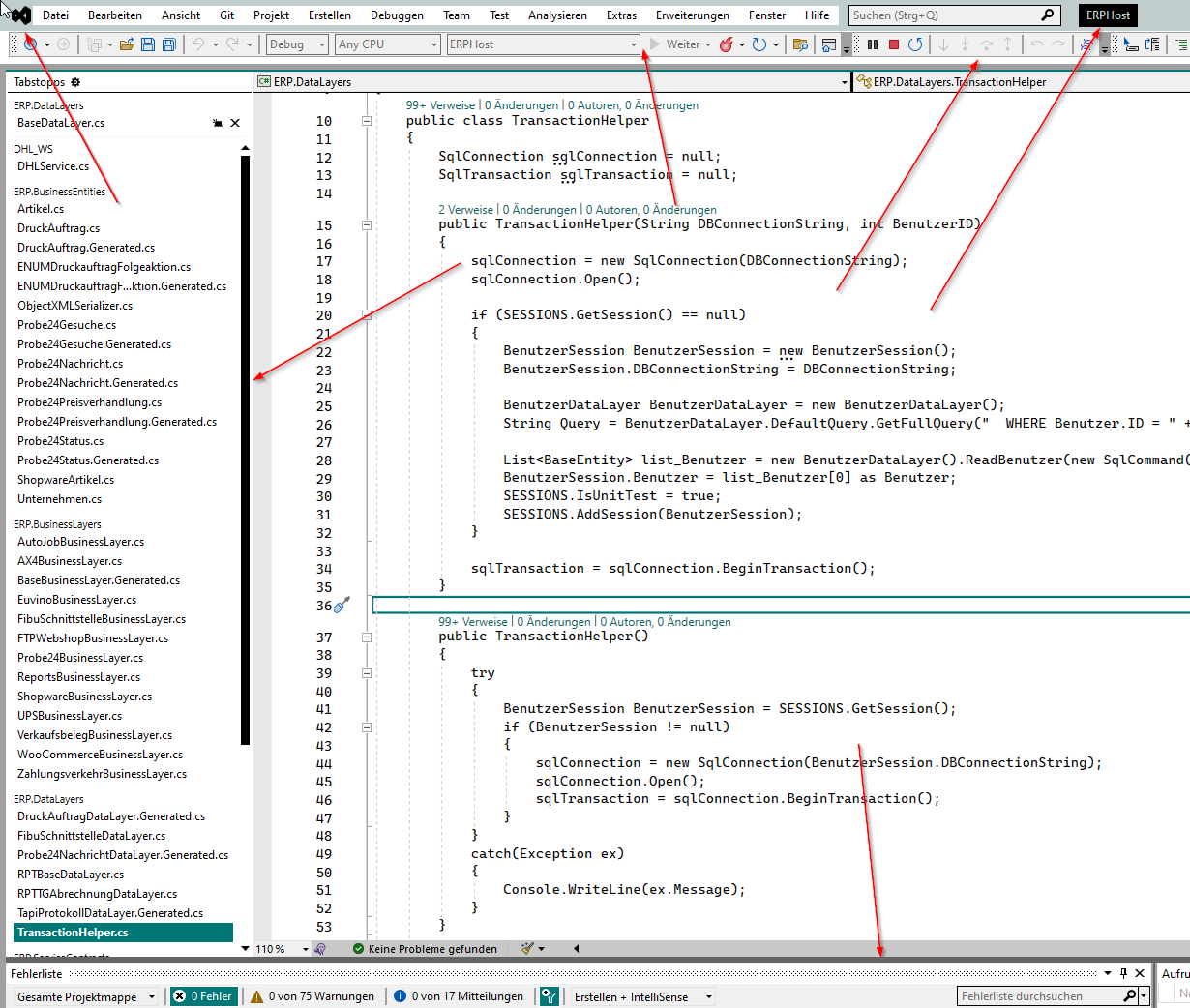
they both did not well in styling my windows... Visualstudio had broken styles and some other apps too...


i tried to reset everything to default... visual studio still had some changes to borders and what not...


i want to reset everything to default windows settings.


i tried:

-default theme in curtains

-default theme in blinds

-setting high contrast mode nad back to normal mode


still a lot of unwanted borders and all the scrollbars looks crappy.. how to revert it?

8,072 views 8 replies
Reply #1 Top

Hello,

Sorry to hear you having issue. After applying back the default Windows theme. Try reboot/restart. Sometimes need more than once.

Also do know that,  Curtains is not compatible with Windows 11. For WindowBlinds 11, Need to know more on your issue with it to help.

Thanks

Basj

Stardock Community Assistant. 

Reply #2 Top

Simply choose the Default Windows skin.

Reply #3 Top

I did choose the standard theme... then i uninstalled, and set default theme via uninstall. It still has wrong font colors and wrong border colors...

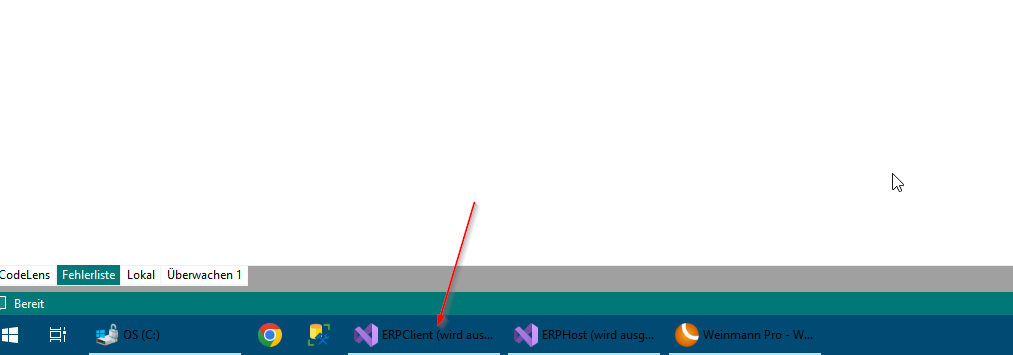
the icon is wrong the fonts in the taskbar is wronf whats with the scroll bars?

Reply #5 Top

Quoting basj, reply 1

Hello,

Sorry to hear you having issue. After applying back the default Windows theme. Try reboot/restart. Sometimes need more than once.

Also do know that,  Curtains is not compatible with Windows 11. For WindowBlinds 11, Need to know more on your issue with it to help.

Thanks

Basj

Stardock Community Assistant. 
End of basj's quote

Did you reboot?

Thank you,

Basj,
Stardock Community Assistant

Reply #6 Top

yeah.. twenty times...

i got the taskbar working now...


but my visual studio is still cracked up... wrong borders and wrong colors all the way...

Reply #7 Top

Actually, you on Windows 10 or Windows 11?

Thank you,

Basj,
Stardock Community Assistant

Reply #8 Top

Okay, hey thanks for the support.. i got it working.. i had to reset my visual studio Style... which is unfortunate... i had a custom made one ... took me a while to figure out how stylize this.. :D


but thanks anyway