Placing Fences flush with top or bottom of screen

How do I get my existing roll-up Fences to sit flush against either the top or the bottom (flush against taskbar) of my desktop screen? Some of my earlier Fences do this still, but I cannot find the method for getting my new ones to sit flush. Thanks!

See the example from the top of my desktop screen... The newest Fence (Church Projects) doesn't want to sit flush with the top of the desktop screen. It's the same with the bottom of the desktop screen.

 TOP:

BOTTOM:

4,283 views 3 replies
Reply #1 Top

Hello,
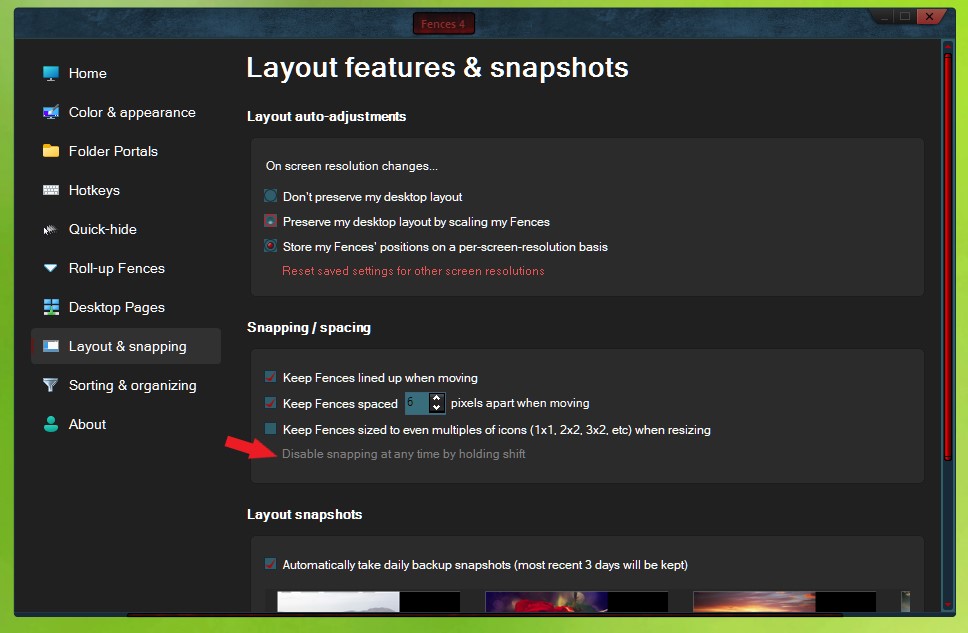
Sorry to hear you are having issues. Try this, align it to the top at the best location as you can. Than press "Shift" while click and dragging very very slowly to the edge. Release once it done.

Thanks
Basj,
Stardock Community Assistant.

Reply #2 Top

Thanks for the reply and solution. It works just great along the top edge of the screen, but does not work at the bottom edge. Any other thoughts?? Many thanks.

Reply #3 Top

I think the program leave some space for bottom part since there is taskbar there. My guess, its to cut down on false Fences mouse over activation while you dragging your mouse on the taskbar.

Thank you,

Basj,
Stardock Community Assistant