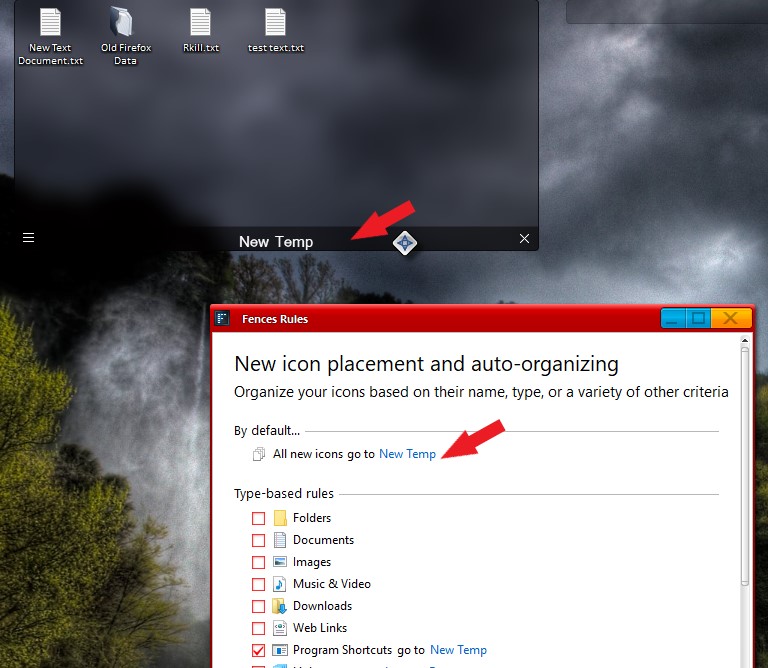
auto arrange icons not working outside of fences on Win 11
from  Stardock Forums
Stardock Forums
Everything inside my fences is running as expected.
However, icons on my desktop outside of fences do not respond when I right-click on on the Win11 desktop and choose any of the following:
1. Sort --> by name, type, item size of date modified
2. View --> auto arrange icons, align icons to grid (in fact, I can't even select either of those options).
The icons on the do not sort. I AM able to manually drag and sort the icons on the desktop.
Win 11
Fences 3.1.3.3
(also running Start11 v. 1.31)
If this has been covered somewhere in the forums, appreciate the redirection.