fences 4 , can not make fence , no right click fences options in the context box

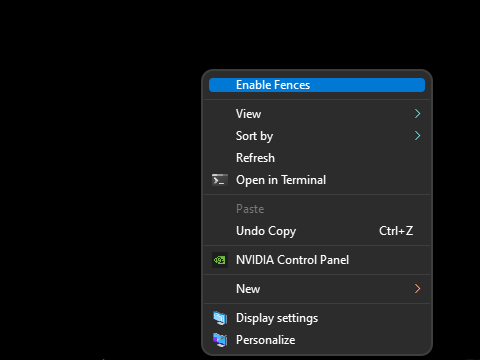
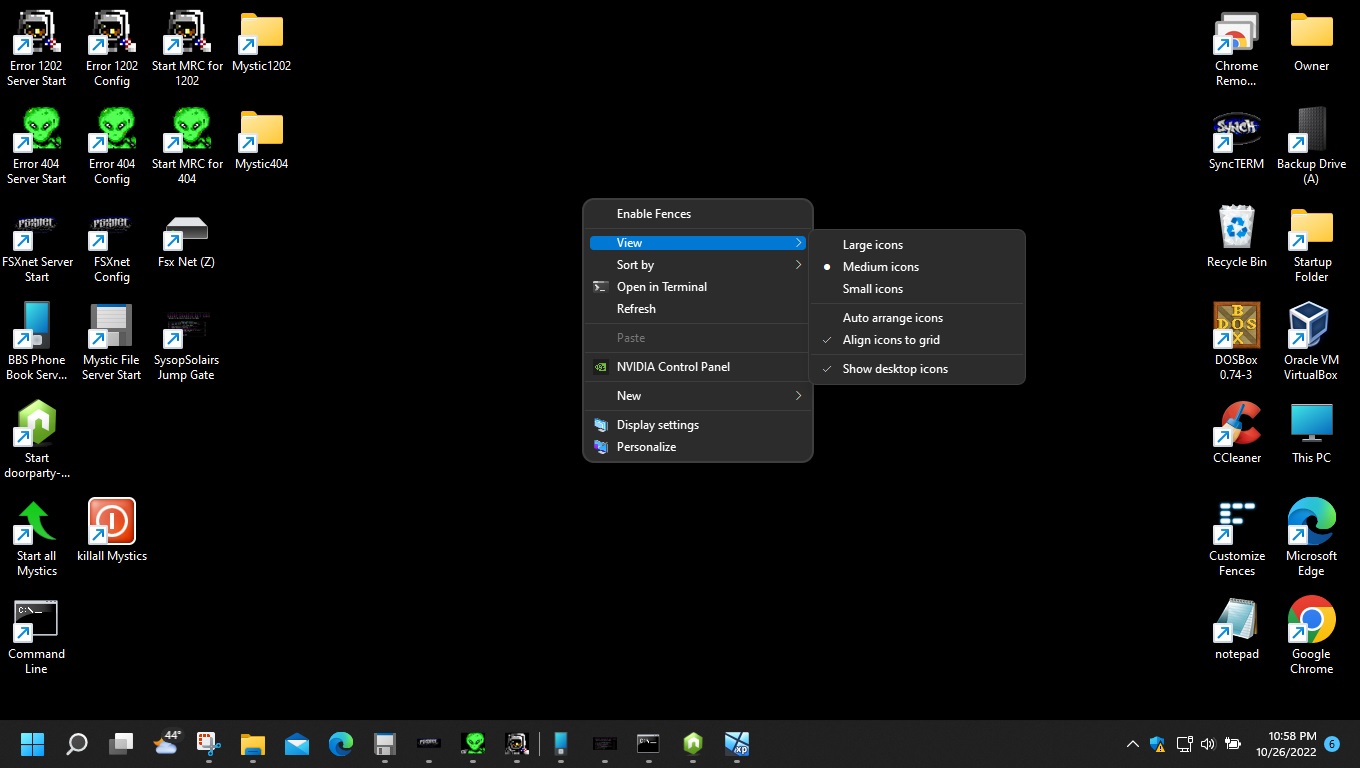
I can not make a fence nor do I have and fences options in the right click box. Im running windows 11 pro. I have verified there are two processed running and have unistalled / reinstalled. 
9,583 views 11 replies
Reply #1 Top

Hello,
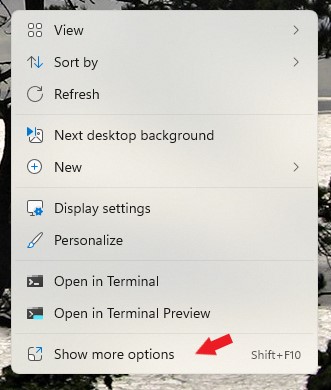
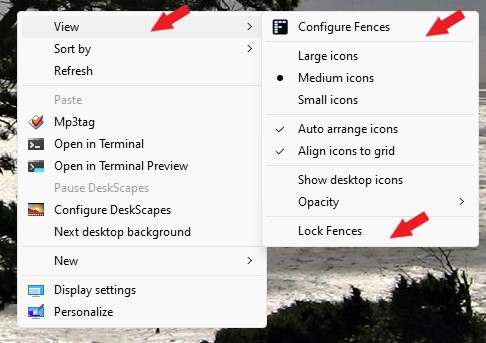
Sorry to hear you are having issues. In latest Windows 11 version and if Fences is running properly. Please right click on desktop->Show more options->View->Configure Fences. Also check if "Lock Fences" is not locked. If it is locked, unlock it and try create a Fences. Report back here.

Thank you,

Basj,
Stardock Community Assistant.

Reply #4 Top

Please try purge and reinstall steps as mention here : [Link]. Just make sure to redownload the latest version from your account page. Reboot after the purge. Reinstall and reboot again after the installation. Retest and report back here.

Thank you,
Basj,
Stardock Community Assistant.

Reply #6 Top

May I know these informations.

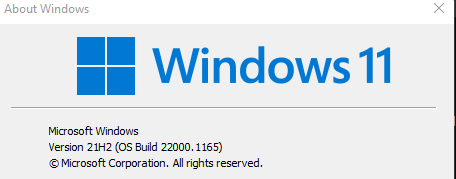
  1. Windows 11 full version number. Please use Winver.exe to get those.
  2. Fences version installed.

Thank you,

Basj,
Stardock Community Assistant

Reply #11 Top

I got it. Apparently when installing you must launch the install exe as an administrator, otherwise it only half installs. 

Problem Fixed . download file > right click > run as an administrator.