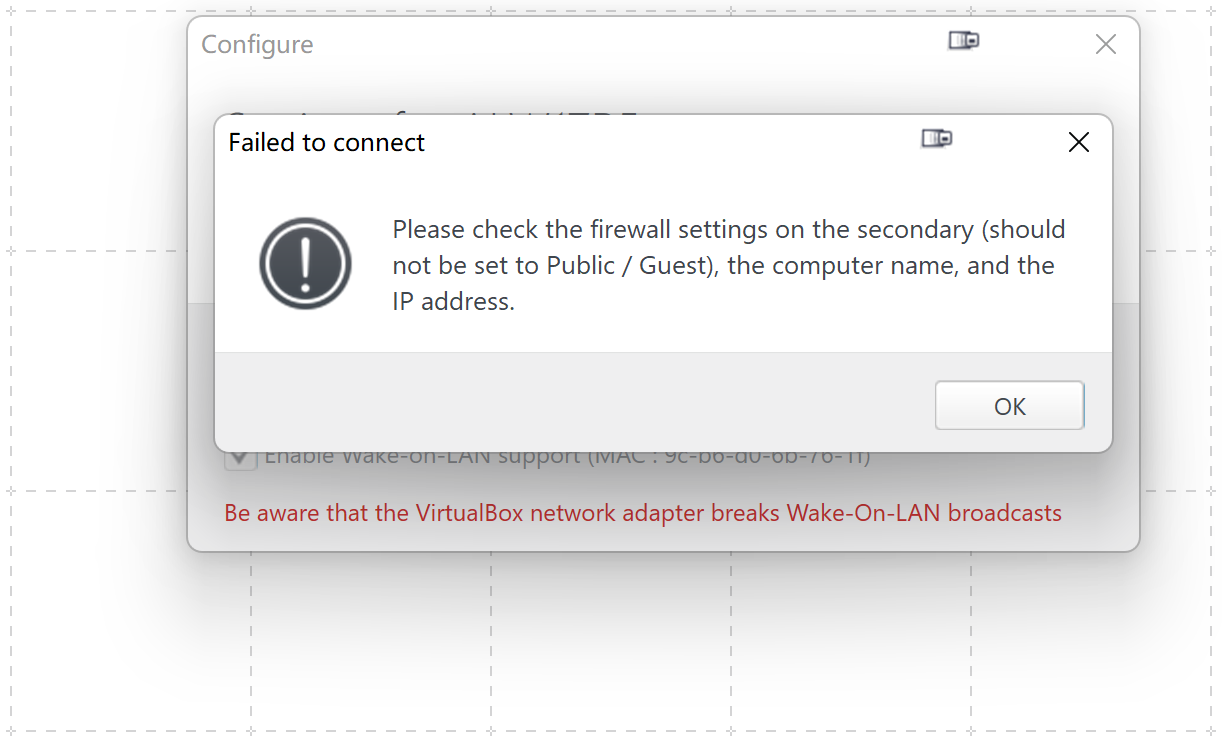
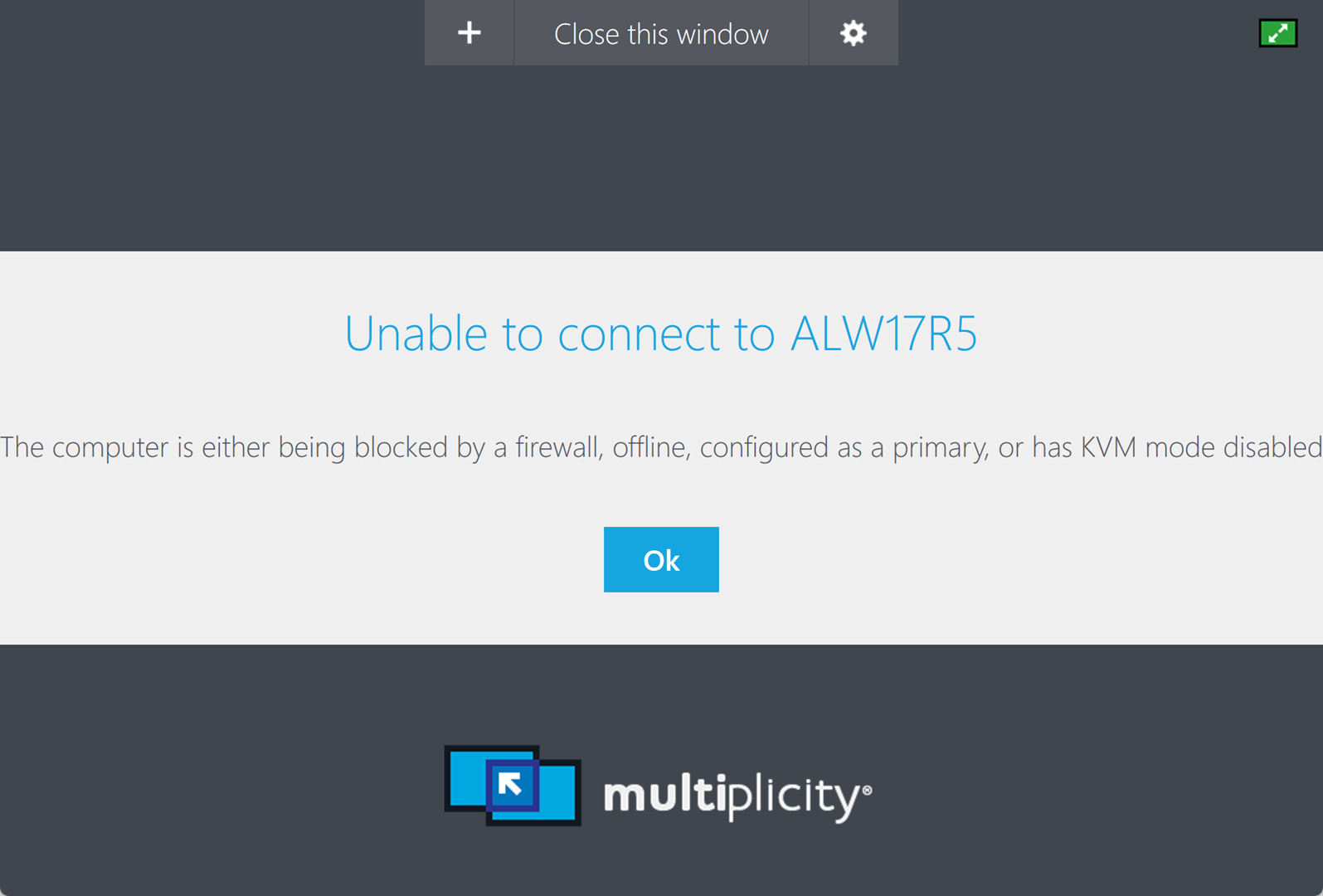
After Win 11 Update Multiplicity Secondary machine cannot connect
from  Stardock Forums
Stardock Forums
After updating to Win11, Multiplicity cannot move mouse to secondary machine.
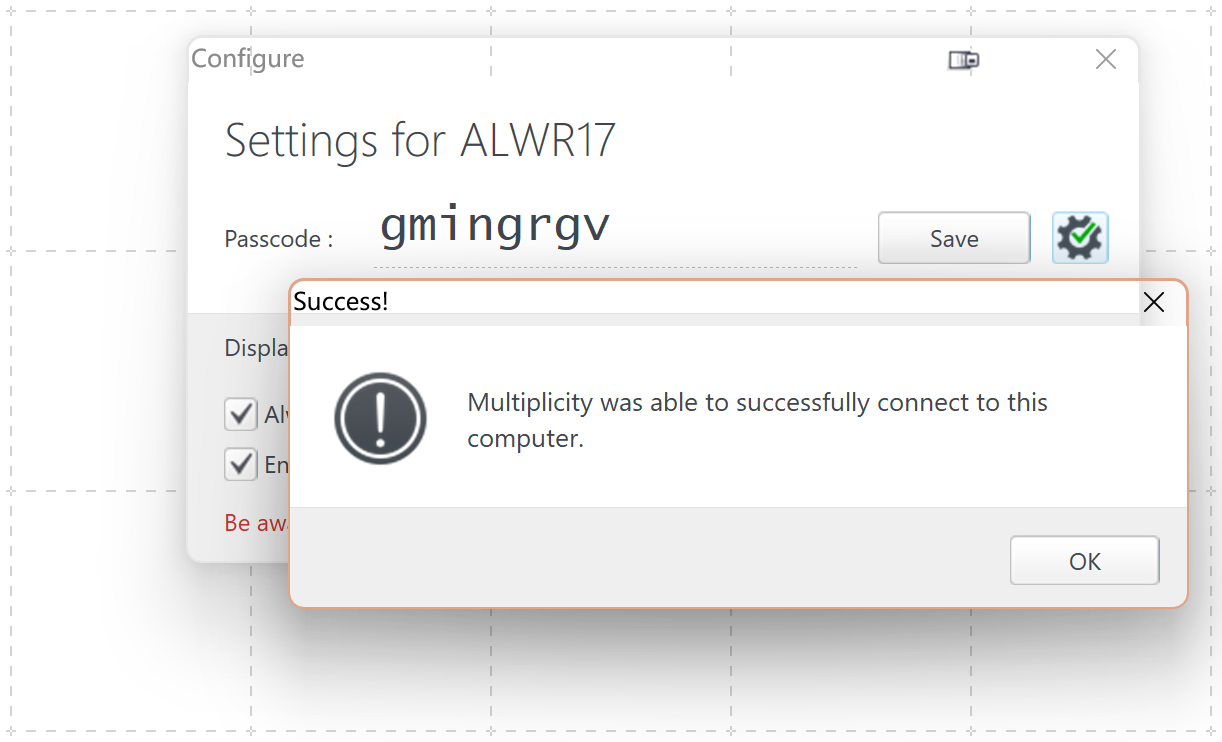
I can connect to the sencondary computer, and I shut down all the firewalls of the secondary computer, but I still cannot move my mouse to the secondary computer.
And the Multiplicity and the Object logo icon does not appear in the taskbar any longer after I upgrading to Win 11.
Please anyone help me solve.
Thank you!