Complete fence disappeared

I need help! My most important fence with all tax documentation from the company has disappeared.

I don't know what to do! The complete contact is gone!!

This is a disaster if I can't recover!
7,266 views 8 replies
Reply #1 Top

Hello,
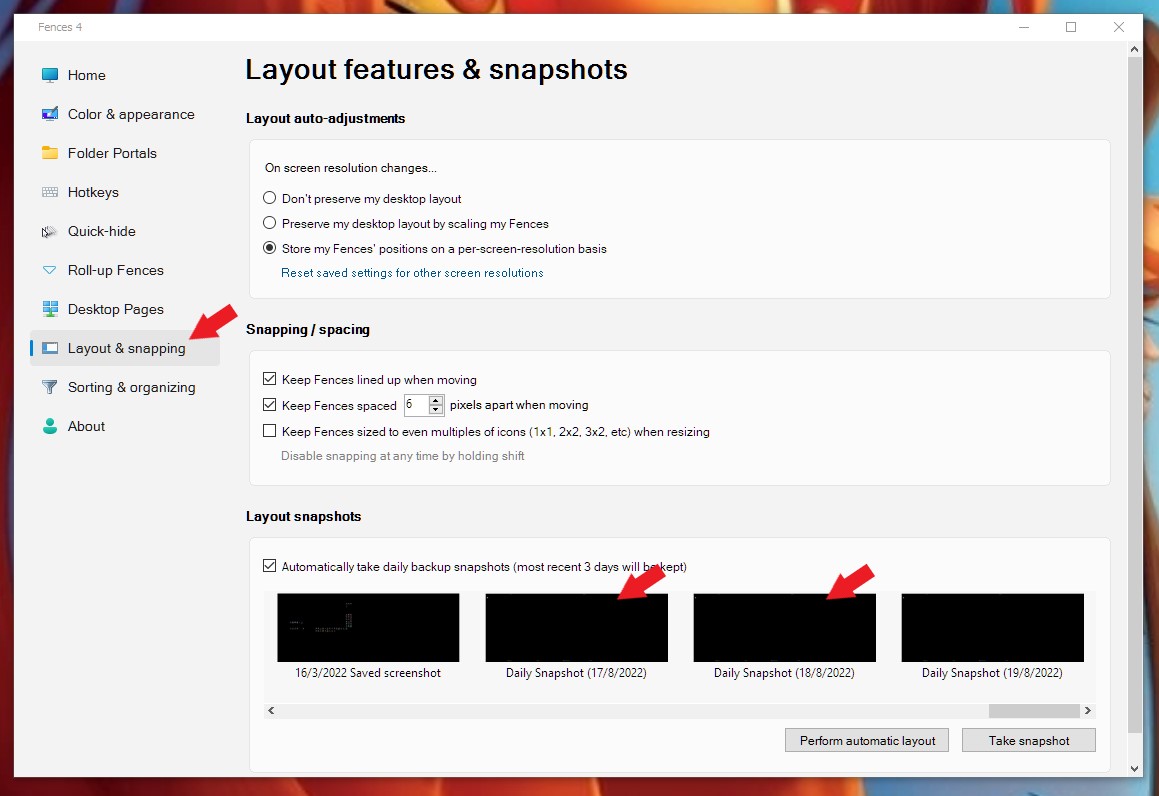
Sorry to hear you are having issues. Usually, missing Fences can be recovered quite easily. Just be doing the restore layout snapshot. Have you tried those?

Thanks
Basj,
Stardock Community Assistant.

Reply #2 Top

Hi,


Thanks for the response. Somebody already gave me that tip. However, the fence was not created at the beginning. I just did it sometime in. Now when I use that feature, I will still only have the original fences created on the first day. Is that correct?

Reply #3 Top

Oh, by the way. The lost fence is gone for more than 3 days. I did not reach out right away. It is about 2 weeks that it disappeared!

Reply #4 Top

Hello again,

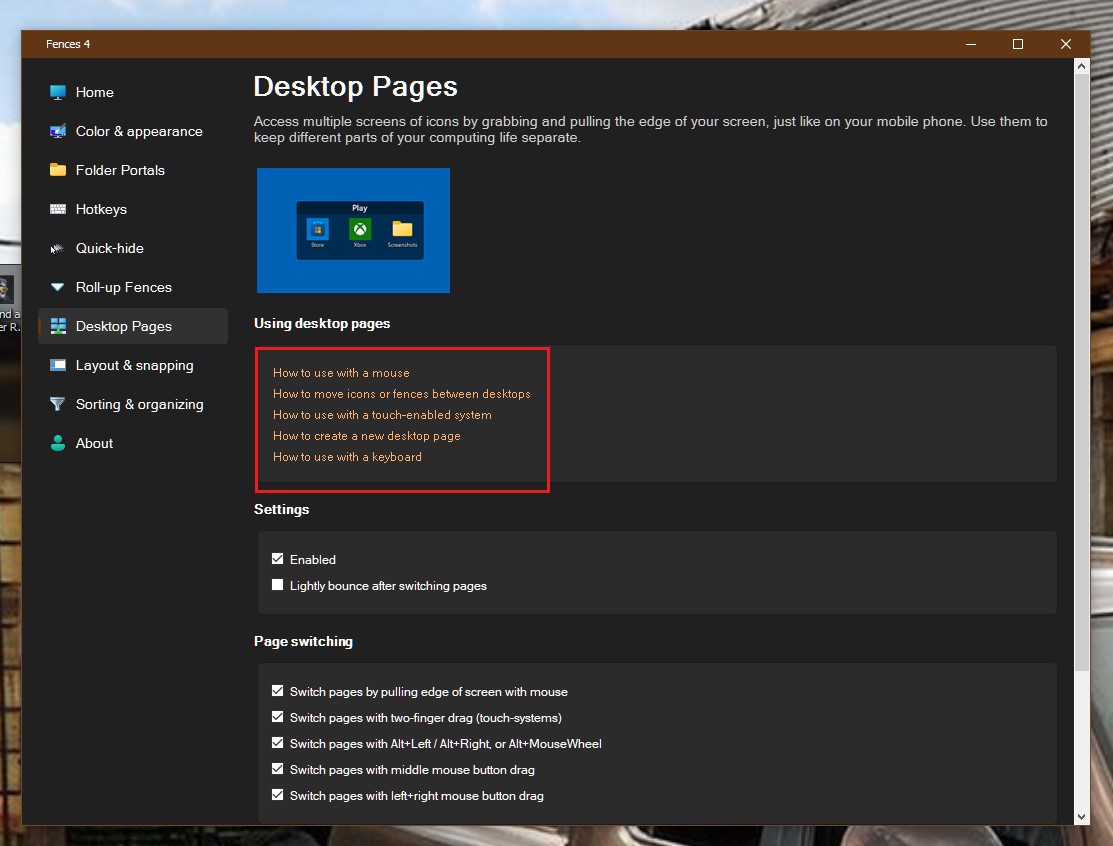
Try looking at Fences desktop pages. Sometimes those missing Fences just relocated by accident into another Fences desktop page. You can learn how to navigate those pages or disable it altogether.

Thank you,

Basj,
Stardock Community Assistant

Reply #5 Top

Thank you for that tip. This was actually the first thing I did trying to locate the missing fence. 

But still no luck. The fence has vanished. Any other solution I can try? I am screwed if I don't get the tax info including hundreds of scanned receipts....

I need to find and restore this fence including its content!


Thank you

Reply #6 Top

Need to know more.

  1. The missing Fences is a Portal Fences or Normal Fences?
  2. If it a Portal Fences where does it linked to? Is those files still exist if you look within the linked folder?

Thank you,

Basj,
Stardock Community Assistant

Reply #7 Top

It is a normal fence. I happen to have some earlier parts of the documents saved when I initially created it. But the important part with all the hundreds of tax receipts is gone! 

Reply #8 Top

If it a normal Fence, then it should be physically still on your Desktop folder. Unless you have turn on your OneDrive Desktop sync. Then you will need to look into your OneDrive desktop directory and see if the folders/files still there. 

Thank you,

Basj,
Stardock Community Assistant