
Problem with fences 4
With fences 4 combination of "WINDOWS+D" in games didnt work, only appears the windows bar. I have to uninstall and install the fences 3 again
Stardock will be closed for the week starting on Monday, June 29th and we will be returning on Monday, July 6th. We will be monitoring support tickets and forums during this time but expect delays in responses during this time.
With fences 4 combination of "WINDOWS+D" in games didnt work, only appears the windows bar. I have to uninstall and install the fences 3 again
Hello,
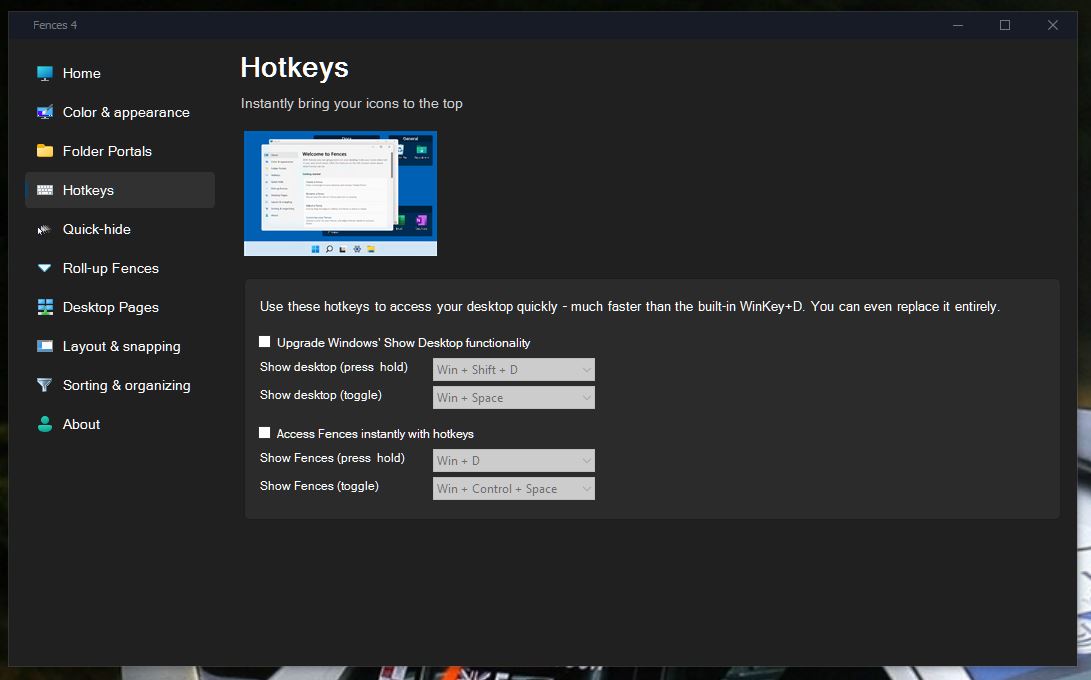
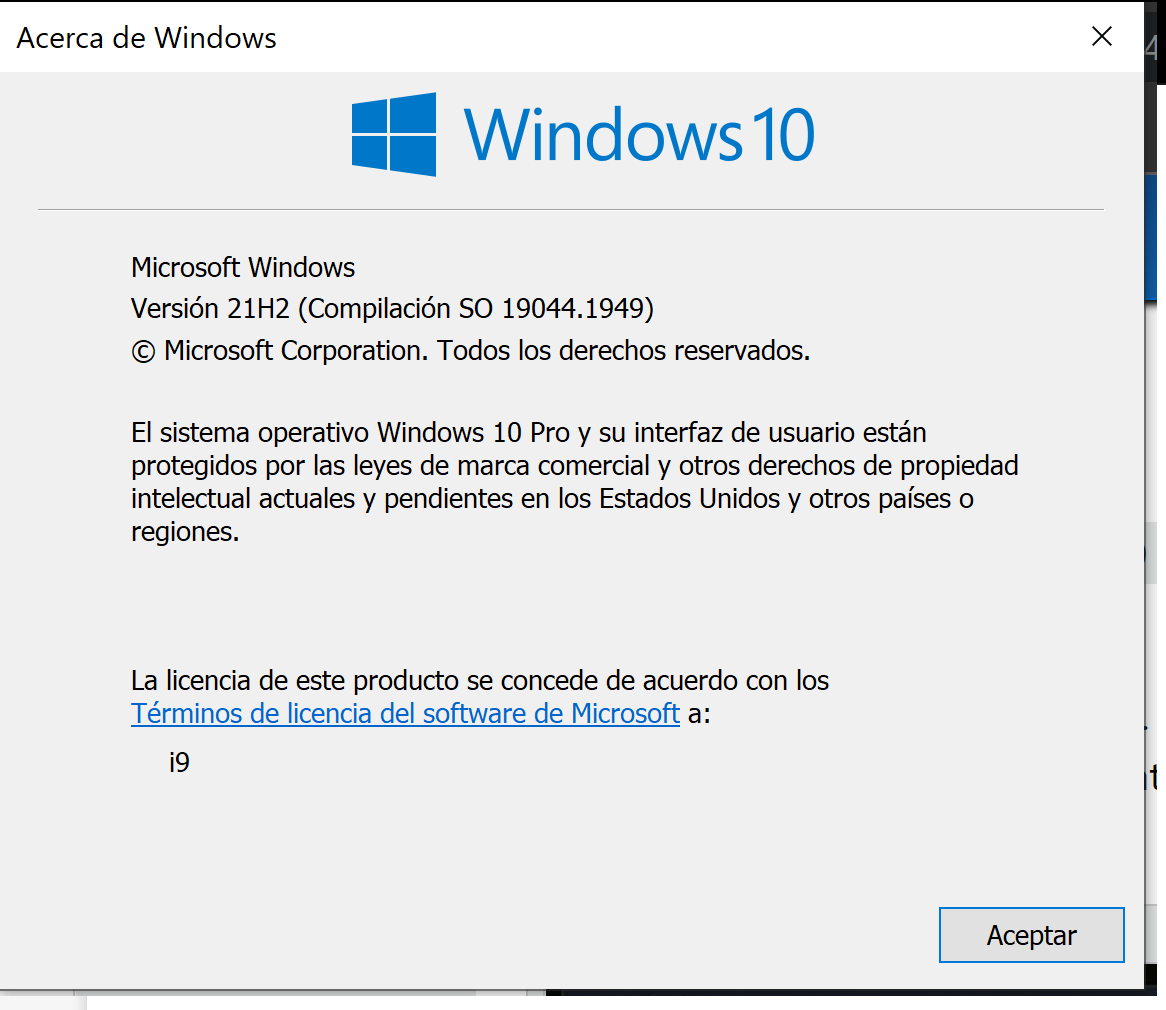
Sorry to hear you are having issues. Is the issue on all gmaes? Full screen games? And which setting was turned on on Fences Hotkets? Also more information on your Windows 10/11 version number. Use Winver.exe to get it and your Fences 4 version numbers please.

Thanks
Basj,
Stardock Community Assistant.

A) Is the issue on all games? YES
Full screen games? YES
C) And which setting was turned on on Fences Hotkets? I only install and didnt change any option.
D) Fences 4 version numbers please, IS THE STEAM VERSION.
Hello,
I have forwarded your report to the Stardock support team for their review and recommendations.
Please keep an eye on this thread for any updates.
We really do appreciate your feedback, thanks.
Depends on what you want. If you want to have excess to Fences than the "Access the Fences Quickly" option.
Thank you,
Basj,
Stardock Community Assistant
Hi Dr.,
You will want to turn on the "Upgrade Windows Show Desktop functionality" option on
Paul Scroggins
Associate Technical Support Analyst
I add a youtube video with what happens to me every time I press WIN+D when running any game. It shows the windows bar, but not the desktop. If I don't have fences installed, this doesn't happen.
With fences 3 this doesn't happen.
Hello,
But, I can not reproduce your issue on my Windows 10 machine. Refer to video I made below.
Would like to suggest to try purge and reinstall steps as mention here : [Link]. Just make sure to redownload the latest version from your account page. Reboot after the purge. Reinstall and reboot again after the installation. Retest and report back here.
Thank you,
Basj,
Stardock Community Assistant.
https://youtu.be/xq5q8yDg3I0
Same problem with your configuration.
I already purge and reinstall with yours steps and its the same problem.
Please try Cleanboot: https://forums.stardock.com/486084/fences-support-faq#cleanboot
Thank you,
Basj,
Stardock Community Assistant
Welcome Guest! Please take the time to register with us.