
Icons don't update/show for shortcuts that were invalid at startup

I use Veracrypt to have an encrypted virtual drive, and have pinned shortcuts to portable apps on that drive. Thus, when I first boot up, the shortcuts are invalid, and the icons are just defaults. When I mount the drive, the icons never update to what they should be, even if I right-click the shortcut, go to Properties, and try changing the icon and changing it back, etc.

It used to work in previous versions (the icons would update automatically). I usually only Hibernate, rarely reboot, so if the icons would just update once in a while I'd be golden.


3,305 views 6 replies
Reply #1 Top

Hello,
I have forward your problem/question to Stardock Support Team for their assistance. Please keep an eye on this thread for any updates. We appreciate your feedback and patience.

Basj,
Stardock Community Assistant

Reply #2 Top


I use Veracrypt to have an encrypted virtual drive, and have pinned shortcuts to portable apps on that drive. Thus, when I first boot up, the shortcuts are invalid, and the icons are just defaults. When I mount the drive, the icons never update to what they should be, even if I right-click the shortcut, go to Properties, and try changing the icon and changing it back, etc.

It used to work in previous versions (the icons would update automatically). I usually only Hibernate, rarely reboot, so if the icons would just update once in a while I'd be golden. 
End of quote

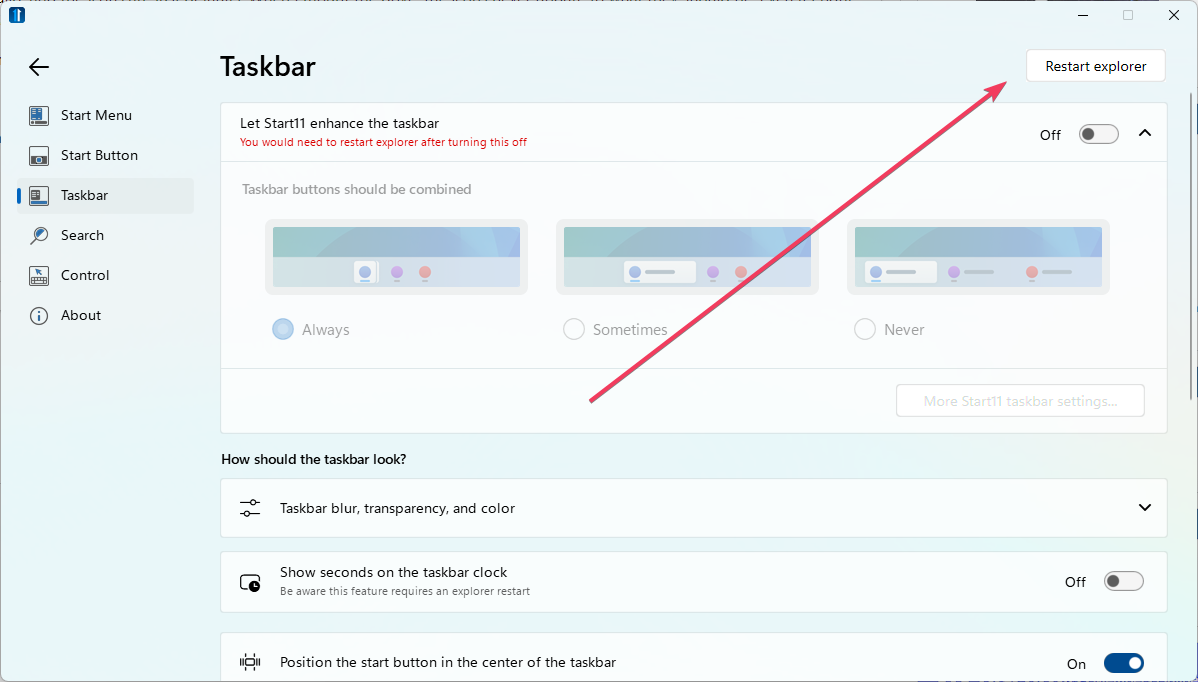
If you restart Windows Explorer, do they then render?

Sean Drohan
Stardock Product Lifecycle Manager

Reply #5 Top

Quoting gnznroses, reply 4

I killed explorer with Task Manager and started it back -- icons display fine now

 
End of gnznroses's quote

Excellent.

Sean Drohan
Stardock Product Lifecycle Manager

Reply #6 Top

There's been a couple things in the release notes since this, pertaining to icon cache etc, but my icons still go back to blank after a reboot.


(They show correctly in Explorer)