Start 11 - How do I make the Start Menu taller?
from  Stardock Forums
Stardock Forums
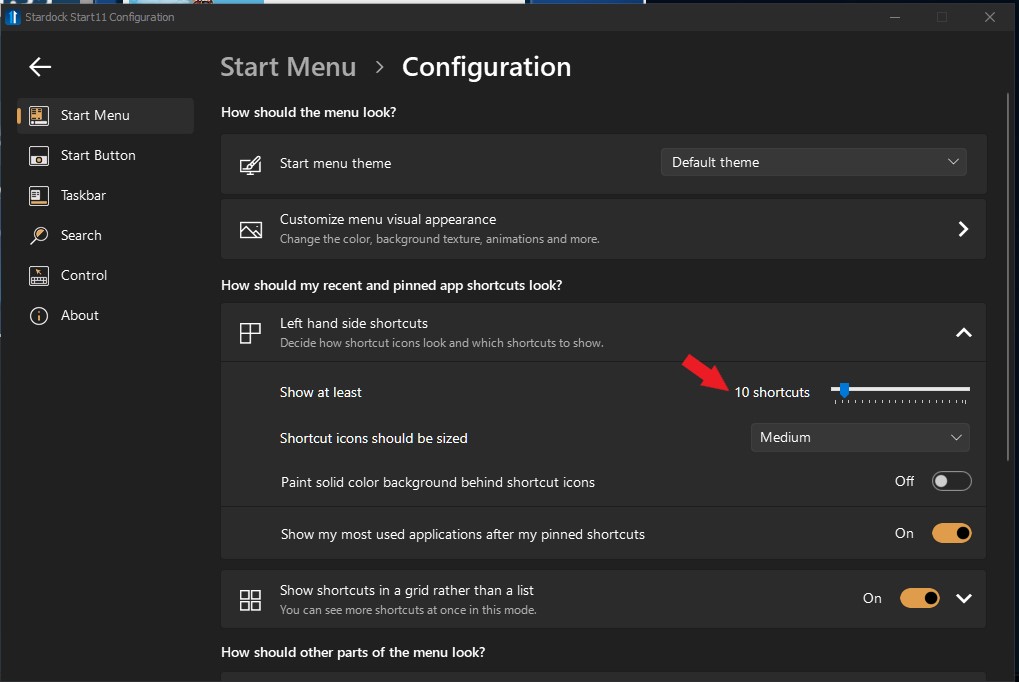
I'm using Start 11 (v 1.25) on Windows 11 with the Windows 7 style Start Menu, but the Start Menu is too small (too short).
In Start 10 there is a setting under Style --> Configure that says "Allocate room for at least ___ large icons" and I set it to 18.
In Start 11 this setting does not seem to exist and the Start Menu is too small (too short)..