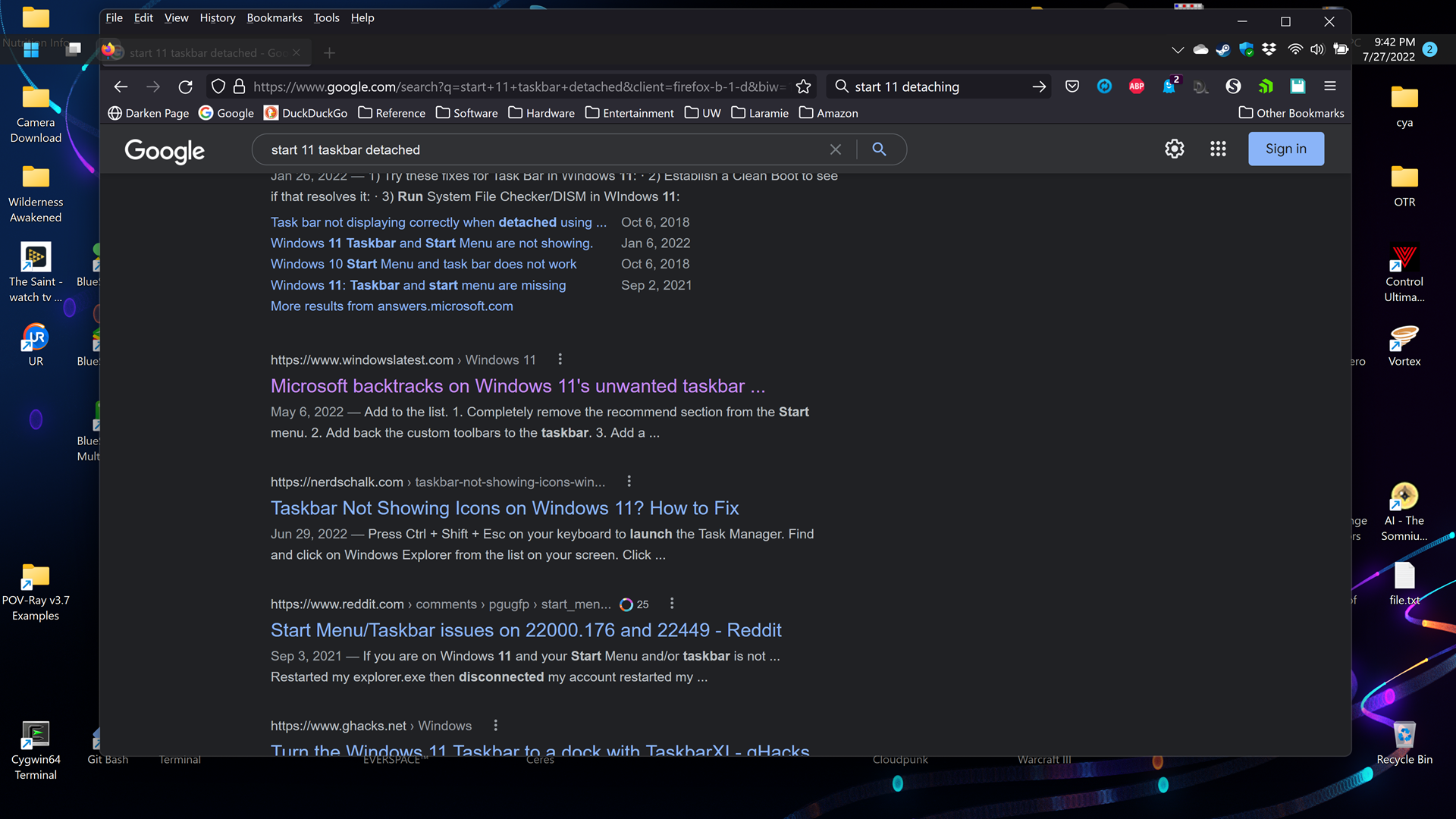
Start 11 menu/taskbar jumps around
from  Stardock Forums
Stardock Forums
I've been running Start 11 for while now and the last few months I find that the menu/taskbar jumps around on my system. When the menu does not display properly docked to the edge of the screen, I am unable to click on where the icons/button appear and have them work. Clicking around can bring the menu/taskbar back into its proper position but then it sometimes jumps away again when I go to click on the Start Menu icon.
You can see here that the taskbar has moved away from the top edge of the screen far enough that icons and application menu bars are visible above it.
I'm not sure when I noticed this first happening. My system is running Windows 11 Version 21H2 Build 22000.795 and Start 11 version 1.25.
Thanks for your input.