Windows 11 style

Hi

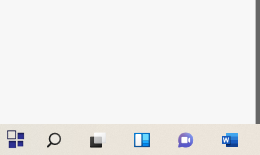
After installing the latest version of start11 and select the start menu to be in center. The start menu is still on left.

Kindly, advise
3,267 views 10 replies
Reply #1 Top

Try this:

Reply #2 Top

Hello,
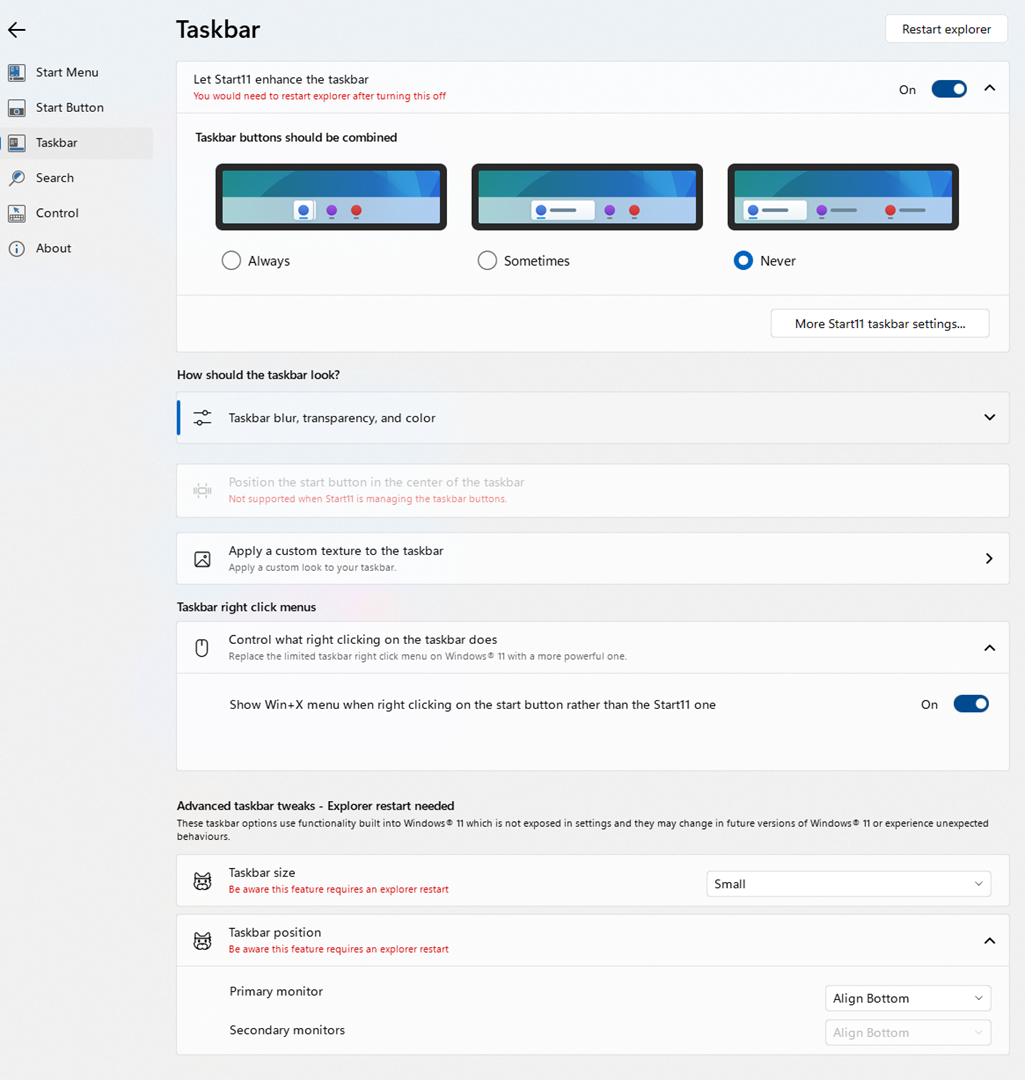
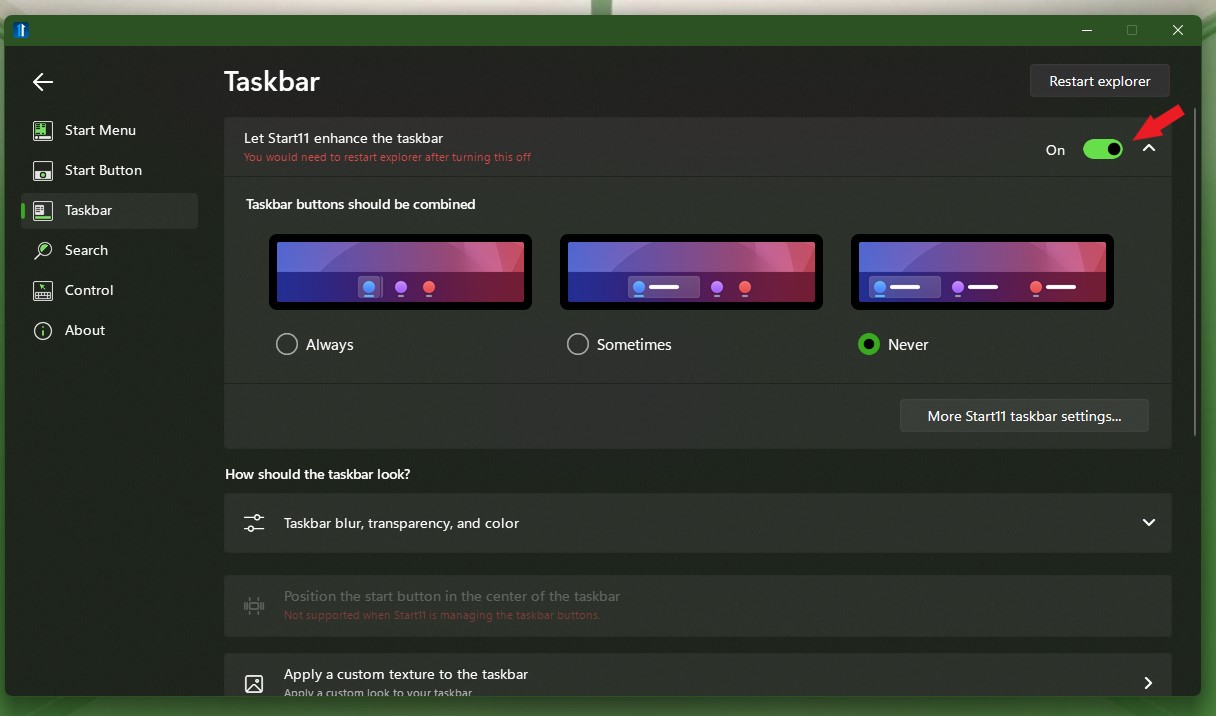
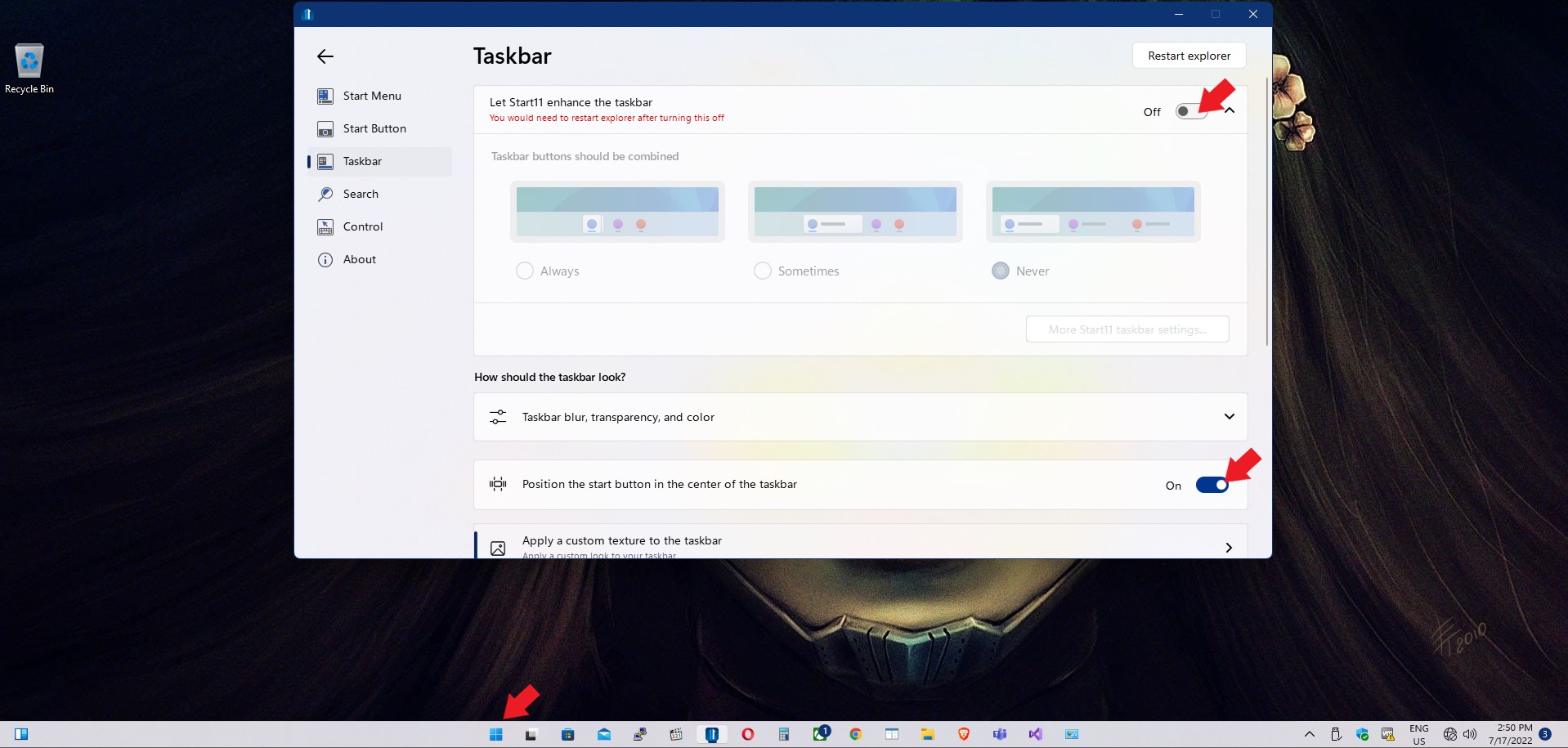
Sorry to hear you are having issues. If you on Windows 11, and you have set to Enhance taskbar to "enable" the Startbutton will be on the left as mention in the screenshot below.

Thanks
Basj,
Stardock Community Assistant.

Reply #5 Top

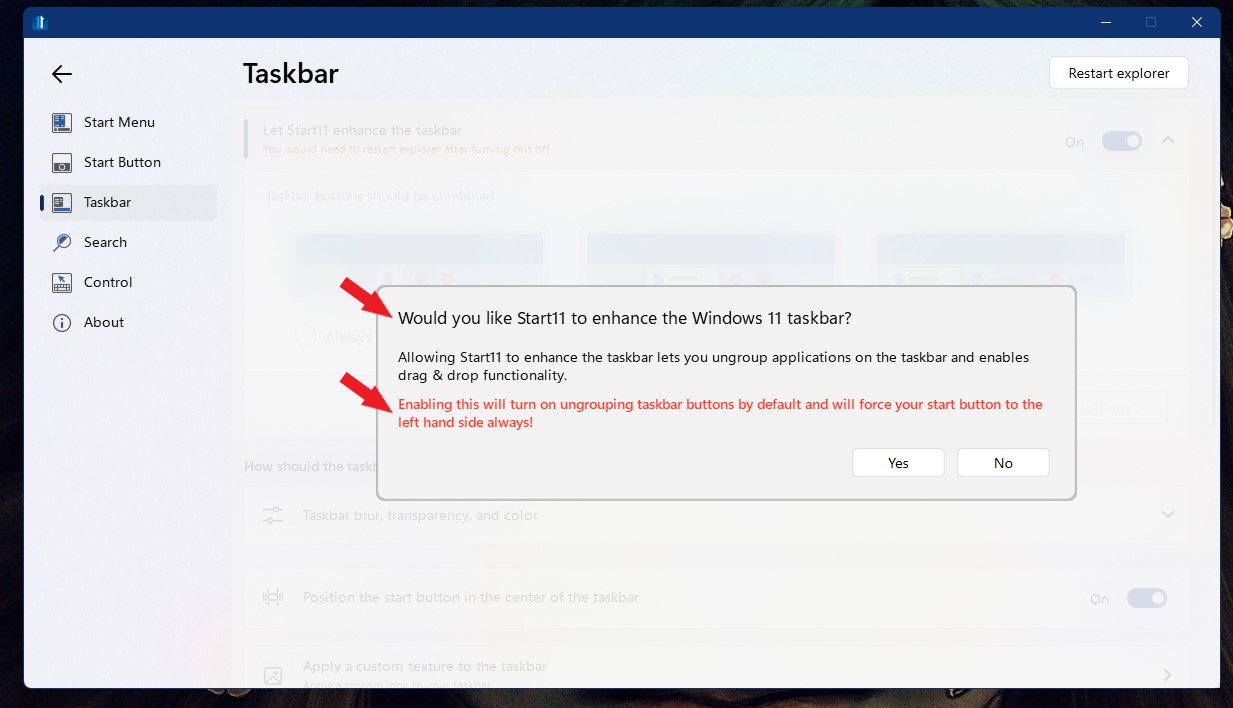
Turn off Taskbar enhance, click restart explorer. And try to enable taskbar enhance gain. This is when that popup should come up.

Thank you,

Basj,
Stardock Community Assistant

Reply #6 Top

Quoting alialmahdi, reply 4

Hi

What I want is to center and I did what you mentioned. but it's behave to left


End of alialmahdi's quote

Have you restart explorer?

Thank you,

Basj,
Stardock Community Assistant

Reply #8 Top

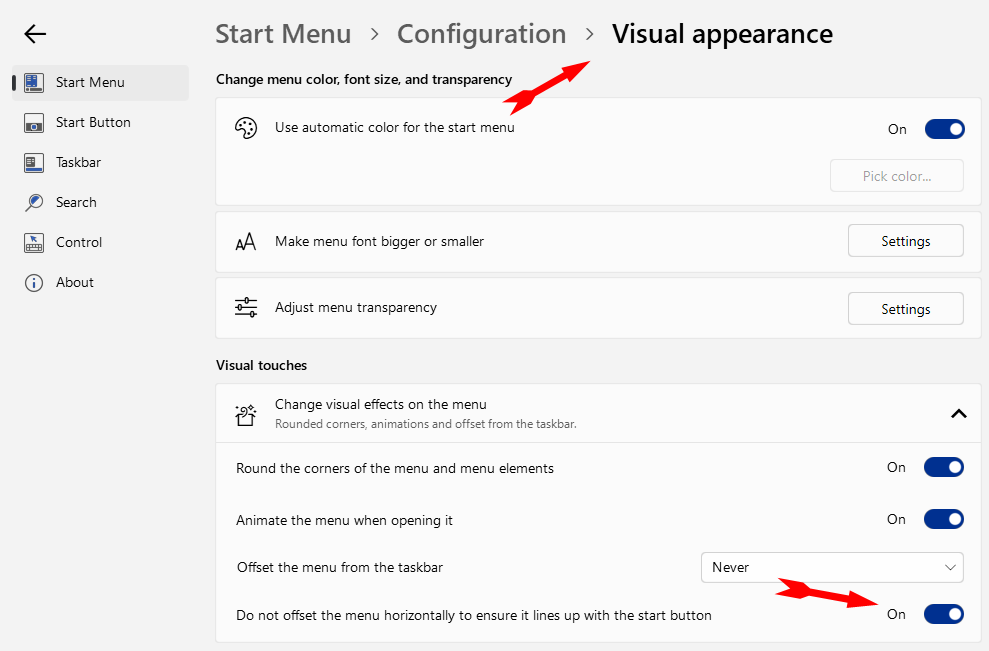
And your setting for Startbutton already set to center?

Also, please let us know few information:

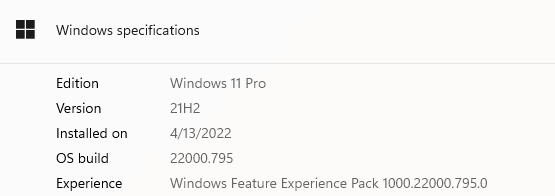
  1. Windows 10 or 11? Also need full version numbers. Use Winver.exe to get full version numbers.
  2. Start11 version 1.25?

Thank you,

Basj,
Stardock Community Assistant

Reply #10 Top

Quoting alialmahdi, reply 9

Hi

When I did the above is coming in center.
End of alialmahdi's quote

So, the issue is resolved, yes?

Thank you,

Basj,
Stardock Community Assistant