
Start 11 enhanced taskbar option greyed out
As you can see in this screenshot I can't turn on the enhanced taskbar option. Restarting explorer doesn't fix the issue.
I'm using Windows 11 Home 21H2 build 22000.739
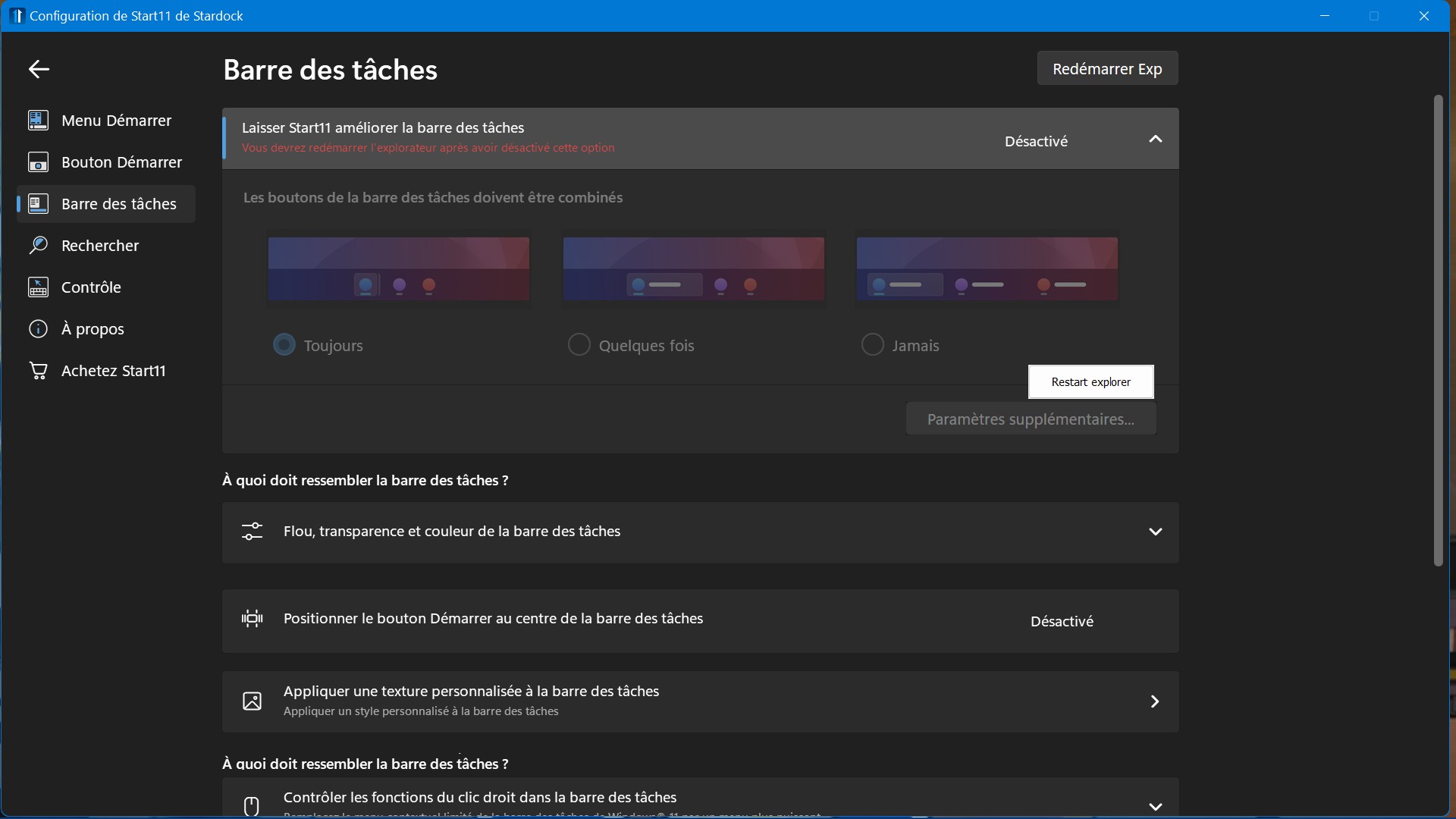
As you can see in this screenshot I can't turn on the enhanced taskbar option. Restarting explorer doesn't fix the issue.
I'm using Windows 11 Home 21H2 build 22000.739
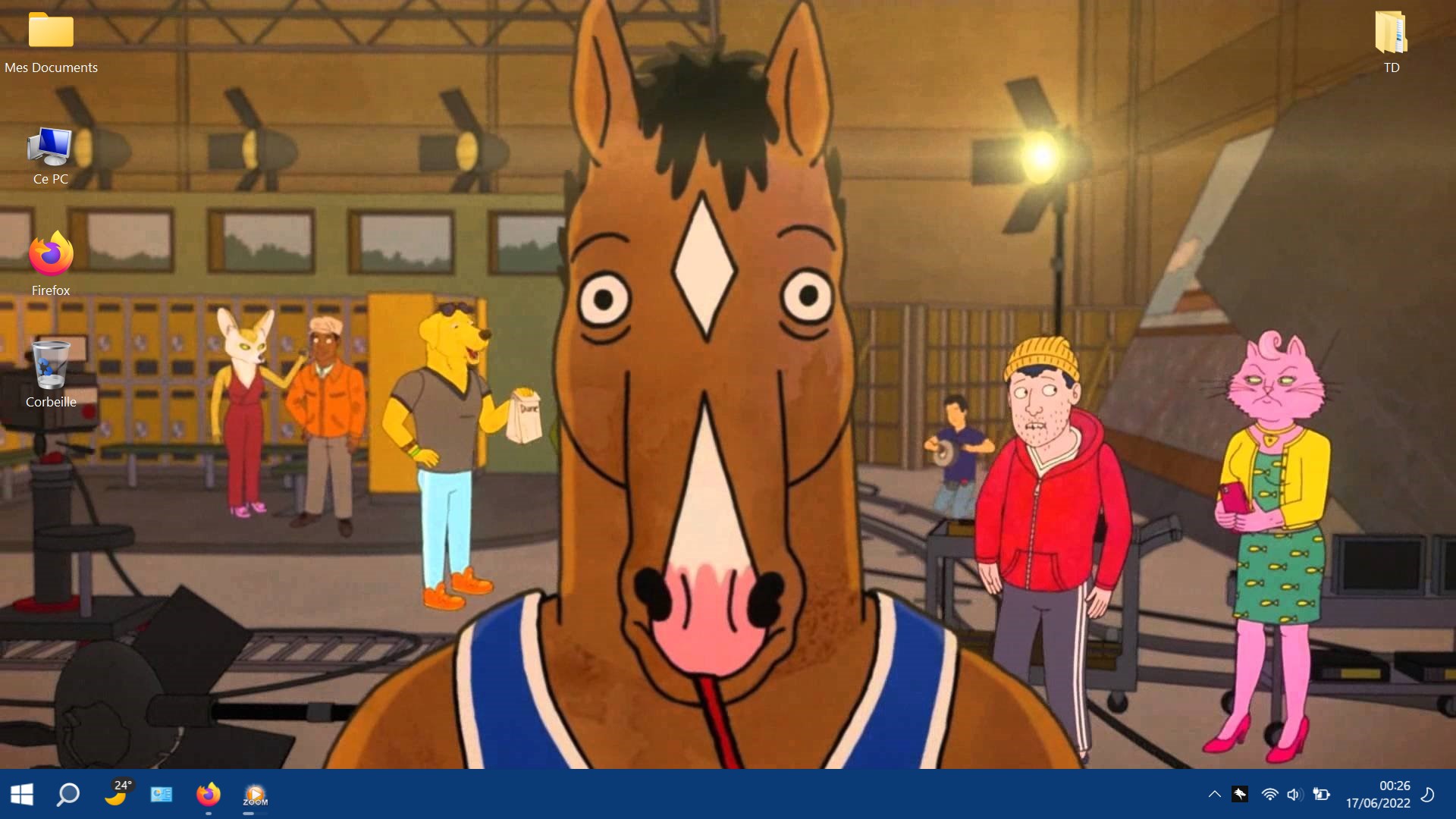
Can you post a screenshot of your taskbar please.
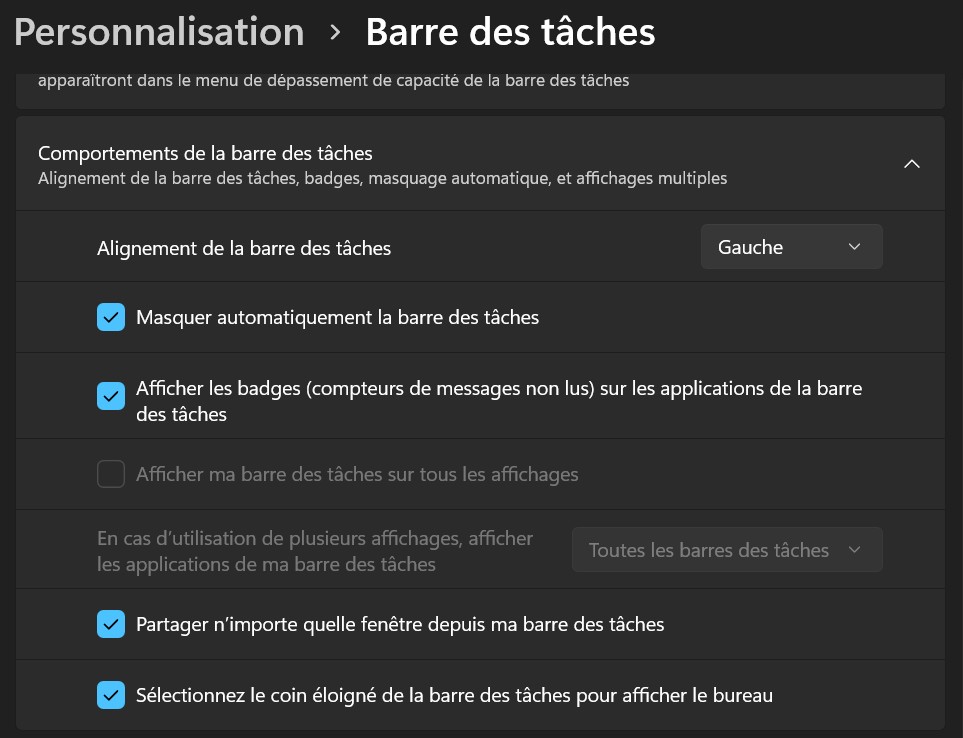
Sure. First picture is "behavior of the taskbar" options in "Personalisation" > "Taskbar in case it's of any use.


I tried to change windows settings to english, even with start11 in english the issue is still there so not a language issue.
I'm on a laptop, maybe it's related to monitor options?
I purged start 11 with the .bat provided here https://forums.stardock.com/505872/start11-support-faq#reinstalling and reinstalled and it fixed the issue.
Good to hear
Welcome Guest! Please take the time to register with us.