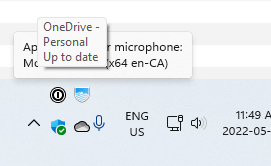
rendering issue with double high taskbar left start button

Windows 11 Pro / Start 11 1.22

Windows 11 Pro 21H2 / Start 11 1.22

With a normal single high taskbar with the start menu on the left, there are no issues:

However, when the taskbar is expanded to two rows, the following seems to occur, though I don't know the precise trigger for it. It doesn't appear like this immediately, but after some delay:

This happens when the taskbar is locked or unlocked. To recreate it, you can try triggering an alert/notification with the Snipping Tool (SHIFT + WIN + S).

2,695 views 7 replies
Reply #1 Top

Hello,
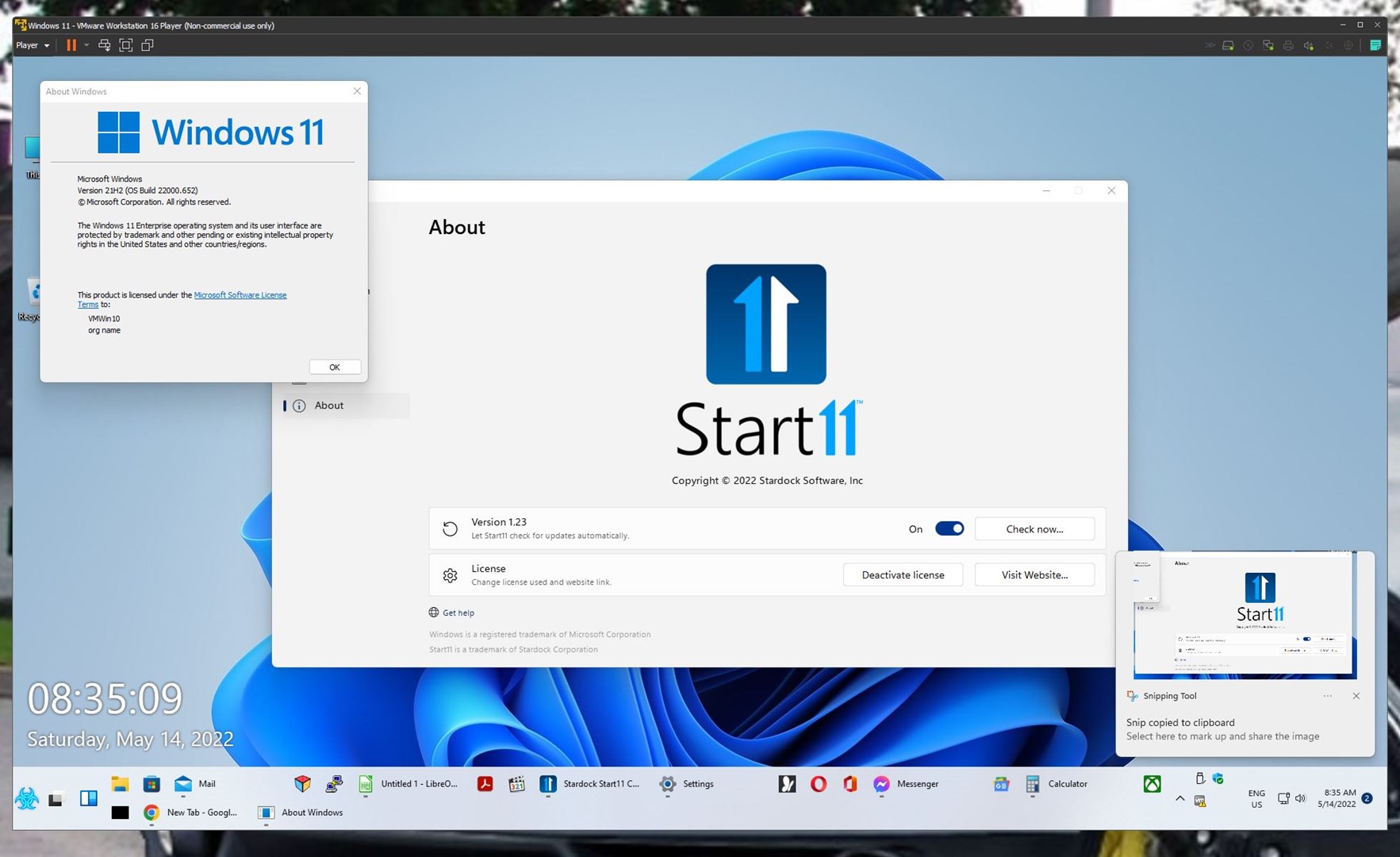
Sorry to hear you are having issues. But, I can't reproduce your issue on my system. I am on Start11 V1.23 Beta. Maybe you can try that version. Should be available inside your product download page.

Thanks
Basj,
Stardock Community Assistant.

Reply #2 Top

Thanks for the reply! I haven't tried 1.23 yet, but I wasn't consistently seeing it with the SHIFT WIN S...what it seems to be more related to is running a full screen app (like the RDP client) and minimizing again. Or maybe trying a full screen Windows app that covers the taskbar and might for a re-render or size change? I'll continue working to find an application that generates the issue 100%.


Reply #3 Top

I just installed 1.23 and it's still there. It doesn't seem related the the task bar, but the system tray (do they still call it that?). I'm trying to add a few more icons there permanently to see if that changes the behaviour.

Reply #4 Top

I tried with multiple icons in the tray and the issue didn't appear as far as I can tell. Can you modify your install so it only shows the OneCloud icon as in my first example?

Reply #5 Top

There's a new beta version out today 1.24

Give it a try go to your My Downloads.

Reply #6 Top

Thanks! I haven't seen the problem since installing 1.24. I think it might be related to this from the change log.

  • Fixed issue with system tray icons sometimes shrinking or turning into one column when using enhanced taskbar mode
Reply #7 Top

just following up. I haven't experienced the issue since 1.24. Thanks for the heads up about the betas!