The taskbar icons in the lower right corner disappear (version 1.22)
As shown in the figure, the clock, battery power and WiFi icon in the lower right corner disappear
Hello,
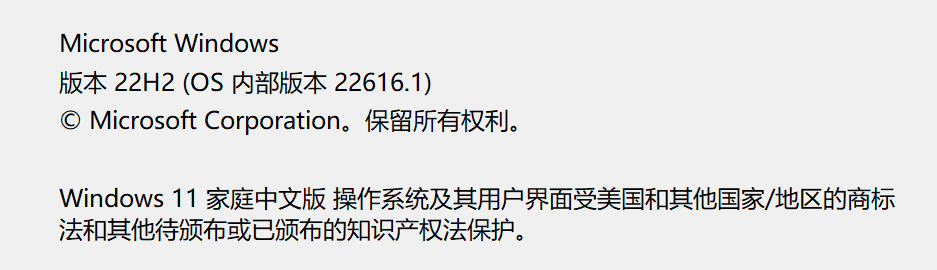
Sorry to hear you are having issues. What is your Windows 10 or 11 version numbers? Please use Winver.exe to get full version numbers.
Thanks
Basj,
Stardock Community Assistant.
22H2(22616.1)
Do know that Stardock are not supporting Windows 11 Dev and Beta Released version. But, you can try uninstall, reboot, reinstall V1.22 and see if that work.
Thank you,
Basj,
Stardock Community Assistant
The latest build breaks the Taskbar, the system tray is compressed into a thin line and can't be opened.
-----------
Edition Windows 11 Home Single Language
Version 22H2
Installed on 5/9/2022
OS build 22616.1
Experience Windows Feature Experience Pack 1000.22632.1000.0
-------
![]()

Indeed, it turned into a thin line and did not disappear completely. At present, I have paused the part of the taskbar. I hope it can be fixed as soon as possible.
Here is a post from the developer for anyone running 22616.1
https://forums.stardock.com/512230/running-win11-insider-22616
Welcome Guest! Please take the time to register with us.