Start11 Icon Issues

Hi, I've been using Start11 and quite enjoying the improvements so far. However, I'm running into a couple issues with icons/pinning that I haven't seen reported anywhere else.


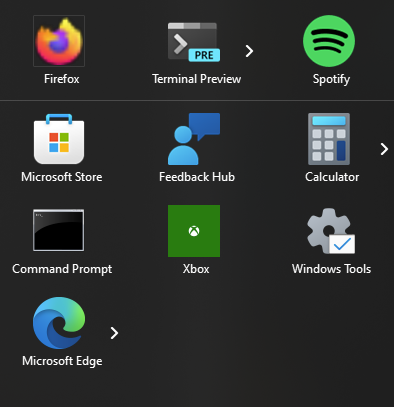
The first issue is with pinned universal apps when Start11 is managing the taskbar. Namely, after a reboot or Explorer restart the icon of pinned apps reverts to the 'This PC' icon. Clicking the icon will launch 'This PC' in Explorer instead of the pinned app. However, the right click menu still works and can be used to launch the app, oddly.

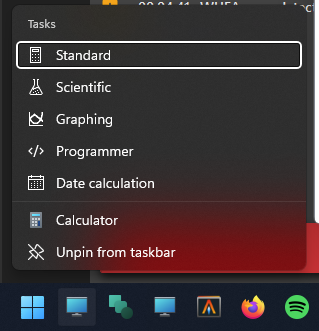
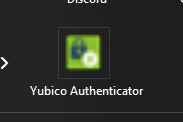
Next, pins to the Start11 menu from Start11 search either do not work, or pin a shortcut with a very poor resolution icon.
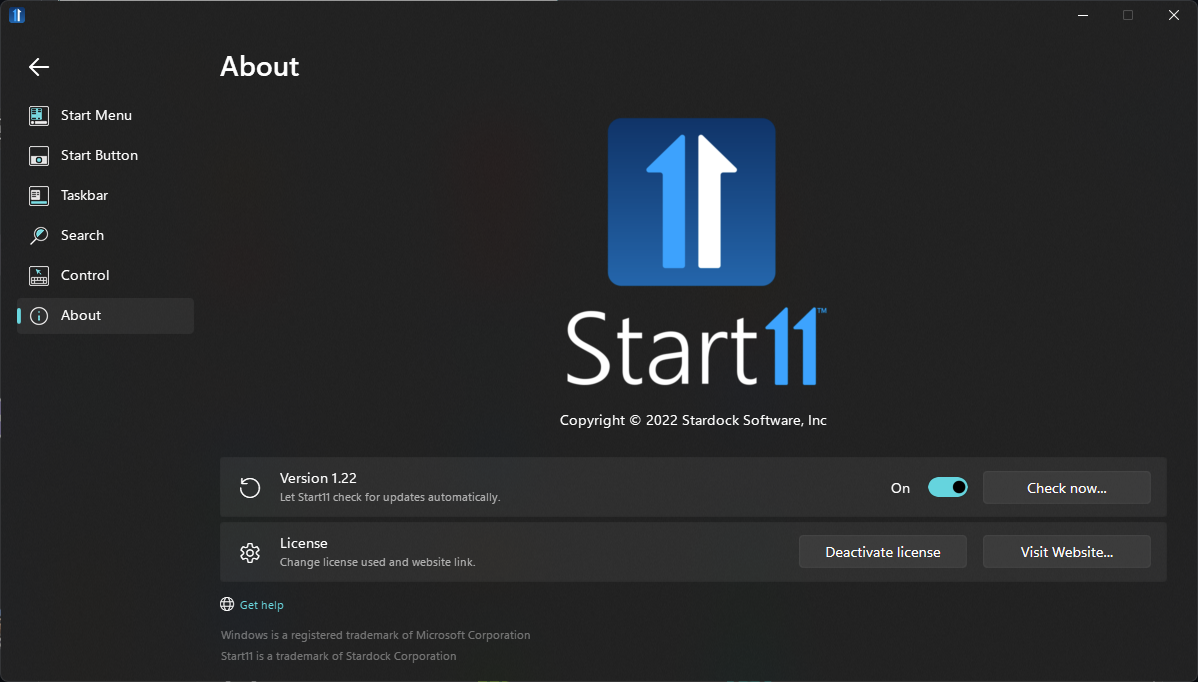
For completeness, I am on Start11 1.22:
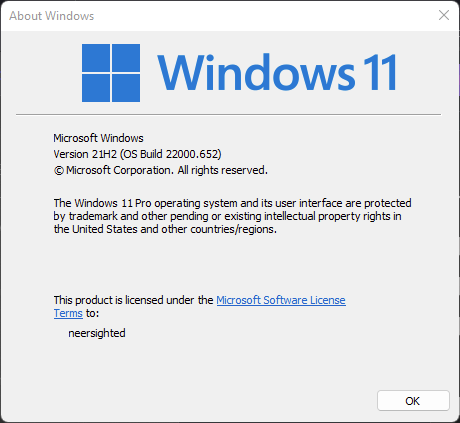
And Windows 11 build 22000.652:
Thanks for the great software!

2,498 views 6 replies
Reply #1 Top

Hello,
Sorry to hear you are having issues. Lets look at your first issue first. I can't seem to reproduce this issue on my system. I pinned Calculators and Xbox to taskbar and the icons stay as is after restart Explorer.exe . What Universal icons having issue on your system? And how do you pinned it to taskbar? I pinned it by first running the apps and than right click on its taskbar button and select "Pin to taskbar"

Thanks
Basj,
Stardock Community Assistant.

Reply #2 Top

Hi basj!

I pinned the apps by right clicking them and choosing to pin them. There are two Store apps I can reproduce this 100% of the time with: Windows Terminal Preview and Calculator. The app Zoop, also from the Windows Store (but not universal) seems immune. Finally, maybe 20% of the time on restart, Firefox's icon will degrade to a lower res version without transparency (this is Firefox installed from the Windows Store):

Please let me know if you'd like any more details.

Reply #3 Top

As mention it I don't see it on Calculators. And I installed Windows terminal Preview and test it. The same no issue. Can't find Zoop. Firefox native on my system and no issue. So what I can suggest for you to try. Uninstall Start11, reboot (important), redownload Start11 V1.22, from your product page. Install that version. Reboot again. Retest the issue and report back.

Thank you,

Basj,
Stardock Community Assistant

Reply #4 Top

basj, thanks for the advice! A reinstall did not solve my issue, however, I have partially tracked down the root cause.

It appears that sometimes when pinning, Start11 will create a shortcut in %APPDATA%\Microsoft\Internet Explorer\Quick Launch\User Pinned\Taskbar. This is always the behavior for non-Store apps, but sometimes (I do not know why) it will do it for Store apps as well. This broken behavior results from those shortcuts. If I unpin the app, delete the shortcut, reboot, and re-pin (checking that a shortcut was not created), the bug seems to go away.

Regarding the second issue, right now I actually cannot pin from Start11 search at all:

However, when the pin does work, I get a similar low res icon to the one in my initial post. Pins from 'All Programs' continue to work as expected.

Reply #5 Top

A small addendum: it looks like I can only pin Store apps from Start11 search (non-Store apps just result in nothing happening). Here's another example, with Firefox this time as the misbehaving app:

If I unpin and repin from All Programs, things work as expected.

Reply #6 Top

I see that, From what I can figure out, pin item from search box work if you on Windows 10/11 style. Not on Windows 7/Modern Style.

Thank you,

Basj,
Stardock Community Assistant