Start 11 - Upgraded to 1.2 - No icons in taskbar

I upgraded to 1.2 of Start 11, and none of the running or pinned apps appeared on the taskbar.

The only things visible were

  • (on left) Start icon, Search icon, Desktop selection.
  • (on right) System tray.

Running Windows 11 (latest version), laptop & 2 attached monitors:

  1. Laptop (1920x1080)
  2. Monitor (2560x1440) - This is primary display
  3. Monitor (2560x1440)

I had to re-install the old version to get a working taskbar again.

Chris

2,803 views 8 replies
Reply #1 Top

Hello,
Sorry to hear you are having issues. Please uninstall V1.2, reboot and reinstall V1.22 Beta and see if the problem still there. Get the latest beta from your account product page.

Thank you,

Basj,
Stardock Community Assistant

Reply #3 Top

Should not be, unless you choose not to keep setting when ask while uninstalling. Anyway you could backup your setting using this guide :https://forums.stardock.com/505872/start11-support-faq#backUpSettings  

Thank you,

Basj,
Stardock Community Assistant

Reply #5 Top

Great, glad it work.

Thank you,

Basj,
Stardock Community Assistant

Reply #6 Top

i also have this issue, and i have done as suggested and still it does not show the open or running programs on the taskbar, and i have updated to include doing the above suggestion, to specify, uninstalling start11 and reinstalling with V1.22 

in addition, i like to use the taskbar at the top of the screen and when i expand my windows, programs and browser, they go all the way to the top of the screen, under the taskbar, and then leave a taskbar sized slot open at the bottom.  the opening at the bottom doesnt bother me much, however with the top of my  programs now under the taskbar at the top of screen, i cant move or use the top of the windows, i have to resort to using the windows key and the arrows to get it into a position where i can drag them around

i am using a standard PC with two monitors, 3440x1440 and 2560x1440


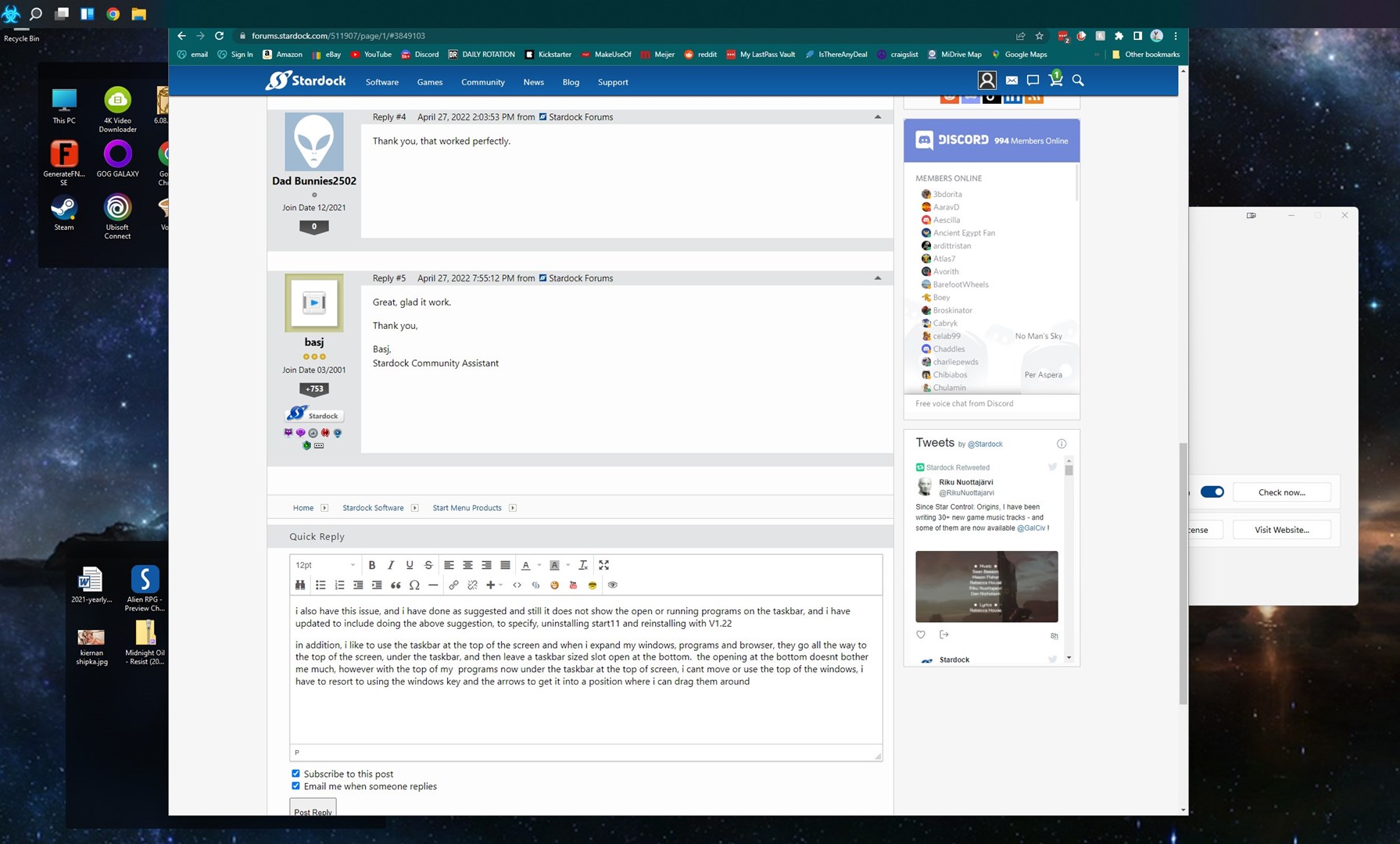
my screen

Reply #7 Top

Quoting dodge5, reply 6

i also have this issue, and i have done as suggested and still it does not show the open or running programs on the taskbar, and i have updated to include doing the above suggestion, to specify, uninstalling start11 and reinstalling with V1.22 

in addition, i like to use the taskbar at the top of the screen and when i expand my windows, programs and browser, they go all the way to the top of the screen, under the taskbar, and then leave a taskbar sized slot open at the bottom.  the opening at the bottom doesnt bother me much, however with the top of my  programs now under the taskbar at the top of screen, i cant move or use the top of the windows, i have to resort to using the windows key and the arrows to get it into a position where i can drag them around

i am using a standard PC with two monitors, 3440x1440 and 2560x1440


Reduced 46%
my screen
Original 1791 x 1080


End of dodge5's quote

Which version of Windows 11?

My recommendation is uninstall Start11, REBOOT (very important) and then reinstall 1.22.  It may be files have not been replaced correctly.

Reply #8 Top

ok, windows 11 pro, 10.0.22000 build 22000

i did reboot, actually i did a complete shutdown, i have my system set to actually shutdown, kernal and all, and then restarted and installed 1.22, but i did as requested and now it mostly works right.

the only issue i have now i think is because i am also using displayfusion.

thank you for your help, very fast indeed. |-)