Cursor Jumps to The Right

Hi.

I have a vertical configuration:

System 1 has a 34 inch monitor and System 2 has a 24 inch monitor postioned and centered above the 34 inch monitor. When I move the mouse cursor up to the second monitor it jumps about 8 inches to the right. Is there some way to prevent this?

Thanks, Lloyd


3,162 views 5 replies
Reply #1 Top

Hello,

I have forwarded your report to the Stardock support team for their review and recommendations.

Please keep an eye on this thread for any updates.

We really do appreciate your feedback, thanks.

Reply #2 Top


Hi.

I have a vertical configuration:

System 1 has a 34 inch monitor and System 2 has a 24 inch monitor postioned and centered above the 34 inch monitor. When I move the mouse cursor up to the second monitor it jumps about 8 inches to the right. Is there some way to prevent this?

Thanks, Lloyd 
End of quote

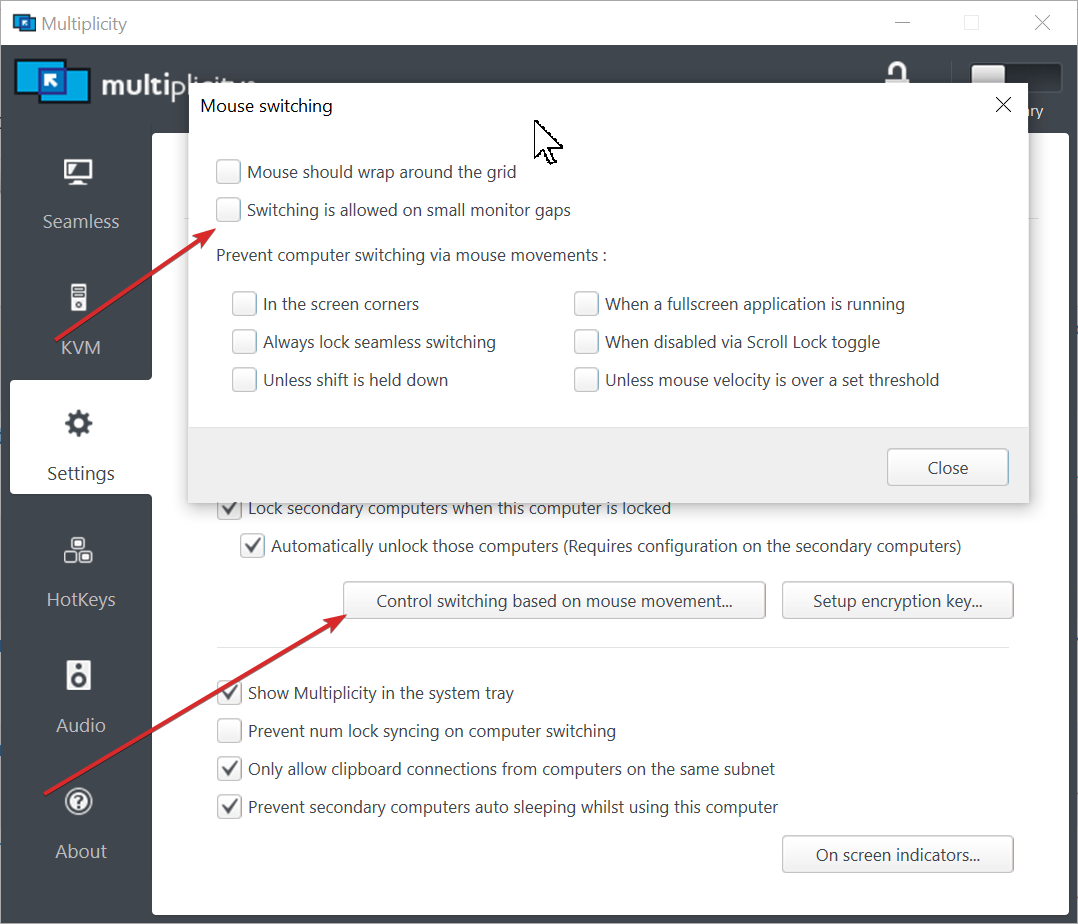
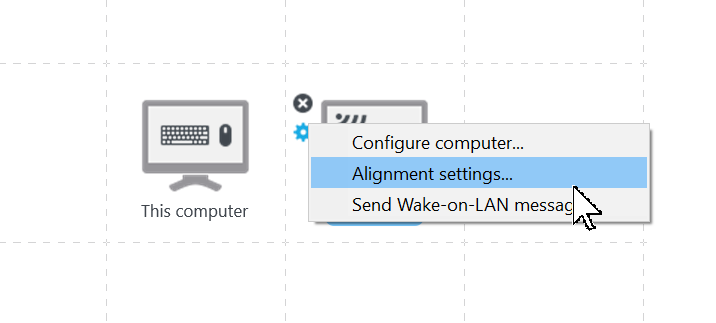
This may provide some help:

Sean Drohan
Stardock Support Manager

Reply #3 Top

Thanks Sean.

Unfortunately, after spending some time with the alignment settings, I have been unable to resolve the problem.

I have now uninstalled Multiplicity and switched to an old, free app called Mouse Without Borders which works flawlessly with no misalignment problems.

Thanks & Regards,

Lloyd


Reply #4 Top

Quoting Lnoel, reply 3

Thanks Sean.

Unfortunately, after spending some time with the alignment settings, I have been unable to resolve the problem.

I have now uninstalled Multiplicity and switched to an old, free app called Mouse Without Borders which works flawlessly with no misalignment problems.

Thanks & Regards,

Lloyd
End of Lnoel's quote

Understood.  If you do try again, I would like to know if any setting you changed made any difference at all.  You may also want to try this:

Sean Drohan
Stardock Support Manager

Reply #5 Top

I tried adjusting all of the settings including the ones shown in your screen shot.

Nothing I tried made any difference.


Thanks, Lloyd