

Bug: Chrome apps not showing icons on taskbar of start11

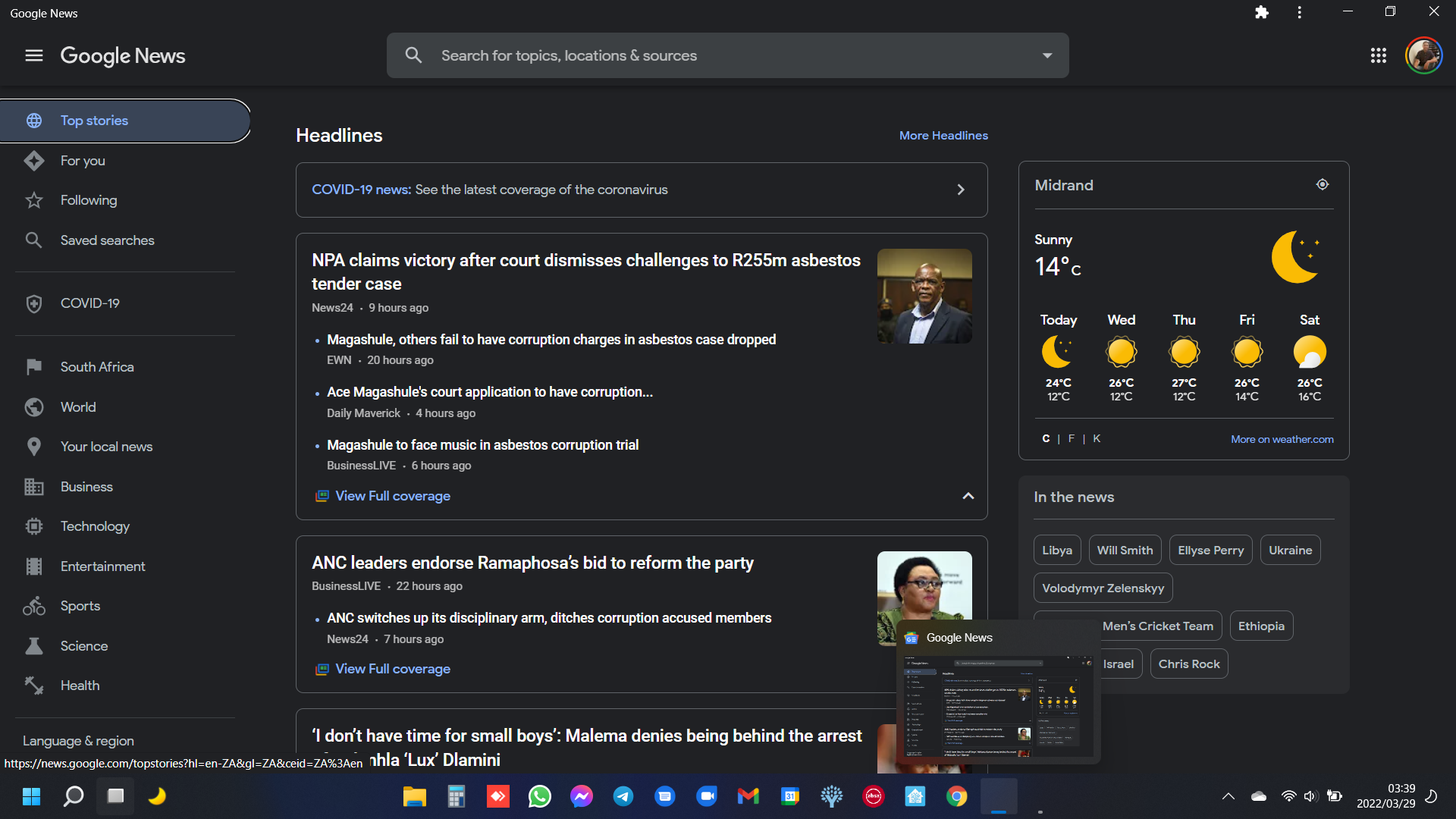
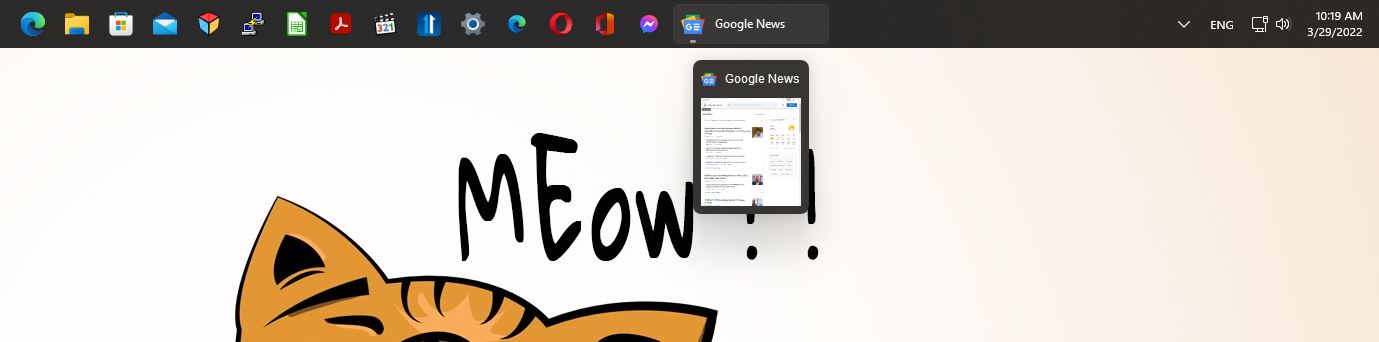
Opened Google News chrome app and no icon on the taskbar ...
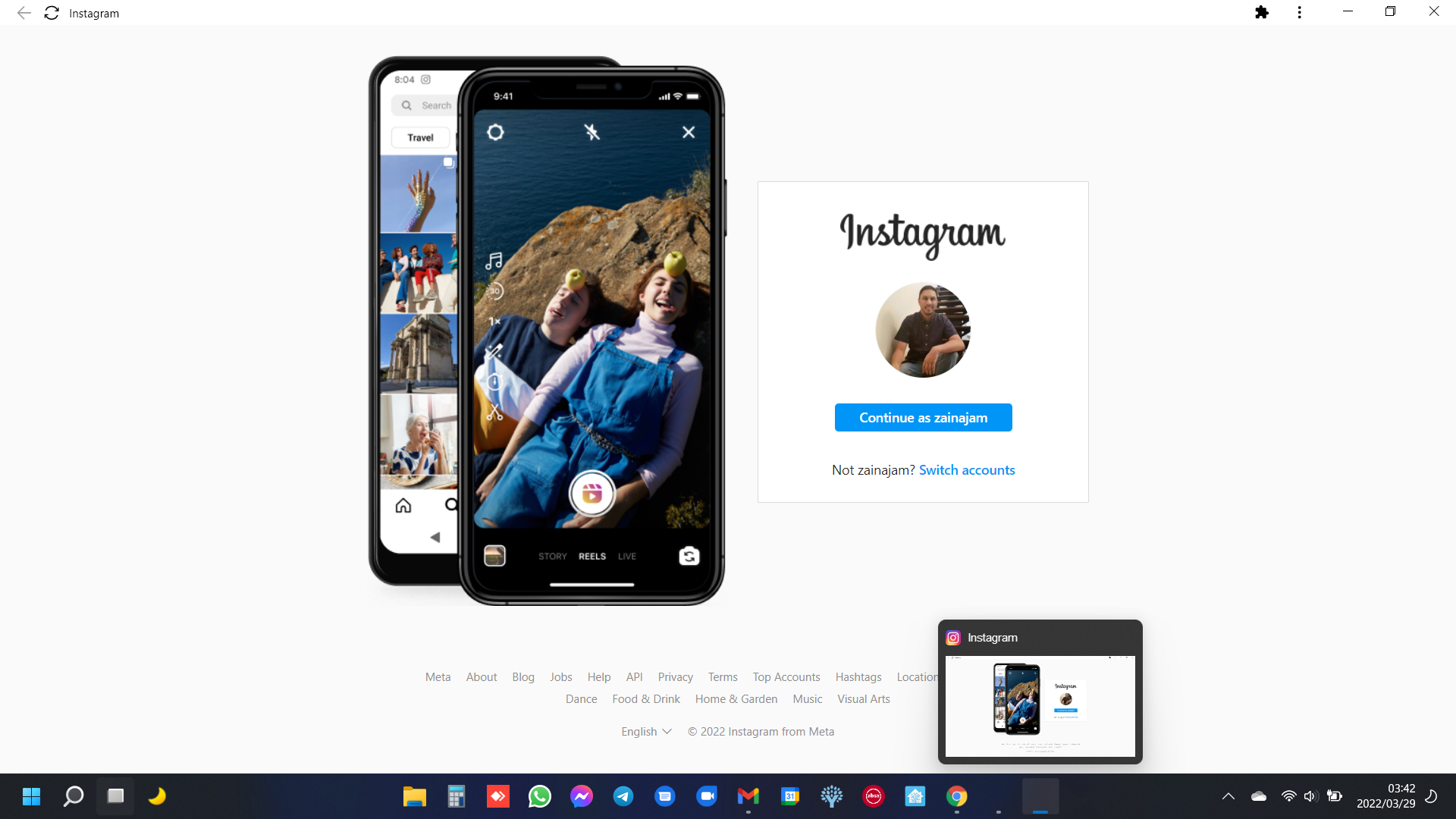
Opened Instagram Chrome App and no icon on the taskbar ...
2,844 views 6 replies
Reply #1 Top

Hello,
Sorry to hear you are having issues. But, google news icons appear on my taskbar. Have you try rebooting?

Thanks
Basj,
Stardock Community Assistant.

Reply #2 Top

Yes, i have restarted. It should be noted that I'm reporting this for the 1.18 beta of start11 on the most up to date Windows 11 build 22000.556. Interestingly, if I have the chrome app pinned to the taskbar and I open it, the icon is starts with no icon and then shows up after a few seconds. But if I don't have it pinned to taskbar, the chrome app icon never shows up.

Reply #3 Top

Turns out it is not just chrome app icons that don't show up. I have opened up winver.exe and it also showed a blank icon. Pinning it brings the icon up after a few seconds, but of course, that is a pain to have to do for all apps that have this problem.

Reply #4 Top

Ok, noted on Winver.exe. I have forward your problem/question to Stardock Support Team for their assistance. Please keep an eye on this thread for any updates. We appreciate your feedback and patience.

Thanks

Basj,
Stardock Community Assistant

Reply #5 Top

We can repro the Winver.exe on but have mixed results with electron apps (the others you are referring to).  Something is inbound with the next release to possibly address it.

Thanks for the report.

Sean Drohan
Stardock Support Manager


Reply #6 Top

i've just tried the v1.19. I see that winver.exe is working now. For chrome apps, I see the icon still does not show when the app is first opened, but then after a few seconds it loads. Hopefully something you'll be able to fix. Feels buggy for chrome apps at this stage.