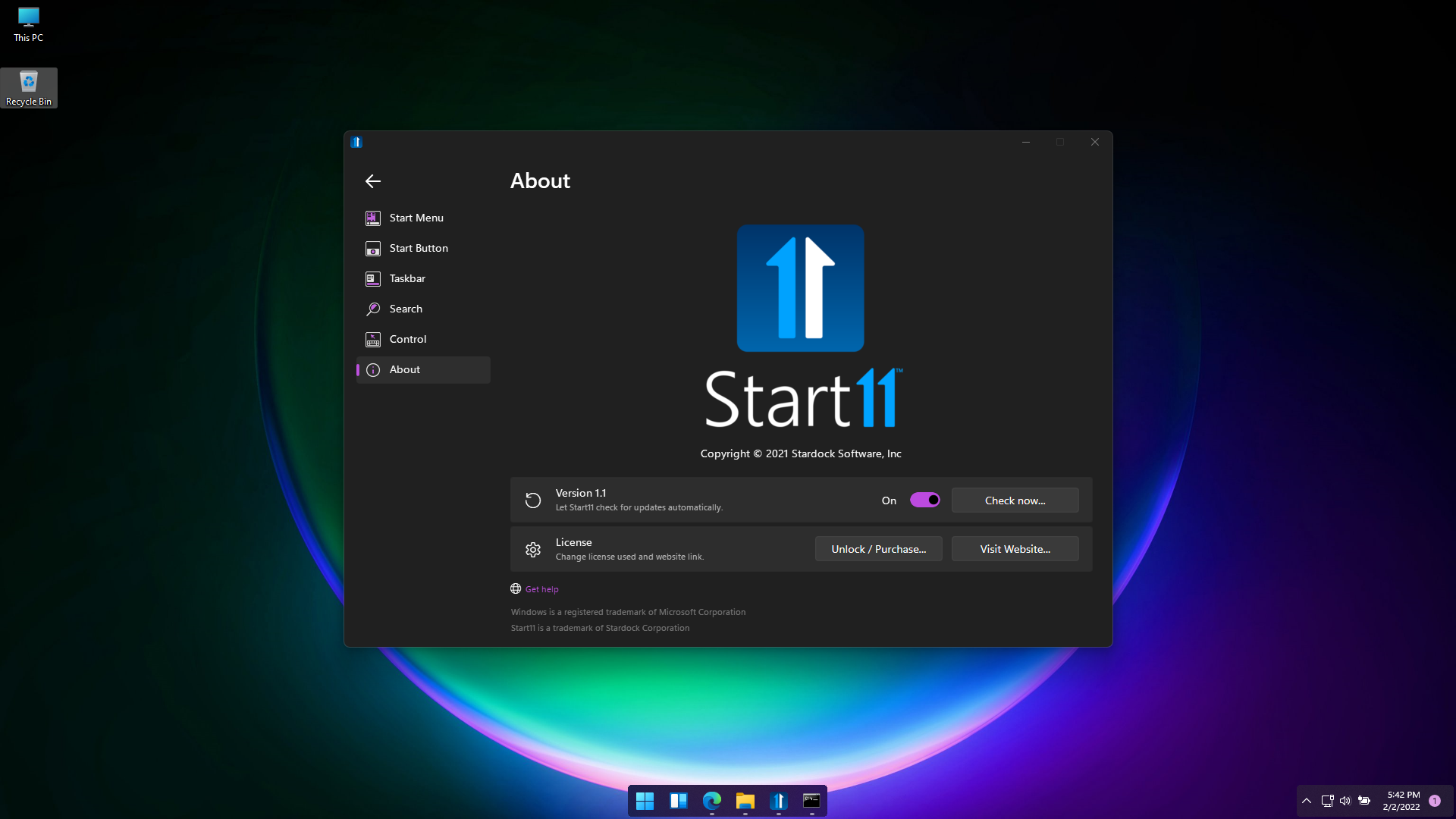
had to reset my pc now start11 is not showing activation page
i had to reset my pc because of malware but now when i installed start 11 again activation page is not showing
neither are option for unlock/purchase working in app
i had to reset my pc because of malware but now when i installed start 11 again activation page is not showing
neither are option for unlock/purchase working in app
Hello,
Sorry to hear you are having issues. When you said reset your pc, you did a fresh install or revert back to some state you saved?
Thanks
Basj,
Stardock Community Assistant.
fresh install
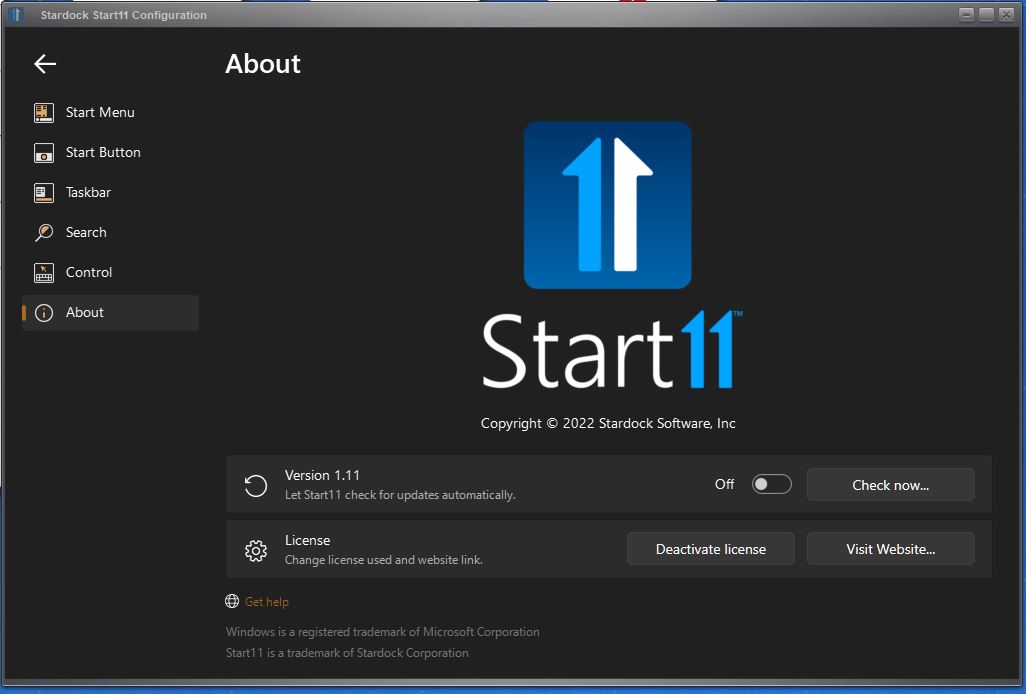
After you install Start11, does it run properly? If it does and your issue is on activation. Try opening the Start11 configuration windows goes to about page can you take a screenshot of that and post it here. Something like below.

Thank you,
Basj,
Stardock Community Assistant
it doesnt run properly constant error sound
it does a error sound when i click on unlock/ purchase and doesnt open activation page for product key
actually gets stuck on start menu tab of app but after some alt+f4 spamming i can atleast select other tabs like about or taskbar tab
Please try purge and reinstall steps as mentioned here: [link]. Just make sure to download the latest version (You can get it using information listed here [Link] . Reboot after the purged. Reinstall, and Reboot again after the installation. Retest it. Report back here.
Thank you,
Basj,
Stardock Community Assistant
should i reinstall beta (1.1.1.1) or normal(1.1)
opens this page on startup
issue is still present
I notice you are running some other application to mod your taskbar. It is possible that this software is conflicting with Start11.
Thank you,
Basj,
Stardock Community Assistant
No i actually downloaded it after issue startedand i used in before reinstalling windows
Please try cleanboot as mention here : https://forums.stardock.com/505872/start11-support-faq#cleanboot
Thank you,
Basj,
Stardock Community Assistant
it did not work with method too
Hello,
I have forward your problem/question to Stardock Support Team for their assistance. Please keep an eye on this thread for any updates. We appreciate your feedback and patience.
Basj,
Stardock Community Assistant
I got it to work by resetting my pc again
Great, glad it working again.
Thank you,
Basj,
Stardock Community Assistant
Welcome Guest! Please take the time to register with us.