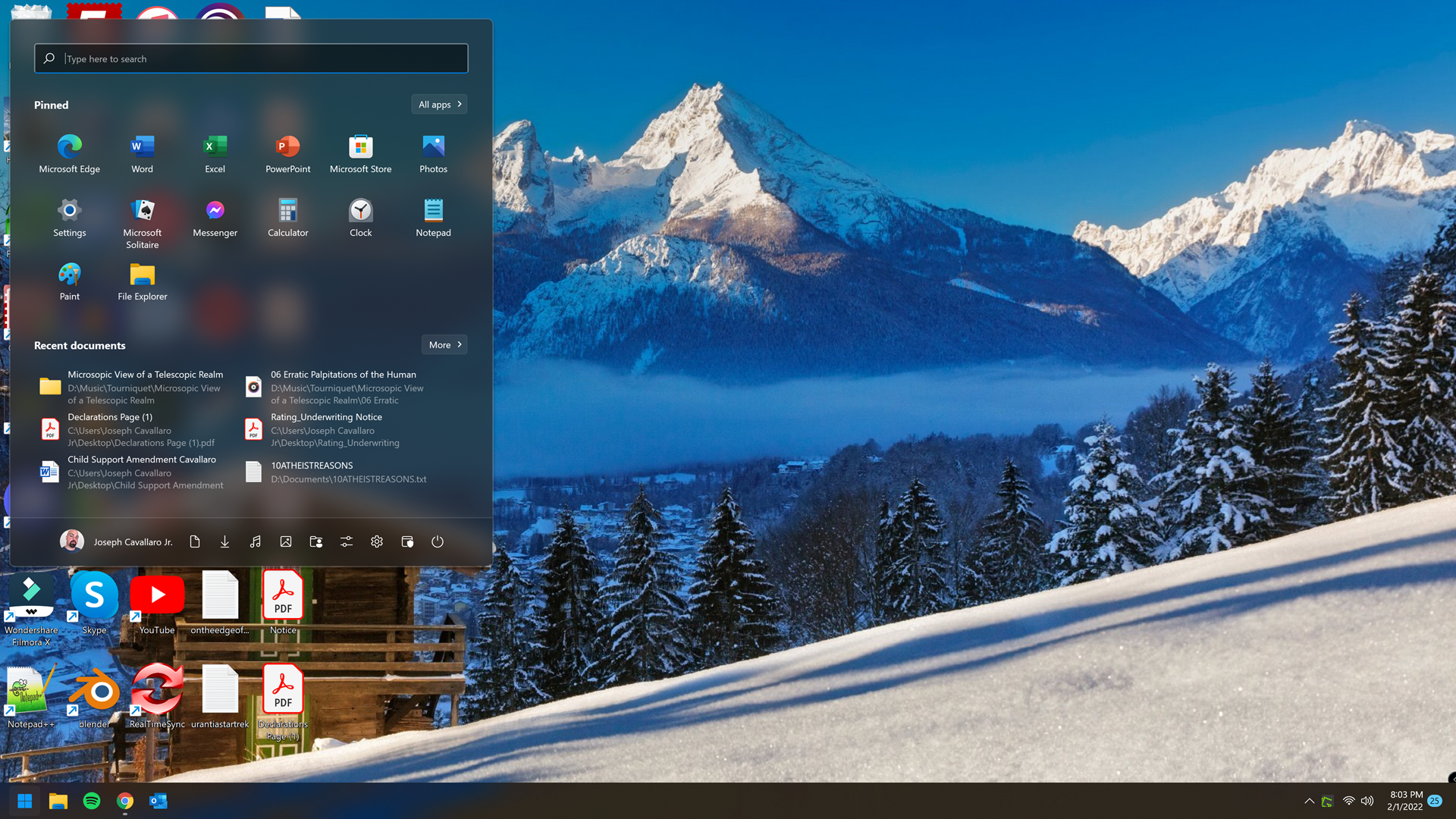
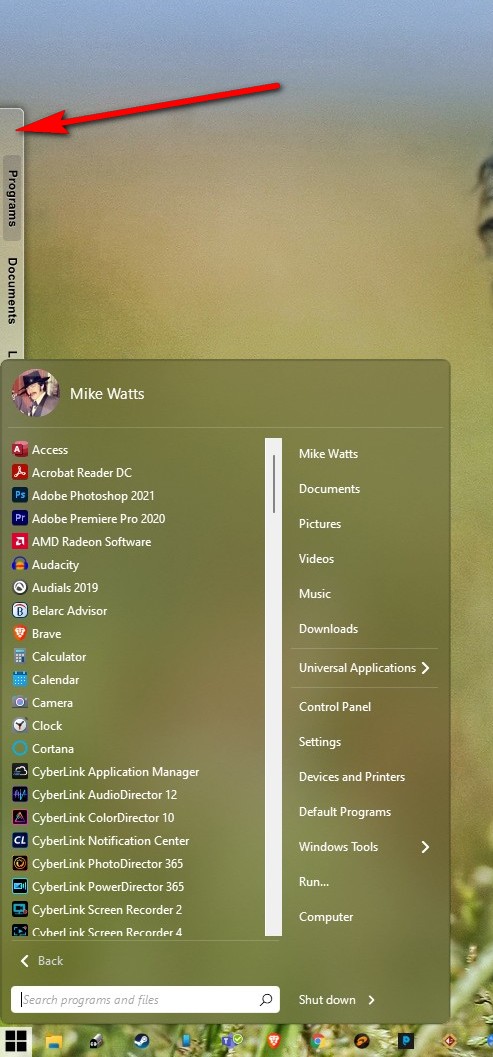
Start11 menu opening half way up the screen *bug*
see attached picture
Hey all, I'm having a bug where when I click on the start button, the menu opens up half way up the screen. See attached picture. Any help would be appreciated!

see attached picture
Hey all, I'm having a bug where when I click on the start button, the menu opens up half way up the screen. See attached picture. Any help would be appreciated!

Hello,
Sorry to hear you are having issues. Have try the latest Start11 beta 1.1.1.1? If not please do. Here how you can get to it : https://forums.stardock.com/509537. Report back.
Thanks
Basj,
Stardock Community Assistant.
I have done that but it is not prompting to install a beta.
I am having a very similar issue where my Start Menu often appears in the top half of my screen rather than immediately above the Start button on the task bar. I have tried both the 1.1.1 and 1.1.1.1 versions and I'm still seeing the issue. If I choose the Windows 7 style menu, then it seems to open in the correct location, but if I choose any other style (Modern, Win10 or Win11), the menu goes back to opening in the top half of the screen. After a reboot, it will sometimes work for a short period of time, but then goes back to displaying in the top half of the screen. I am currently running Start11 version 1.1.1.1 and Windows 11 Pro version 21H2 build 22000.469.
Exactly what DJ said! Same situation!
Do you have Stardock ObjectDock installed?
Thank you,
Basj,
Stardock Community Assistant
yes
Try uninstall that. Reboot and retest it, does the issue return?
Thank you,
Basj,
Stardock Community Assistant
That seems to have fixed the issue for me at this point. Assuming that it doesn't reoccur again, does this mean we can no longer use both products together? I really like and depend on ObjectDock and would love to see both products play well together.
Object Dock and Start11 work together for me no issue with Modern Style .
Now that Start11 working try try reinstall OD and see if works after reboot .

I'm still seeing the issue.
After I disabled or uninstalled ObjectDock, the Start11 menu appears in the correct location at the bottom of the screen. Once ObjectDock is reinstalled, my Start11 menu starts appearing near the top of the screen again.
One difference from what AzDude was showing is that my dock is located at the top of my screen and my taskbar is at the bottom of the screen with my Start button to the left (although I see the issue when the Start button is centered too).
When ObjectDock is running, my Start menu appears near the top of the screen most of the time. When I disable or uninstall ObjectDock, my Start11 menu returns to the bottom of the screen after a restart or logout.

I gave up trying to fix this. If Stardock fixes this, let me know...
Does the issue get fix if you uninstall ObjectDock? Do know that ObjectDock is not supported in Windows 10 or 11. If it work in your system. It might causing other application an issue, for example here, it causing issue with Start11.
Thank you,
Basj,
Stardock Community Assistant
The issue does get "resolved" by uninstalling ObjectDock. I did not experience any issues with ObjectDock until I installed Start11 and in fact ObjectDock still functions properly, it is just Start11 that fails to open the Start menu properly.
I believe Startmenu shifted because ObjectDock interfere on how Start11 work. So I can say that ObjectDock And Start11 is not compatible. And since ObjectDock no longer develop to be compatible on Windows 10 and 11. I would recommend not to use ObjectDock.
Thank you,
Basj,
Stardock Community Assistant
I didn't have ObjectDock installed when this issue occured, btw.
And you have what version of Start11 when that occured? And does it occured in Start11 V1.1.1.1?
Thank you,
Basj,
Stardock Community Assistant
Welcome Guest! Please take the time to register with us.