Tasbar moves

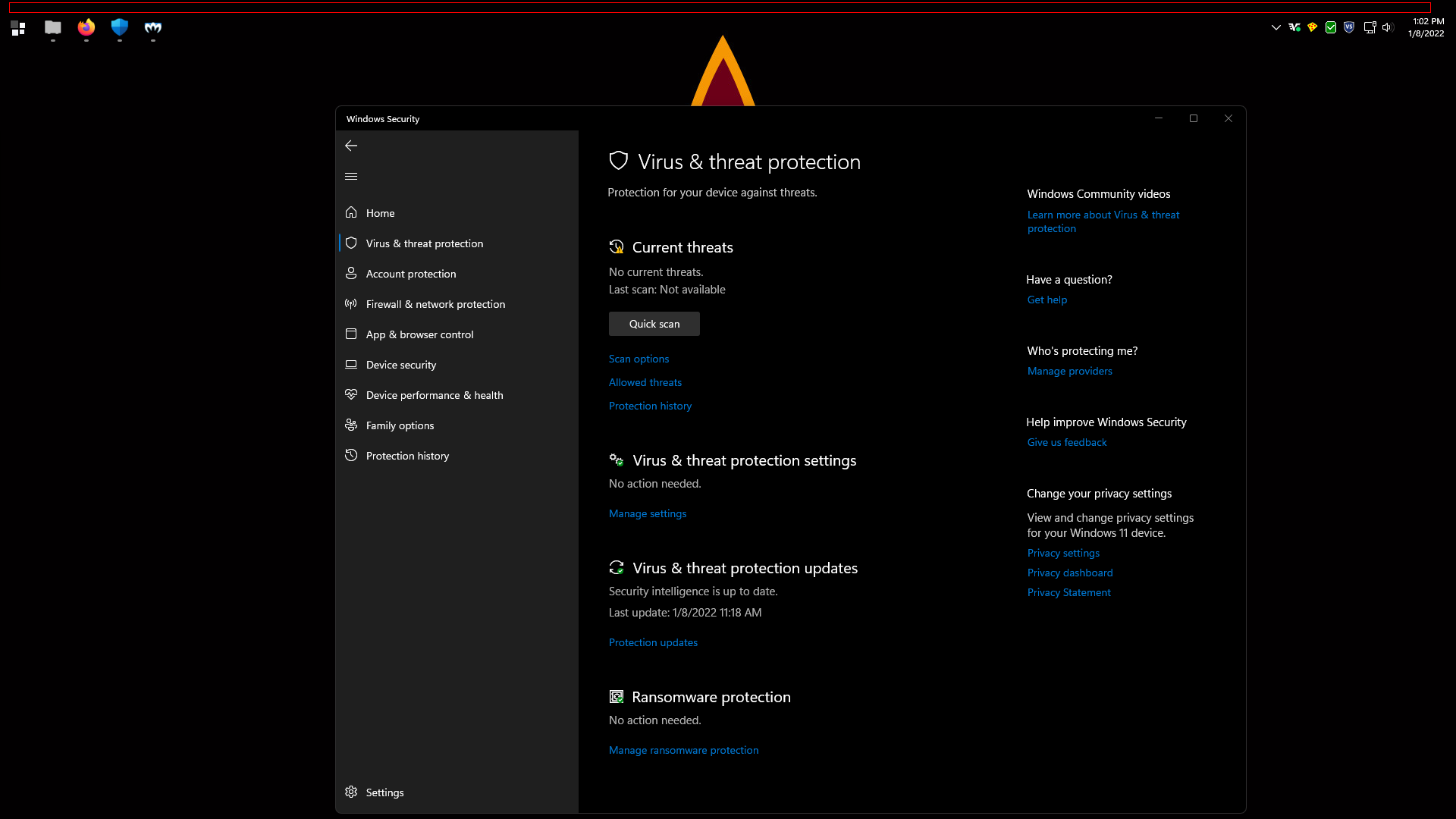
Every time I click on the taskbar or start menu, the taskbar moves up and down slightly so that there is a small gap between where it is supposed to be docked and where it actually is.  I'm on Windows 11, and the problem exists in both stable and beta releases.   It's very annoying.  Any idea how to fix this?
 

1,404 views 5 replies
Reply #1 Top

Hello,
Sorry to hear you are having issues. Need to know more on your system and issue.

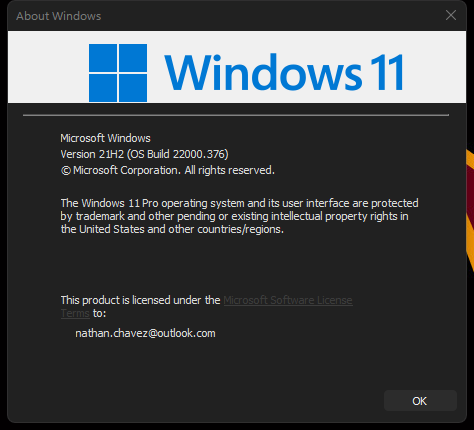
  1. Windows 11 version numbers. Please use Windows own Winver.exe to get full Windows version numbers.
  2. Start11 version? 1.1 beta?
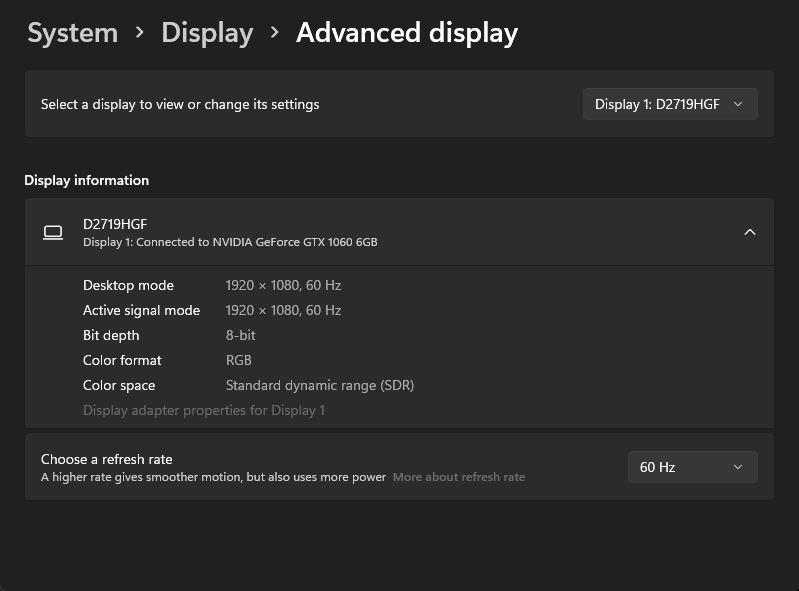
  3. Information on you display setup. Resolutions, scaling applied to all of your displays.

Thanks
Basj,
Stardock Community Assistant.

Reply #2 Top

Quoting basj, reply 1

Hello,
Sorry to hear you are having issues. Need to know more on your system and issue.


    1. Windows 11 version numbers. Please use Windows own Winver.exe to get full Windows version numbers.
End of basj's quote


    1. Start11 version? 1.1 beta?
End of quote

             Yes, I'm using the most recent beta


    1. Information on you display setup. Resolutions, scaling applied to all of your displays.
End of quote


Scaling @ 100%.  I have two monitors, both are the same make, refresh rate, resolution, and scaling.


Thanks for your help!

Reply #3 Top

I can't reproduce your issue on my system. Do you have any other 3rd party software installed that also change Windows 11 taskbar or Start menu panel?

Thank you,

Basj,
Stardock Community Assistant

Reply #4 Top

Not that I can think of.  I can tell you that this is not an issue without S11 installed; the default Windows 11 taskbar does not behave like this, nor does startisback.

Reply #5 Top

Startisback been uninstall or disable only?

Thank you,

Basj,
Stardock Community Assistant