Universal apps list in Modern Style is mis-positioned when "Offset from Menu on Taskbar" is selected
Provlem visible when "Offset from Menu on Taskbar" is set to Always or Only When Centered
 Stardock Forums
Windows 11 Pro 21H2 (OS Build 22000.376)
Start 11 v 1.01
Start 11 set Modern Style
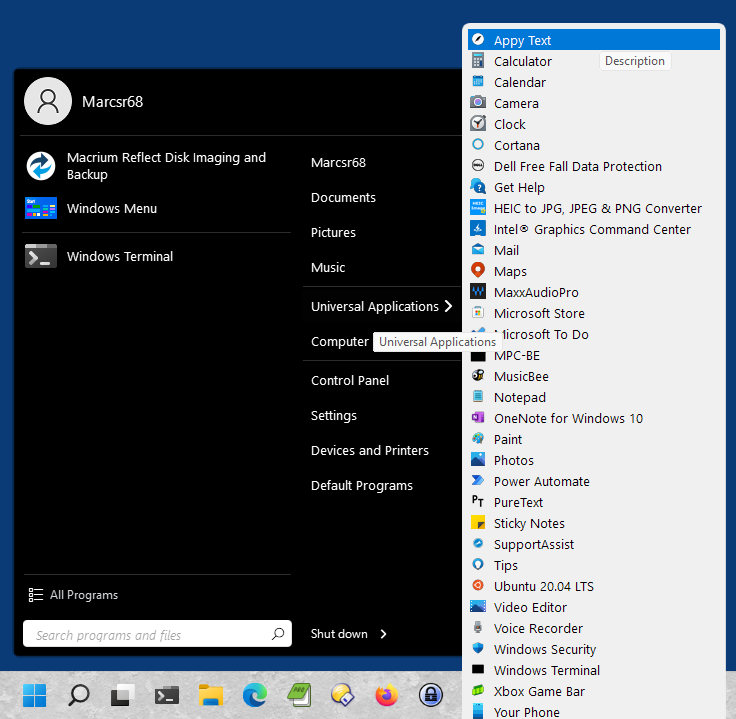
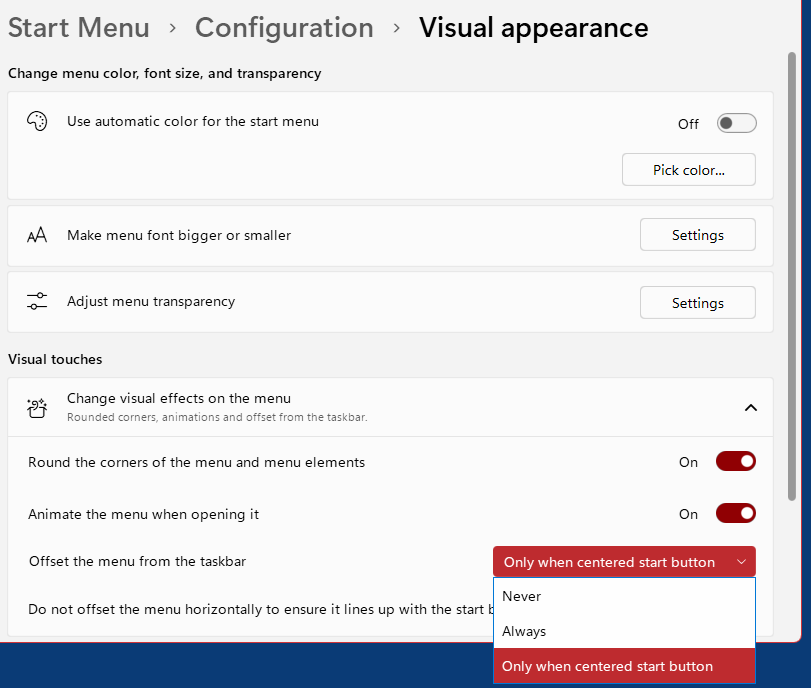
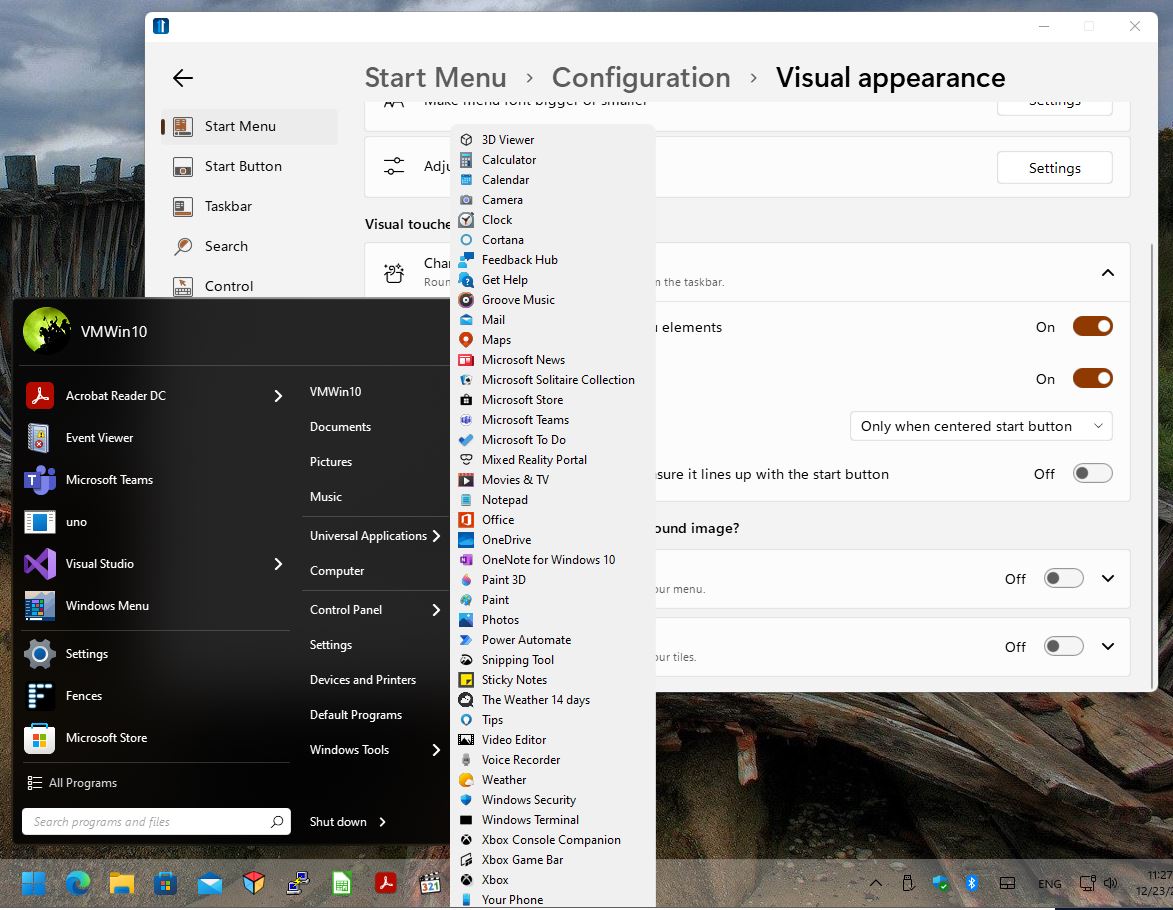
Universal apps list is mis-positioned when “Offset from Menu on Taskbar” is set to Always or Only When Centered. A small portion of the last item on the list is cut off at the bottom of the listing, where it intersect the Taskbar. This settings is found in Start Menu > Configuration > Visual appearance > Offset Menu from Taskbar.
The problem occurs when apps are set to view as a LIST. For what it’s worth the UWP apps list displays normally when Start 11 is set to view the main app list in a GRID rather than a list.
Changing Start > Configuration > Visual Appearance > Offset Menu from Taskbar to NEVER also makes the problem go away.
While it’s a minor bug you may wish to address it. Screenshots below show the issue.