Fences 3.0 Exporer crash loop

Fences crashes my explorer continously after some seconds

I just bought & installed Fences 3.0 to see if this fixes the problem I already had with Fences Pro before.

My explorer continuously and immediately crashes once Fences 3 gets loaded. Explorer / Desktop / Fences then immediately freezes once it is loaded, crashes the Explorer (including the Taskbar) and everything begins again from the start (Fences loading, Explorer freezing & crashing).

How can I troubleshoot this? Where should I stat looking for the reason of this? Is there a debug log or something available for fences?

11,752 views 12 replies
Reply #1 Top

Hello,
Sorry to hear you are having issues. Please try purge and reinstall steps as mentioned here: [link]. Just make sure to redownload the latest version from your account. Reboot after the purged. Reinstall, and Reboot again after the installation. Retest it. Report back here.


Basj,
Stardock Community Assistant.

Reply #2 Top

Thank you for reaching out. Did exactly as described, problem persists exactly the same.

See the videos I recorded:

1. After purge and fresh install, when launching fences 3 for the first time, it directly freezes on the wizard window to create a layout and never continues:

https://www.dropbox.com/s/bpp2jwpc4775zds/fences_3_launch_hangs.mkv?dl=0

2. After waiting a while (did not record), I then try to launch an windows explorer which directly crashes (same as before purging) and never loads.
https://www.dropbox.com/s/fqr0xahzkjc56uc/fences_3_explorer_crashes.mkv?dl=0

I have to remove fences 3 in order to be able to use explorer again.

I suspect something colliding on my system with fences 3 loading and need help analyzing this: where can I look for potential problems in loading fences? Windows error log? Is there some logging facility that I could use to analyze the load order of dlls and stuff for fences?

Regards

EDIT 1:

In Windows Application Log, I got many of these:

The program Fences.exe version 3.1.3.3 stopped interacting with Windows and was closed. To see if more information about the problem is available, check the problem history in the Security and Maintenance control panel.
 Process ID: 4f44
 Start Time: 01d7e50bb530e4d8
 Termination Time: 7
 Application Path: C:\Program Files (x86)\Stardock\Fences\Fences.exe
 Report Id: 265fe40f-a083-4389-a84e-8ddcd65d2a22
 Faulting package full name:
 Faulting package-relative application ID:
 Hang type: Unknown



Reply #3 Top

Hello,

Do you have security software such as Forcepoint or Websence install? Is this a corporate system?

Thank you,

Basj,
Stardock Community Assistant

Reply #4 Top

> Do you have security software such as Forcepoint or Websence install? Is this a corporate system?

No, nothing of that sort. This is my private home pc.

By the way: "Security and Maintenance control panel" does not show anything obvious (nothing at all, to be specific).

Reply #5 Top

Hello,

Sorry to hear you are having issues.

What version of Windows ( full numbered version ) ??


AzDude
Stardock Community Assistant

Reply #6 Top

Sorry, I forgot to mention:

I use Win10 21H2 (OS Build 19044.1348)


Reply #7 Top

Any ideas what can be done to analyze this? I'm an IT guy myself, so don't be shy on letting me use windebug :-)

Reply #9 Top

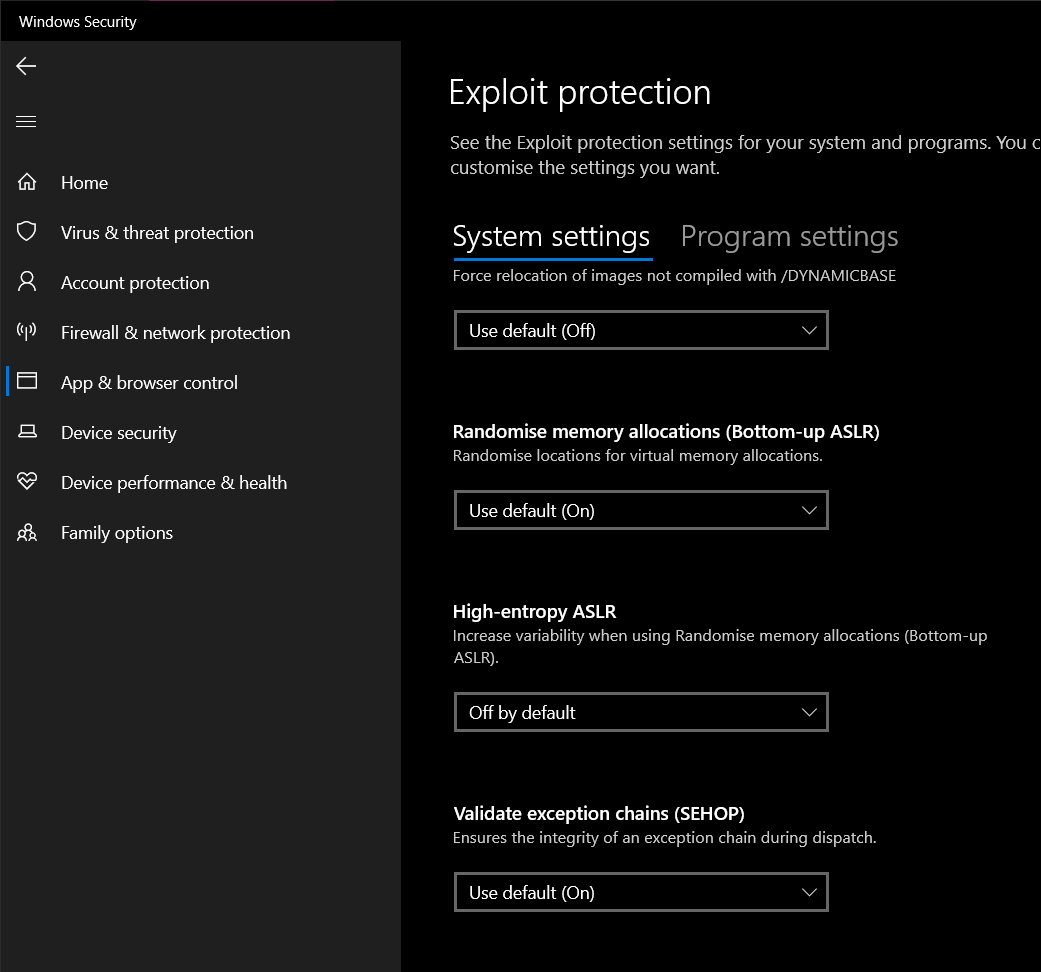
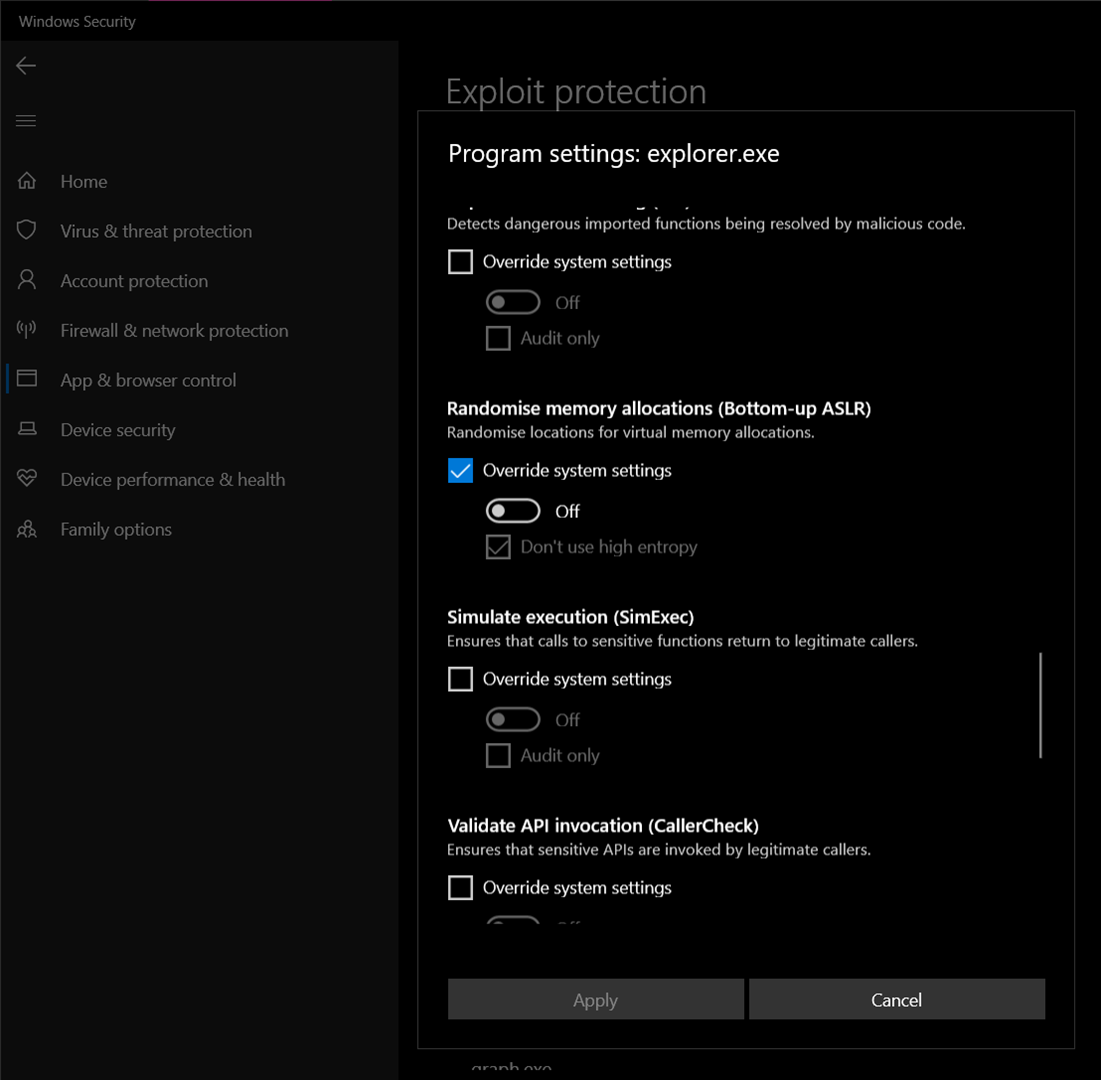
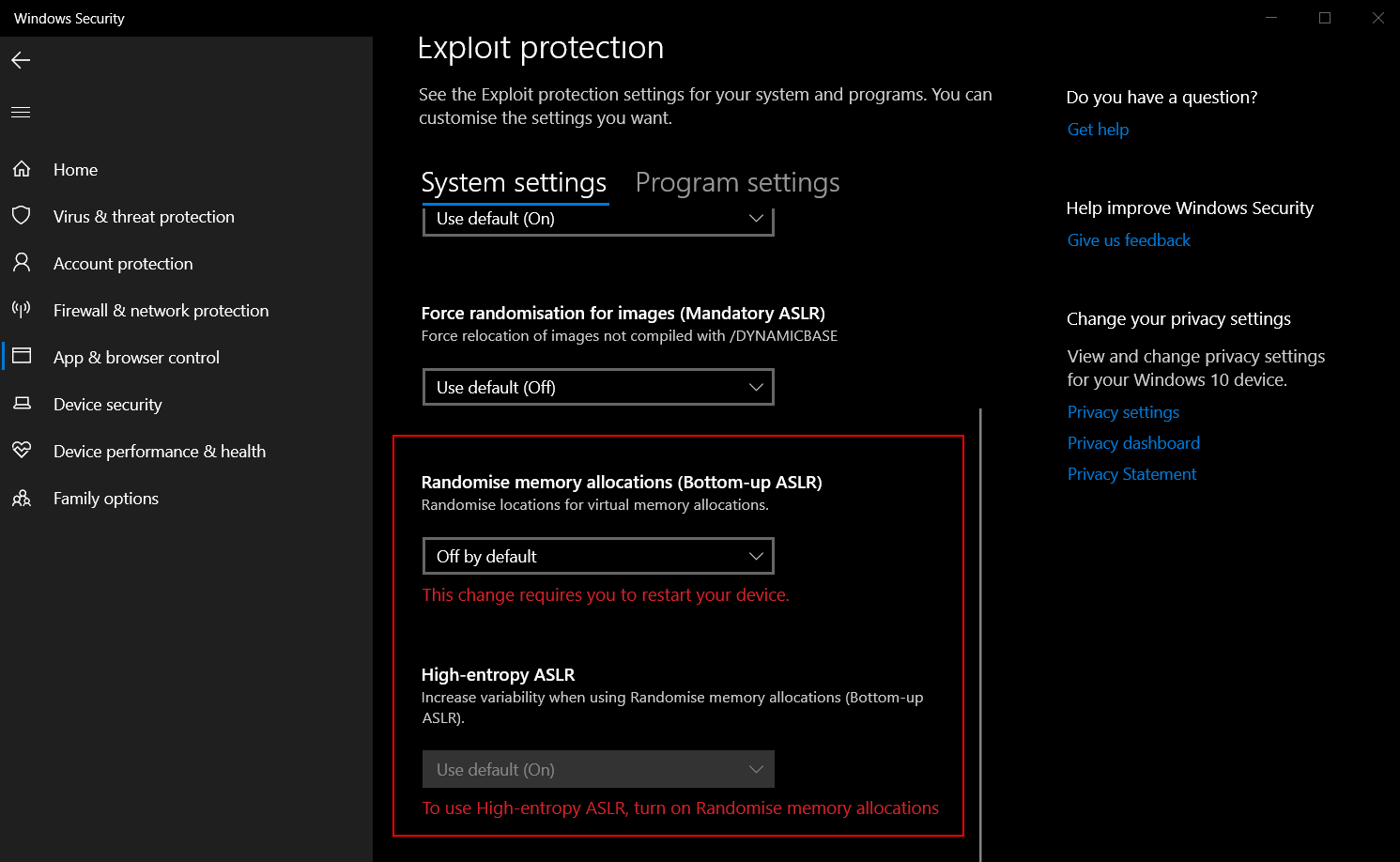
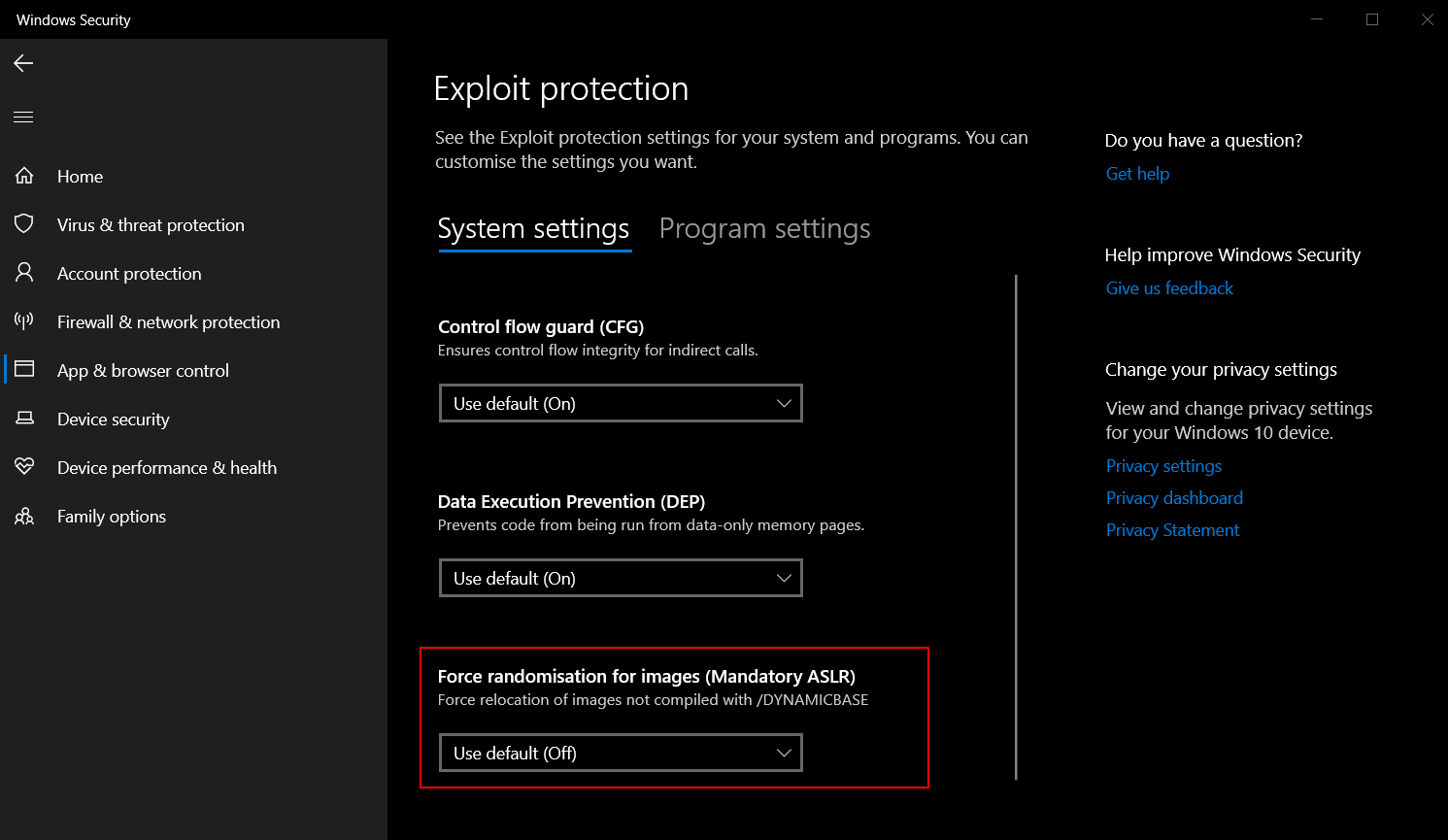
I reviewed both posts mentioned above. Unfortunately they do not solve my problem.

This is what I tried:

System settings

For explorer.exe

I also tried setting above 2 settings globally (not only for explorer.exe) but then I would not be able to use both "Bottom-up ASLR" OFF in conjunction with "High-entropy ASLR" (which stays greyed out at that time).

I installed and removed Fences 3 multiple times after reboots playing with above settings. Once Fences loads, it immediately crashes my Windows Explorer.

Any other ideas?

Reply #10 Top

Try cleanboot. This should tell us if something is conflicting with Fences. : https://forums.stardock.com/486084/fences-support-faq#cleanboot. Sometimes creating a new admin account itself help. Try it and report back.

Thank you,

Basj,
Stardock Community Assistant

Reply #11 Top

Thank you for the continued support.

I created a new Admin-User and tested fences there. The problem did not reoccur for that user (I did not even need to clean boot).

I guess something keeps interfering with Fences3 for my user in my setup.

How can I narrow down what causes the problems?

Reply #12 Top

Do the cleanboot steps and load an app at a time until it happen again. Than you know which is the issue.

Thank you,

Basj,
Stardock Community Assistant