Start11 Empty "Universal App" menu

Hi, I'm a new user of Start11. I've been using it for a week now, and noticed that the Universal App menu is empty. IIRC when I first installed the software, the menu was populated with the few apps I had. Furthermore, I experienced some Start11 crashes today, seemingly when I tried to access this particular menu (can't consistently reproduce it, though). I'm using Win 10.

5,774 views 16 replies
Reply #1 Top

Hello,
Sorry to hear you are having issues. Please try purge and reinstall steps as mentioned here: [link]. Just make sure to redownload the latest version from your account. Reboot after the purged. Reinstall, and Reboot again after the installation. Retest it. Report back here.

Thanks.
Basj,
Stardock Community Assistant.

Reply #2 Top

I have followed your instructions. Purge->Reboot->Reinstall->Reboot.

Universal app menu is now correctly populated, however, I can now consistently reproduce the following error:

  1. Click on Start11 icon to show the Start menu
  2. Click on the Universal app menu, hover the cursor there for a few seconds
  3. Access the other buttons on the Start menu
  4. Start11 crashes and reloads

Tried to make video of this error:

Reply #3 Top

Hello again,

Do you have any other 3rd party Start menu application installed or hack done on your system before this? Also please try cleanboot and see if help. [Link]

Thank you.

Basj,

Stardock Community Assistant.

Reply #4 Top

I'm not sure what you meant about "hack", but I think I'm positive that I don't have other Start menu apps. The only app I've installed (that automatically starts on boot) after my first install of Start11 is "Fluent Search" (https://www.fluentsearch.net/). However I've tried to isolate the problem by disabling it and I seem to still get the same Start11 error.

Reply #5 Top

Sometimes, just disabling it will not help. Try uninstall it, reboot after that and test it again.

Thank you.

Basj,

Stardock Community Assistant.

Reply #6 Top

Quoting basj, reply 5

Sometimes, just disabling it will not help. Try uninstall it, reboot after that and test it again.

Thank you.

Basj,

Stardock Community Assistant.
End of basj's quote

Currently I don't have time to do that. I'll just remove the Universall App menu item at this moment, at least that will prevent me from doing the sequence of actions leading to Start11 crashing.

Thanks anyway.

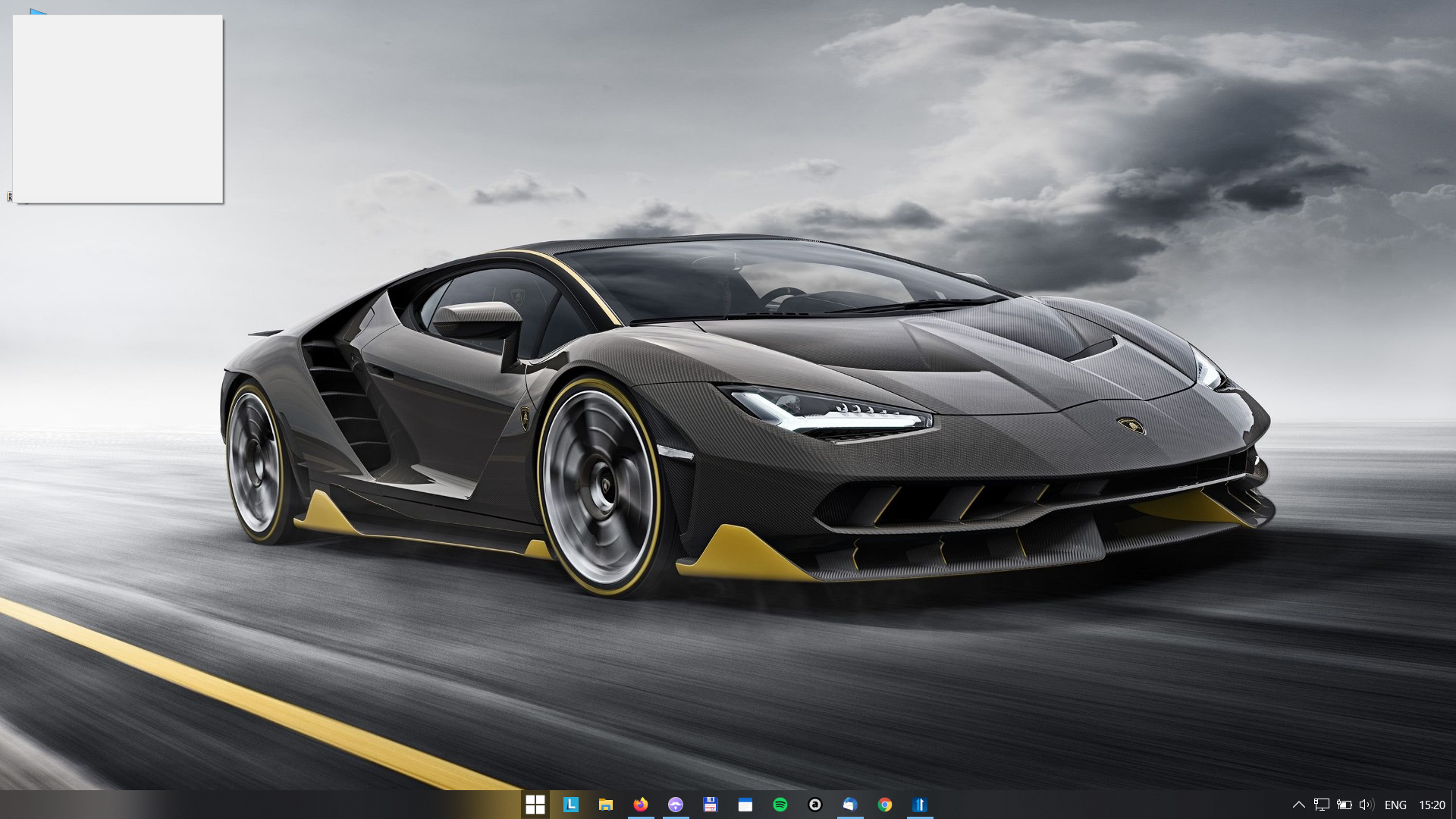
Oh, BTW, when I right-clicked on the Start Button, I got an empty box (?) usually to the upper left of my screen, something like this:

Is this an expected behaviour?

Reply #7 Top

Quoting isetyawan7966, reply 6

Is this an expected behaviour?
End of isetyawan7966's quote

No, it is not.

Thank you.

Basj,

Stardock Community Assistant.

Reply #9 Top

Please try the following:

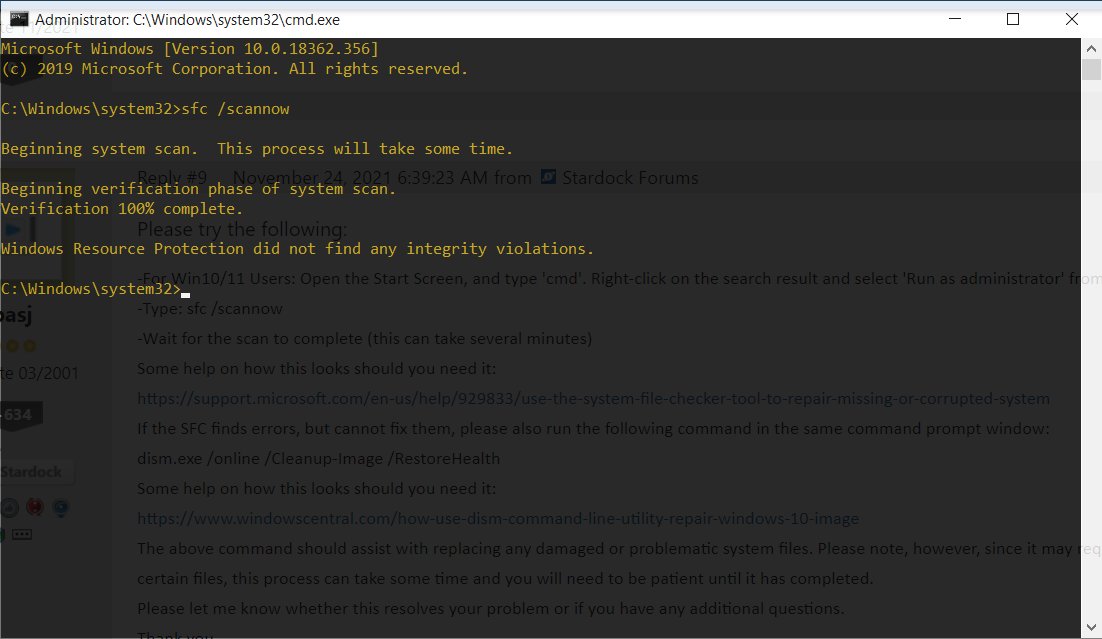
-For Win10/11 Users: Open the Start Screen, and type 'cmd'. Right-click on the search result and select 'Run as administrator' from below.

-Type: sfc /scannow

-Wait for the scan to complete (this can take several minutes)

Some help on how this looks should you need it:

https://support.microsoft.com/en-us/help/929833/use-the-system-file-checker-tool-to-repair-missing-or-corrupted-system

If the SFC finds errors, but cannot fix them, please also run the following command in the same command prompt window:

dism.exe /online /Cleanup-Image /RestoreHealth

Some help on how this looks should you need it:

https://www.windowscentral.com/how-use-dism-command-line-utility-repair-windows-10-image

The above command should assist with replacing any damaged or problematic system files. Please note, however, since it may require restoring certain files, this process can take some time and you will need to be patient until it has completed.

Please let me know whether this resolves your problem or if you have any additional questions.

Thank you,


Basj,

Stardock Community Assistant.

Reply #11 Top

Quoting basj, reply 3

Also please try cleanboot and see if help. [Link]
End of basj's quote

Have you tried this? And the result is?

Thank you.

Basj,

Stardock Community Assistant.

Reply #12 Top

Quoting basj, reply 11


Quoting basj,

Also please try cleanboot and see if help. [Link]


Have you tried this? And the result is?

Thank you.

Basj,

Stardock Community Assistant.

End of basj's quote

No, I'm afraid currently I don't have the time to further tinker with the system to track down the possible error. I'll just see whether by the end of the trial period I still like Start11 (despite the problems). If I do, or if there are updates that somehow correct the problems I'm facing, then I'll just purchase it.

Thanks for the help anyway.

Reply #13 Top

I experience the same issues:

1. Universal Applications's folder is empty.

2. After running the purge batch file and reinstalling the latest version, the folder empty.

3. Trying to open the empty folder crashes the Start11 application.

Reply #14 Top

Hello,
Sorry to hear you are having issues. Need more information on your system.

  1. Windows 7,8,10 or 11? And Its version numbers. Use Winver.exe to get full Windows numbers.
  2. Start11 versions.

Thanks
Basj,
Stardock Community Assistant.

Reply #15 Top

After installing Start 2.06 with Windows 11 Pro version 23H2 build 22631.3235 the Universal Applications folder is populated again.

Reply #16 Top

Quoting tamnof, reply 15

After installing Start 2.06 with Windows 11 Pro version 23H2 build 22631.3235 the Universal Applications folder is populated again.
End of tamnof's quote

Great, glad to hear that.

Thank you,

Basj,
Stardock Community Assistant