

Taskbar Position Setting Doesn’t Stick

I recently installed Start 11 to restore some the features taken away in Windows 11.  I have been using Windows since 3.0. I have always had my taskbar at the top. Start 11 allows me to return the taskbar to its rightful place. The problem I am having is that the setting doesn’t stick. After rebooting my computer, the taskbar remains at the bottom and the setting in Start 11 is deselected. I have tried this five times, no success.

Thank you for your help.

Bruce Gerencser
1,719 views 4 replies
Reply #1 Top

Hello,

Sorry to hear you are having issues. Need to know more on your system.

  1. Your Windows 11 version numbers. You can use Winver.exe to get full version numbers.
  2. Start11 version numbers.
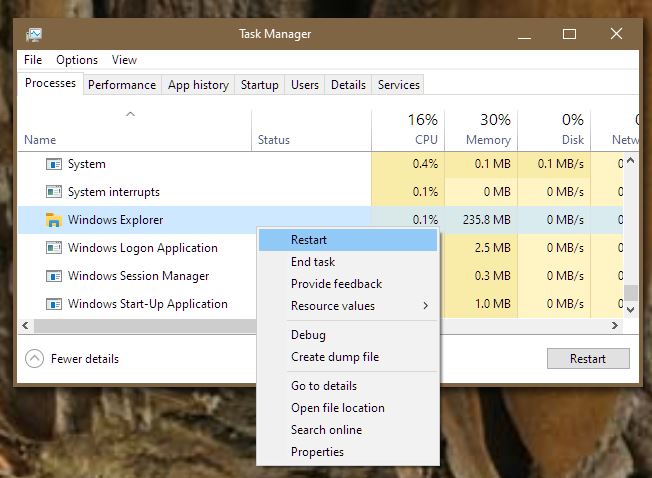
  3. Does the taskbar return to the bottom with Explorer restart?

Thanks

Basj,

Stardock Community Assistant.

Reply #2 Top

Windows 11 Version 21H2 (22000.318)

Start 11 Version 1.0

I choose the setting and reboot my computer. The taskbar never moves to the top.

Thank you for your help.


Reply #3 Top

Please try purge and reinstall steps as mentioned here: [link]. Just make sure to redownload the latest version from your account. Reboot after the purged. Reinstall, and Reboot again after the installation. Retest it. Report back here.

Thank you,

Basj,
Stardock Community Assistant