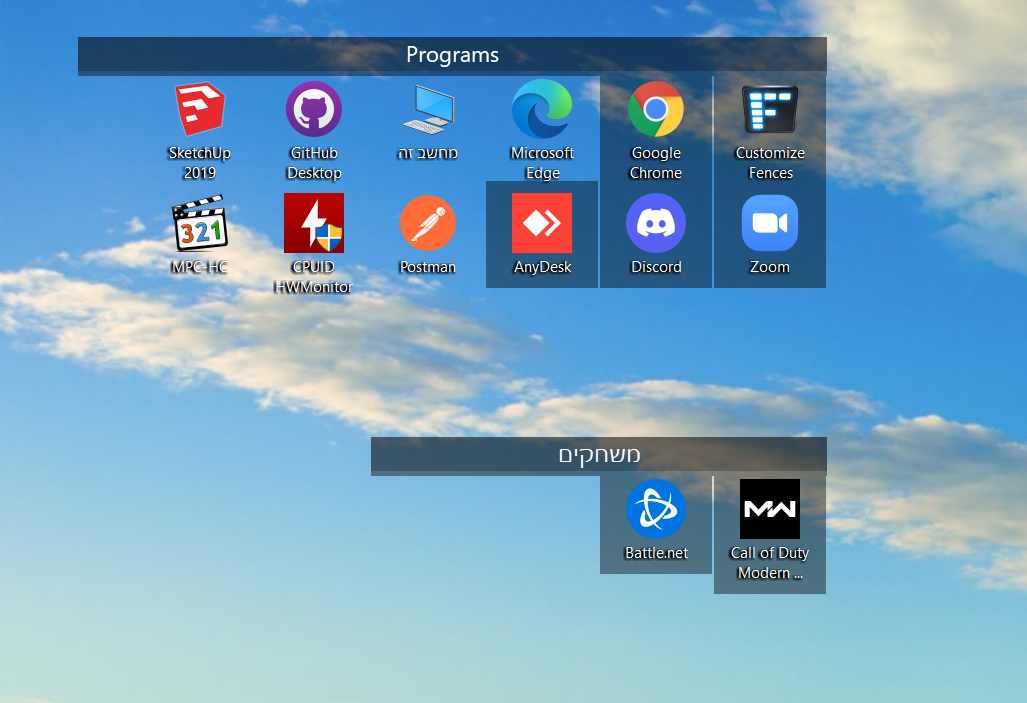
Fences color changed

I just installed fences 3 3.13 and when I move the fence the fence background stay on the screen

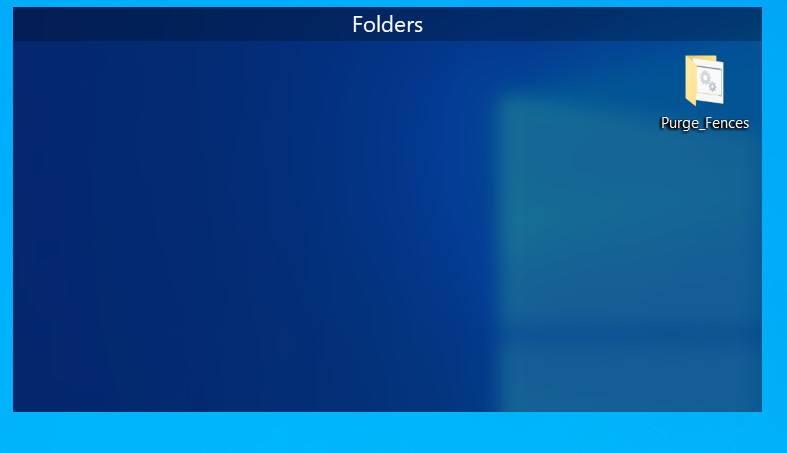
Before moving (all good):


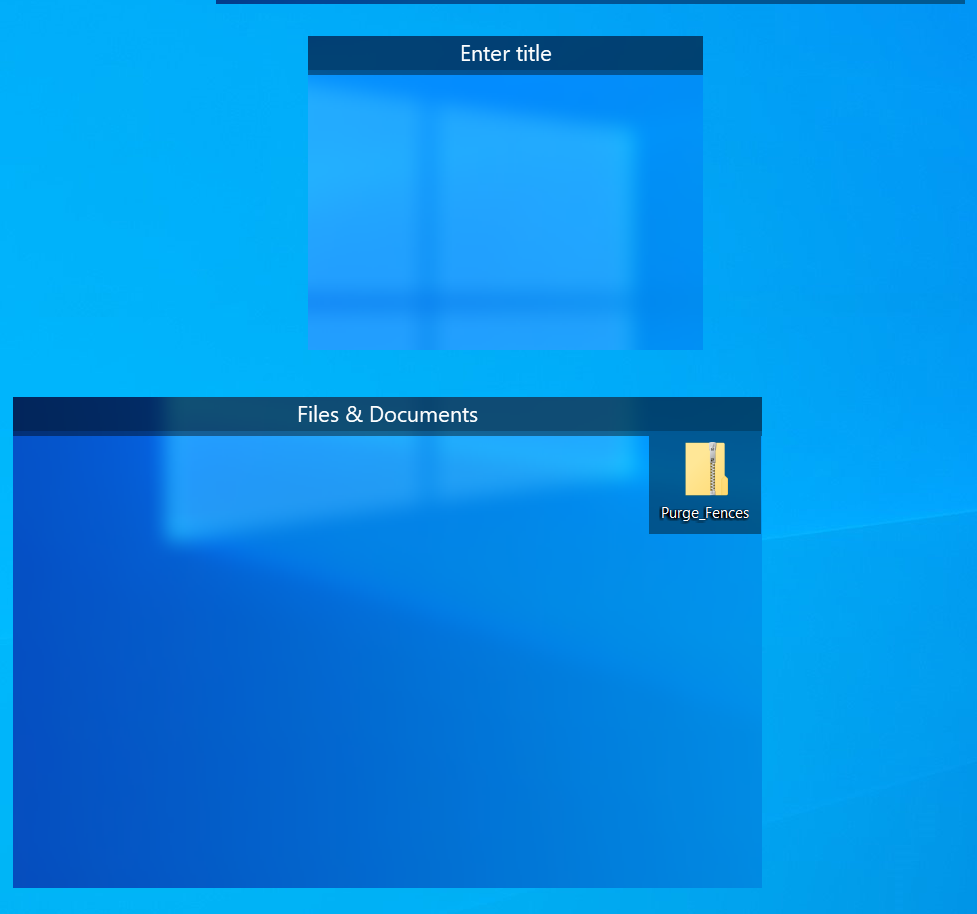
after i move the fence: look on the left side


How can i fix it?

I have windows 10 64 BIt

Nvidia 1060 


Thank you

7,840 views 12 replies
Reply #1 Top

Hello,

Sorry to hear you are having issues.

At the top of the left side fences is there an " X " to delete that ?

If not I see 4you have the " Purge " file folder .

Run the Purge Reboot and reinstall the latest Fences from your account

Reboot , test and report back if your issue is OK now .


AzDude
Stardock Community Assistant

Reply #2 Top

i have the X to delete that, but every fence i move it's make this problem

I already tried the Purge and it's not fix the problem

now i tried to move them and the background become transparent


and also this:

Reply #3 Top

Hello,

I have forwarded your report to the Stardock support team for their review and recommendations.

Please keep an eye on this thread for any updates.

We really do appreciate your feedback, thanks.

Reply #6 Top

Quoting yoelb00, reply 5

I did a clean boot ,

created a new user as admin and i got the same problem,
End of yoelb00's quote

Its not just creating a new Admin account, its disabling everything but the essential services - was that done as well?

Sean Drohan
Stardock Support Manager

Reply #8 Top

Quoting yoelb00, reply 7

yes i did it. still not working
End of yoelb00's quote

It not likely the app (we would see a lot of it were it so) but a conflict elsewhere.

  • Are you using Displayfusion or other monitor management software? If so, disable and try again.
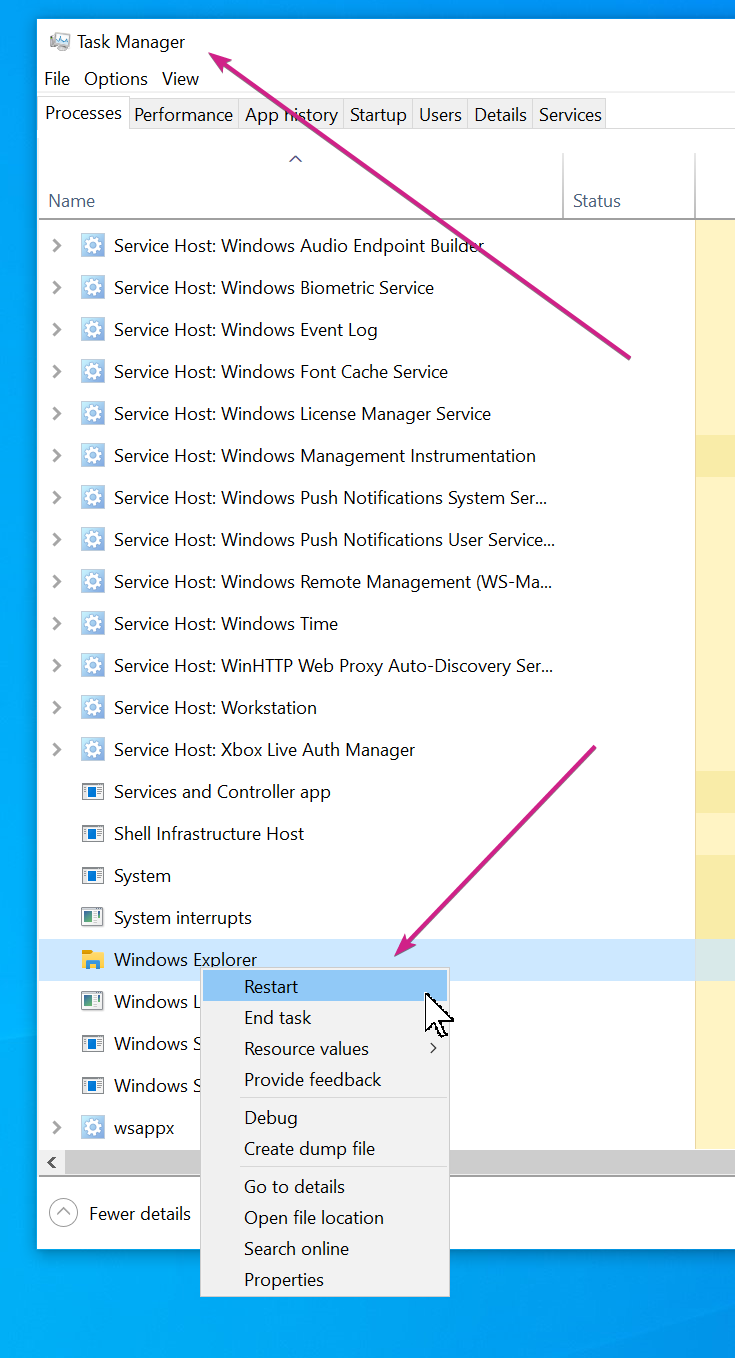
  • If you restart Windows Explorer, does it still happen?


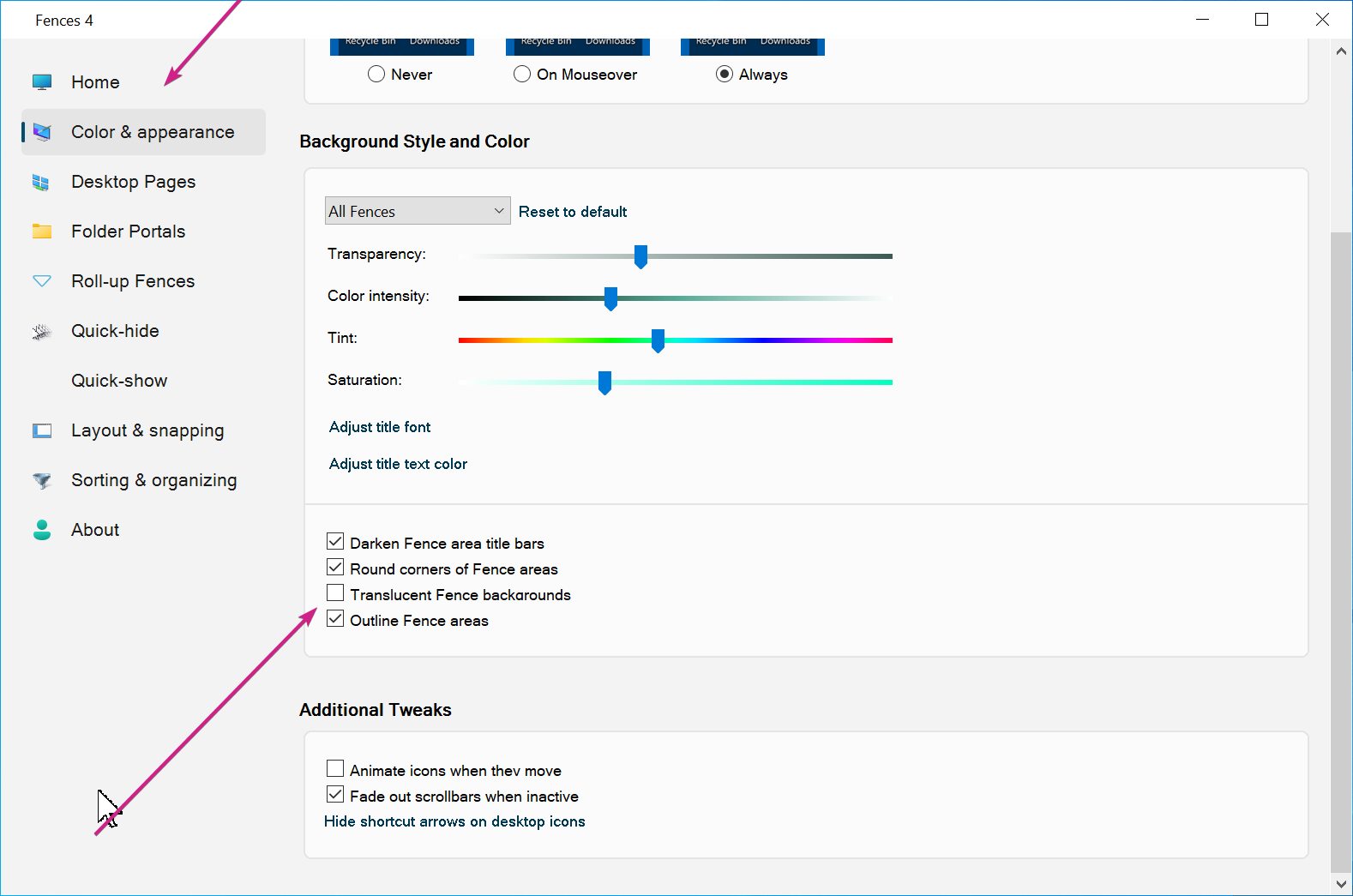
  • If you disable this option, does it still happen?

Sean Drohan
Stardock Support Manager

Reply #9 Top

i dont use Displayfusion or any monitor software,

i tried to restart the explorer and still the same,

if i disabled the Translucent Fence backgrounds i have this:

Reply #10 Top

Hello,
Sorry to hear you are having issues. May we know your full Windows 10 version numbers? You can use Windows "Winver.exe" to get Windows full version numbers. Also is your graphics card GTX1060 drivers up dated to the latest?

Thanks
Basj,
Stardock Community Assistant.

Reply #11 Top

Hey,

Windows 10 Pro Version 21H1 Build 19043.1288

And the GTX1060 is updated to the latest.

thanks

Reply #12 Top

Please try the following:

-For Win8/10 Users: Open the Start Screen, and type 'cmd'. Right-click on the search result and select 'Run as administrator' from below.

-Type: sfc /scannow

-Wait for the scan to complete (this can take several minutes)

Some help on how this looks should you need it:

https://support.microsoft.com/en-us/help/929833/use-the-system-file-checker-tool-to-repair-missing-or-corrupted-system

If the SFC finds errors, but cannot fix them, please also run the following command in the same command prompt window:

dism.exe /online /Cleanup-Image /RestoreHealth

Some help on how this looks should you need it:

https://www.windowscentral.com/how-use-dism-command-line-utility-repair-windows-10-image

The above command should assist with replacing any damaged or problematic system files. Please note, however, since it may require restoring certain files, this process can take some time and you will need to be patient until it has completed.

Please let me know whether this resolves your problem or if you have any additional questions.

Thank you,


Basj,
Stardock Community Assistant