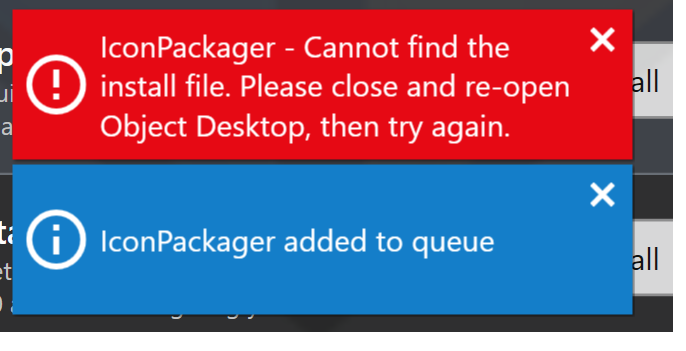
I seem to have encountered this issue too, only it was with Start11 in my case. I also noticed that it was originally downloading Start11 incredibly slow. After the download completed, Object Desktop acted as if it already had the file, skipping any further attempts to download it, and going straight to the error. I'm not sure if the file is incomplete, corrupt, or no longer exists. The issue also persisted after an attempted reinstall. Installing Start11 outside of Object Desktop will allow it to be registered in the application, however, if you attempt to update it through Object Desktop it will throw the error again.
Edit: I was just looking through my Downloads directory and noticed that I had a new directory in it called Stardock. Inside the directory I found a .tmp file for the Start11 application, so for whatever reason, Object Desktop did download the file, it just didn't finish and remove it's temporary status. If anyone else encounters this issue, it might be worth a try to go to the Downloads directory to delete the .tmp file.


 Stardock Forums