Start Button Color Hard to See

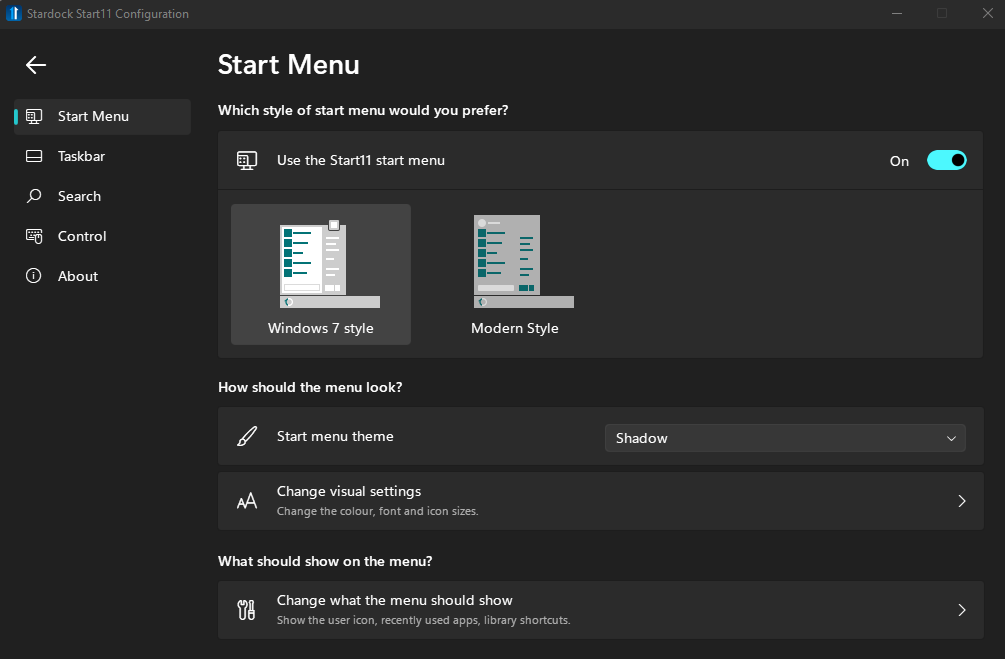
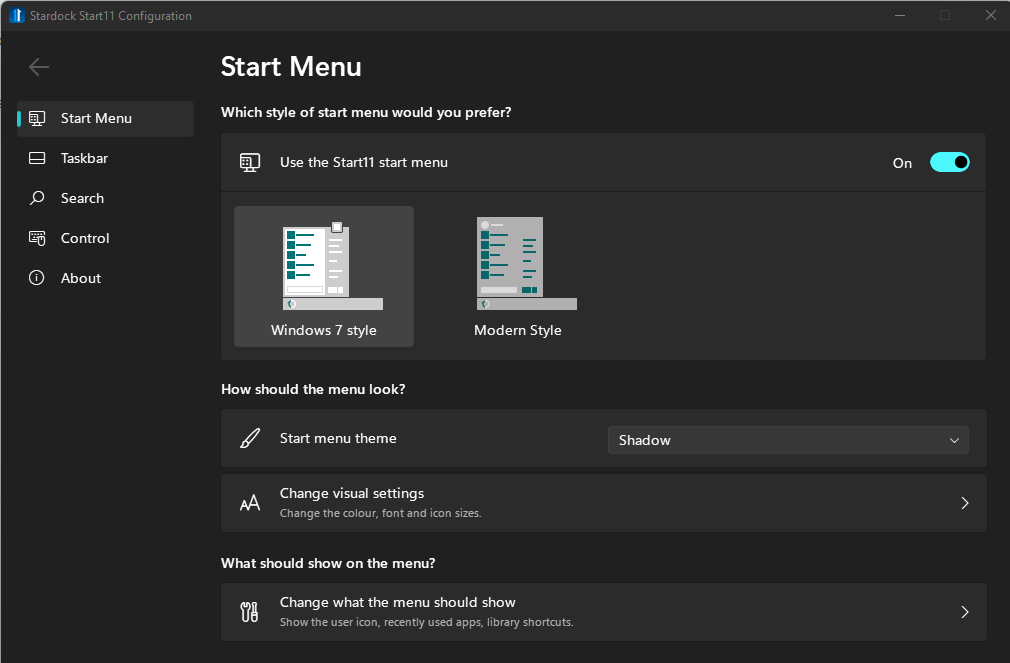
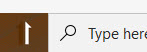
I have an espress-like color scheme and the button (I guess tries to emulate this) is barely visible. Is there a way to default it back to the native blue...or to customize it?
5,627 views 16 replies
Reply #1 Top

Hello,

I have forwarded your report to the Stardock support team for their review and recommendations.

Please keep an eye on this thread for any updates.

We really do appreciate your feedback, thanks.

Reply #2 Top

Hello,

Sorry to hear you are having trouble.

Have you tried others?

Sean Drohan
Stardock Support Manager

Reply #3 Top

I actually like the new Start 11 buttons...I just wish they hadn't gone from blue to brown due to my color scheme elsewhere. This would have been fine:

Reply #4 Top

Hi Sean,

Do you have a "special" version of Start 11 ?  I do not have the 'Start Button' option:

I have gone to "About" and checked for an update, but it says that I have the latest version.

Thx,

Jeremy

Reply #5 Top

Quoting jeremymbwilson, reply 4

Do you have a "special" version of Start 11 ? I do not have the 'Start Button' option:
End of jeremymbwilson's quote

Hello,
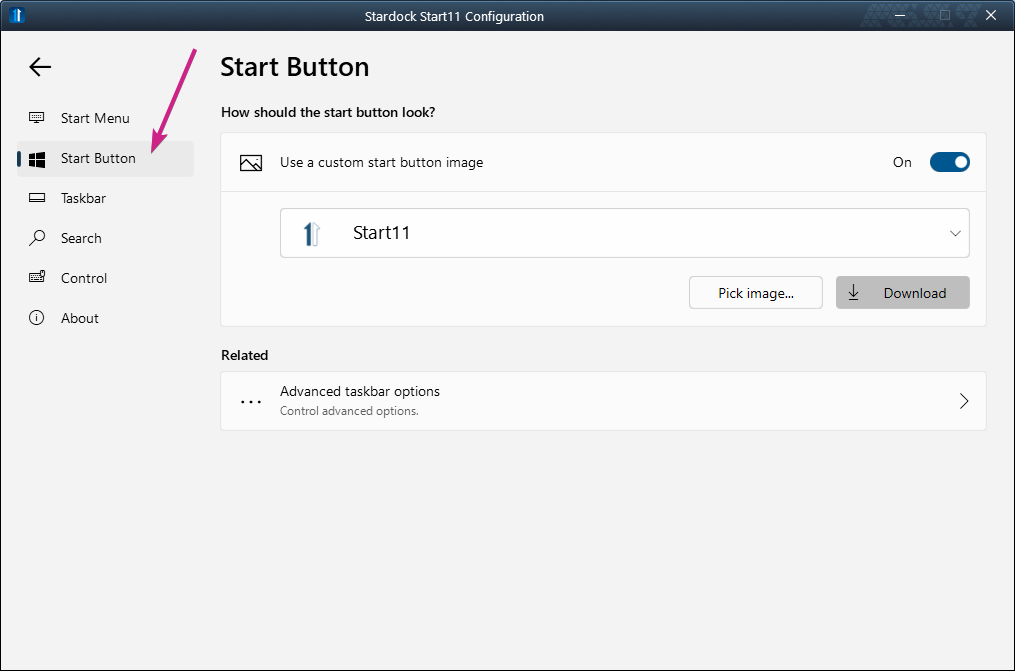
Sorry to hear you are having issues. Currently, if you under Windows 11, start button option is unavailable. However it is available for those under Windows 10.


Basj,
Stardock Community Assistant.

Reply #7 Top

Yes, but, most probably installed on Windows 10. Refer to screenshot below:

Thank you,

Basj,
Stardock Community Assistant

Reply #8 Top

Oh, thanks, basj - that makes sense !

I'm presuming that this functionality will come to Start11 in time ?  This is one thing that I am waiting for (can't stand the dull blue 4 squares logo - would love to get the blue "ball" logo with windows symbol on it back again).

Also, would love the option to have the Windows 7 style start menu back again (but I think that has been requested in another thread).

Reply #9 Top

I've read somewhere there will changers in next release of Start11, but, I am not sure of the details on it. Let's hope all our wishes come true.

Thank you,

Basj,
Stardock Community Assistant

Reply #11 Top

Quoting jeremymbwilson, reply 8

Oh, thanks, basj - that makes sense !

I'm presuming that this functionality will come to Start11 in time ?  This is one thing that I am waiting for (can't stand the dull blue 4 squares logo - would love to get the blue "ball" logo with windows symbol on it back again).

Also, would love the option to have the Windows 7 style start menu back again (but I think that has been requested in another thread).
End of jeremymbwilson's quote

I am little confused here, Start11 already offers the Windows 7 style start menu and all versions of Start8/10/11 have as thats the only style Start8 has.

Reply #12 Top

Sorry, Neil - that is just because I am a complete dummy !  I was meaning that I wanted something closer to the Windows 10 menu (not 7) where you could group apps together in the fly out etc.  Not fussed at all about Live Tiles, but don't like scrolling through a huge long vertical list of apps.

Also keen to be able to change the Start Button (but I may have mentioned that !).

Reply #13 Top

Quoting jeremymbwilson, reply 12

Sorry, Neil - that is just because I am a complete dummy !  I was meaning that I wanted something closer to the Windows 10 menu (not 7) where you could group apps together in the fly out etc.  Not fussed at all about Live Tiles, but don't like scrolling through a huge long vertical list of apps.

Also keen to be able to change the Start Button (but I may have mentioned that !).
End of jeremymbwilson's quote

So perhaps a bit more like this?

https://forums.stardock.com/507116/

Reply #14 Top

Yes, but the problem is on Windows 11, I don't have the option of choosing Windows 10 style.  The only options that I get are:

Reply #15 Top

Quoting jeremymbwilson, reply 14

Yes, but the problem is on Windows 11, I don't have the option of choosing Windows 10 style. The only options that I get are:
End of jeremymbwilson's quote

I believe, those should be available on the full version, which will be available on Oct 7th.

Thank you,

Basj,
Stardock Community Assistant