Screen Turns Black When Clicking Show Desktop Button In Bottom Right Corner

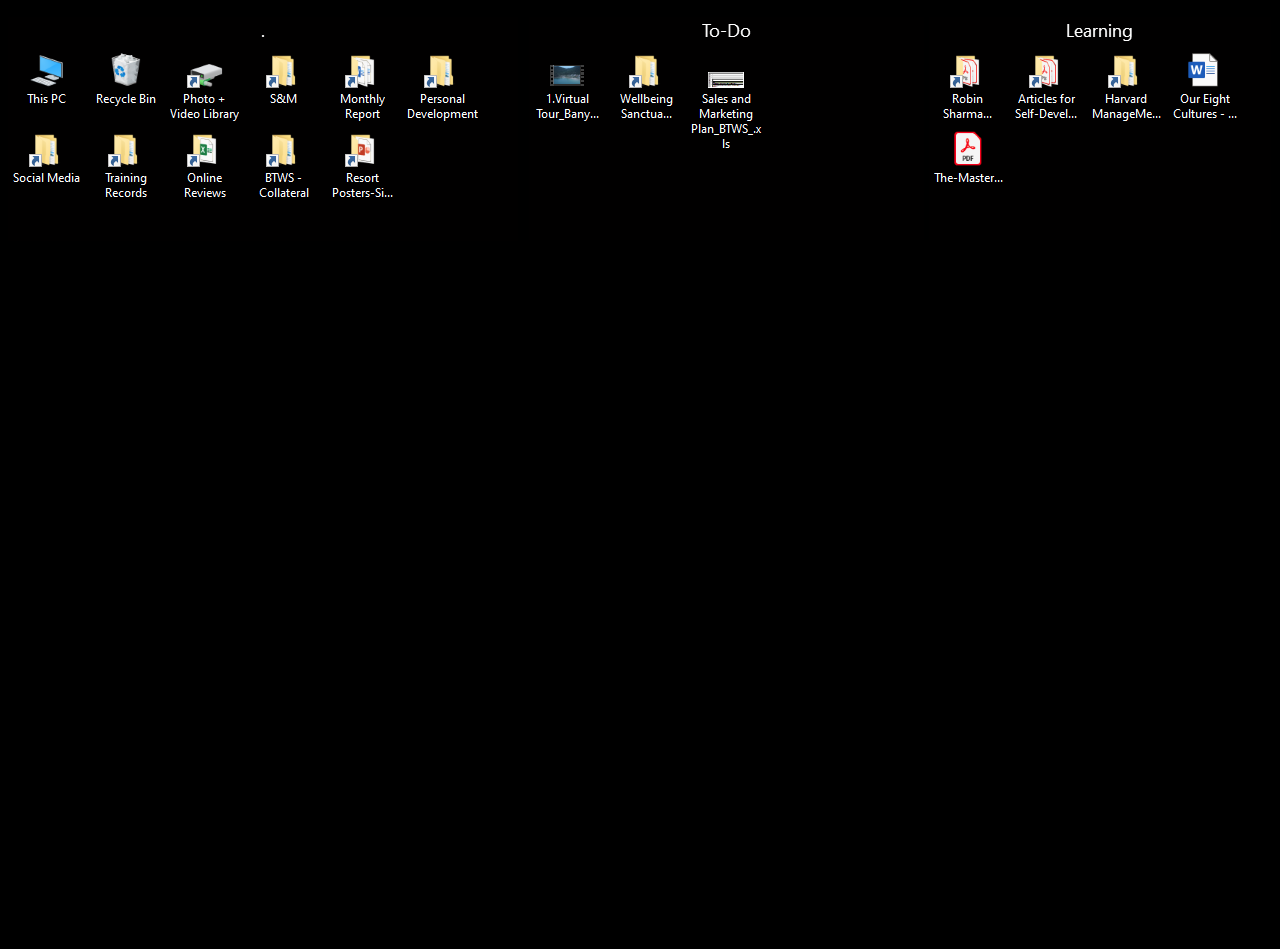
After downloading 3.13, my desktop wallpaper turns black on random occasions when I click the 'Show Desktop' button in the bottom right corner. Currently running Windows 10 Pro; version 1909. Monitor is not HDR, so there is no option to turn this off as another post mentioned. Kindly help. Thanks.

15,846 views 24 replies
Reply #1 Top

Hello,
Sorry to hear you are having issues. It is best to upgrade to the latest version of Windows 10. And, also please try purge and reinstall steps as mentioned here: [link]. Just make sure to redownload the latest version from your account. Reboot after the purged. Reinstall, and Reboot again after the installation. Retest it. Report back here.


Basj,
Stardock Community Assistant.

Reply #2 Top

I followed all of these steps and the issue happened again. I cannot upgrade to the latest version of Windows 10 as this is a work computer and I am limited to the version that is currently installed.

Can you just send me the .exe file for the old version of Fences, so I can avoid this annoying issue. I was fine with the old version, but just upgraded to get rid of the constant pop-up requesting me to do so. Now, by installing 3.13; it works less efficiently and has cost me time by having to figure out how to contact Stardock and then eventually having to create this account, so I can detail everything.

Need the old (better) version. Please. Thank you.

Reply #4 Top

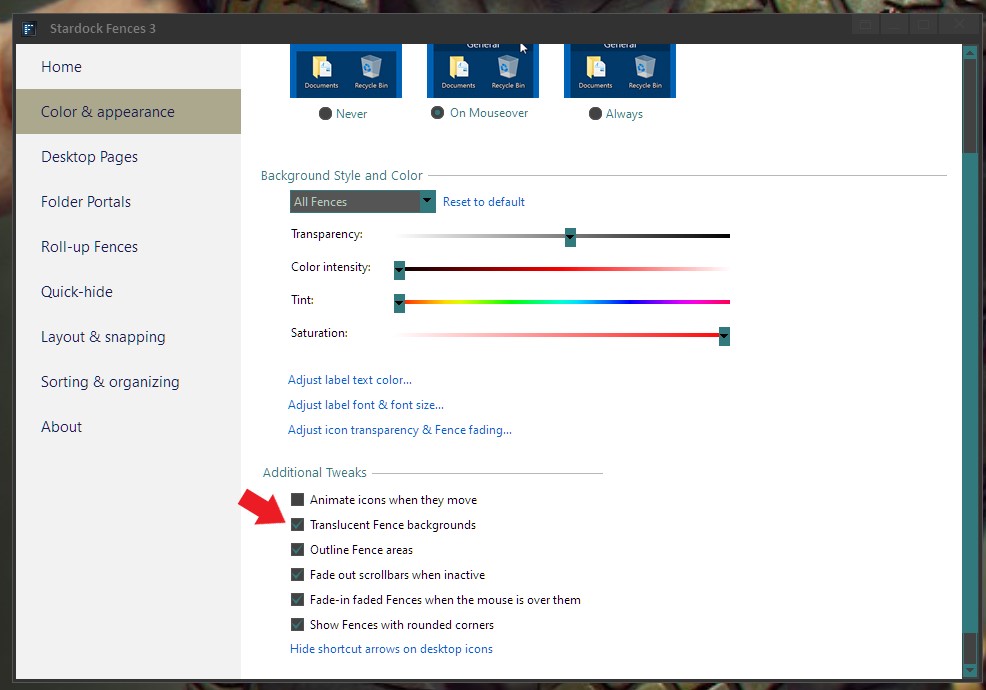
What happen if you disable the "Translucent Fence backgrounds" option. And do you install Stardock Deskscape too.

Thank you,

Basj,
Stardock Community Assistant

Reply #6 Top

Is it possible to just refund my money for Fences and we can avoid the troubleshooting?

I really enjoy Fences, but this is beyond annoying. I would rather just use the standard desktop layout instead.

Please advise. Thanks.

Reply #7 Top

For refund you can raise support ticket using this link : https://stardock.atlassian.net/servicedesk/customer/portal/4.

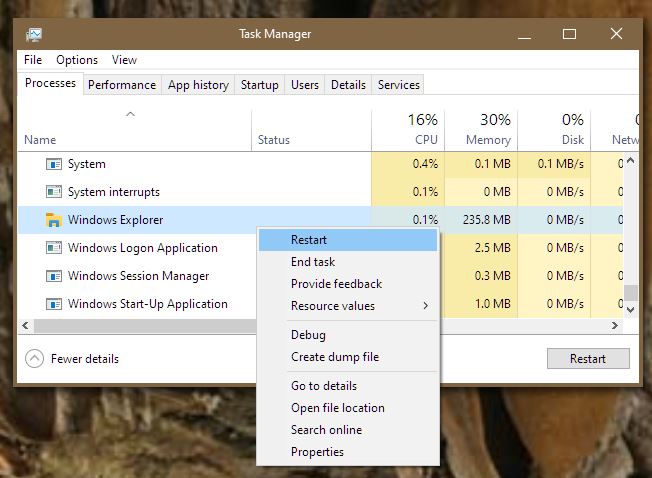
But, would also like to know if the wallpaper return if you restart Explorer : 

Thank you,

Basj,
Stardock Community Assistant

Reply #8 Top

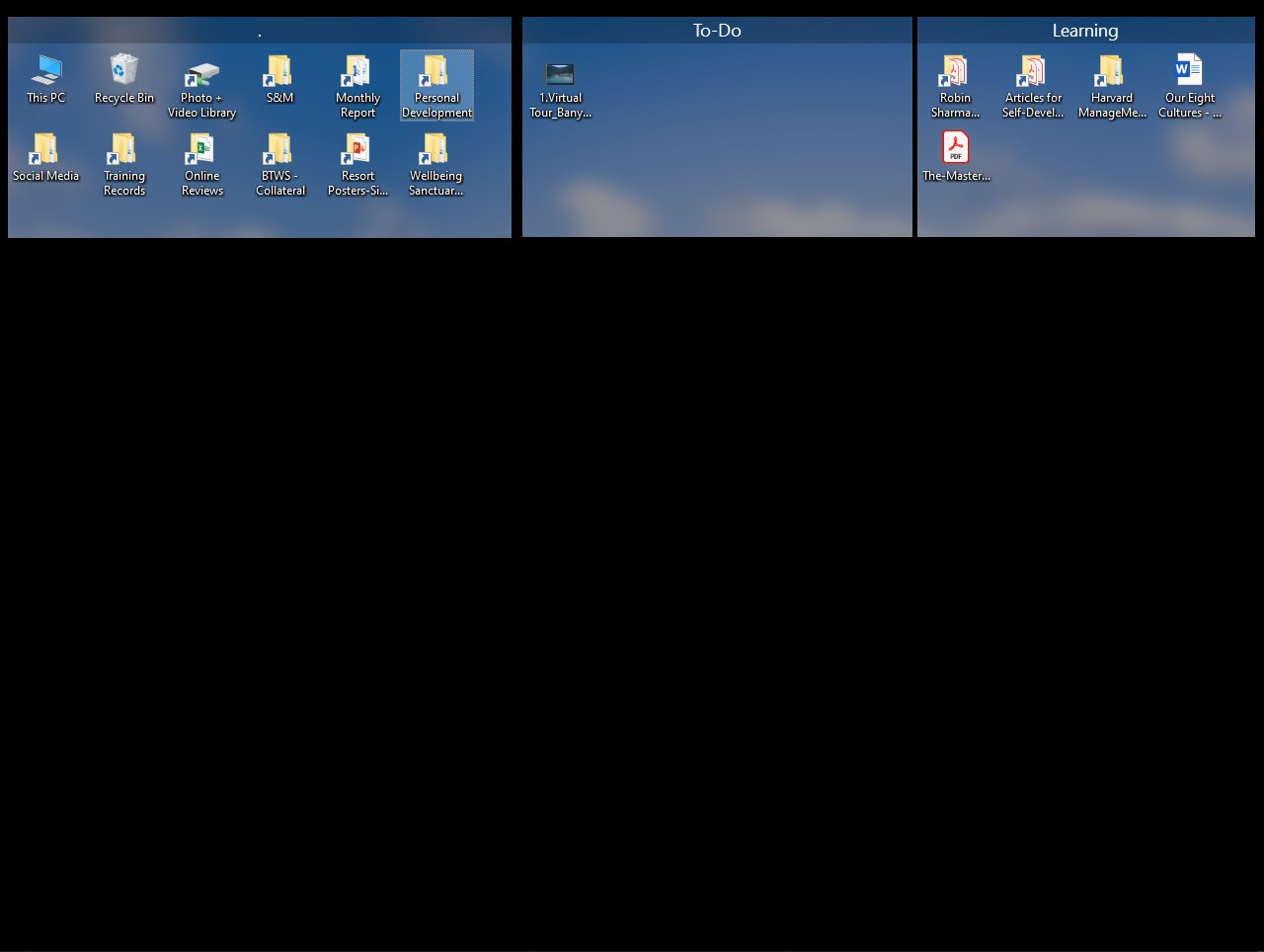
The wallpaper will return if I click back to whatever window or program I was using and then click the 'Show Desktop' again. However, sometimes this requires multiple attempts and then it comes back.

Reply #9 Top

Similar issue, if I remember correctly, reported, usually link to Corporate System with Forcepoint or Websence security installed. Do you have Forcepoint installed?

Thank you,

Basj,
Stardock Community Assistant

Reply #11 Top

Please refer to this thread and see if the solution suggested there can also help your issue : https://forums.stardock.com/502301 reply #16.

Thank you,

Basj,
Stardock Community Assistant

Reply #12 Top

I took a look, but I think it is unrelated to the security protection I have installed from Symantec. I don't see anything about disabling high entropy.

Reply #13 Top

Hello,
I have forward your problem/question to Stardock Support Team for their assistance. Please keep an eye on this thread for any updates. We appreciate your feedback and patience.

Basj,
Stardock Community Assistant

Reply #14 Top

Instead of clicking the Show Desktop button, if you use Winkey + D, does it still happen?

Sean Drohan
Stardock Support Manager

Reply #16 Top

I am not sure how much futher we can go on this as your Win10 version's age cant be discounted or ruled out as a legit reason.

That said, try changing the desktop to a solid color, not an image, and see if the result it different.

Sean Drohan
Stardock Support Manager

Reply #18 Top

Quoting RN1234, reply 17

Can you just give me the old version? It worked perfectly fine.
End of RN1234's quote

Not recommened, but,

https://cdn.stardock.us/support/uploads/Fences_3.09_setup_sd.exe

Thank you,

Basj,
Stardock Community Assistant

Reply #19 Top

Is there anyway to stop the reminder for updating to the latest version of Fences? I have to click 'Remind Me Later' every day.

Reply #20 Top

Try do the update again. But, this time reboot immediately after installation complete.

Thank you,

Basj,
Stardock Community Assistant

Reply #22 Top

I just did. That is what Support ask us to do when this happen on system which keep asking for updates. But, if you wish not to do it. Its really up to you. Just make sure to download the latest version again from your account for the installer.

Thank you,

Basj,
Stardock Community Assistant

Reply #23 Top

kindly advise stardock to implement an option that allows the user to 'Never Remind Me Again'. sometimes users are happy with the old version for whatever reason.