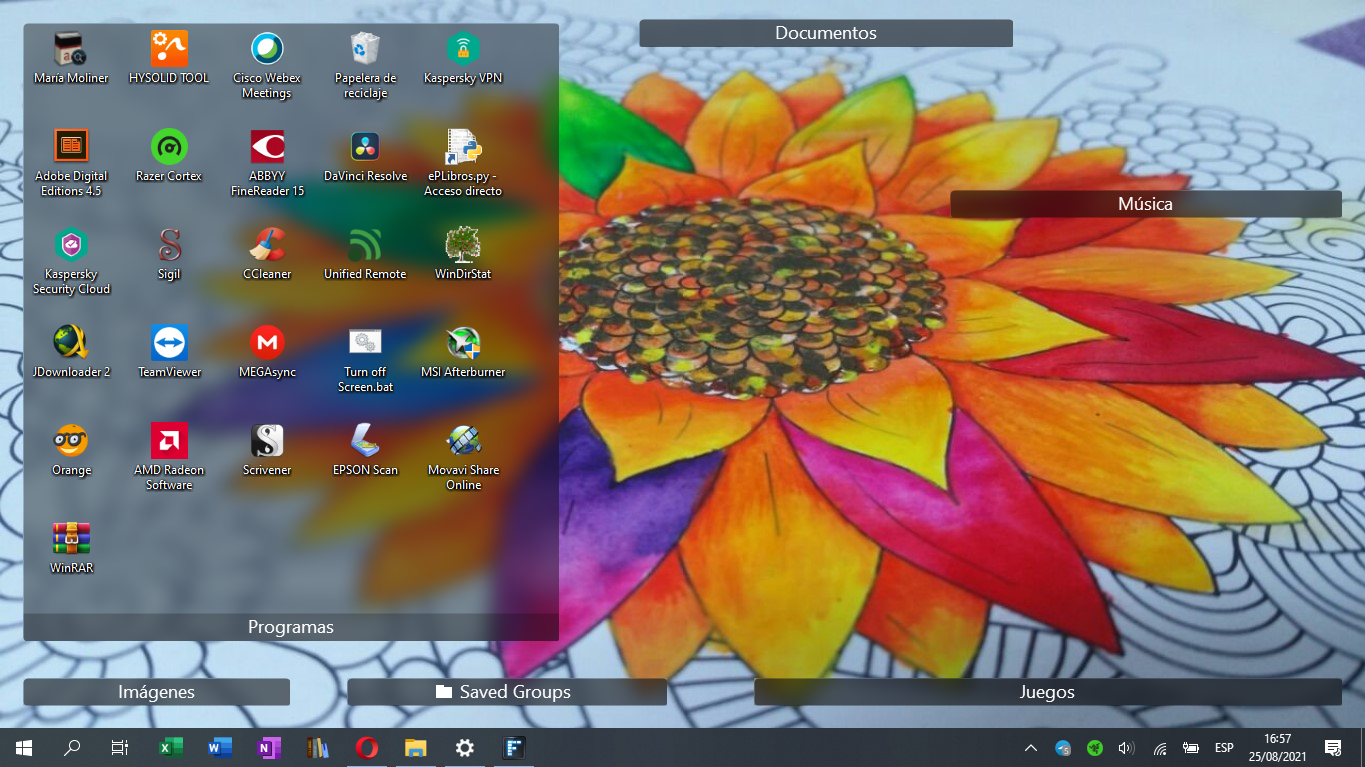
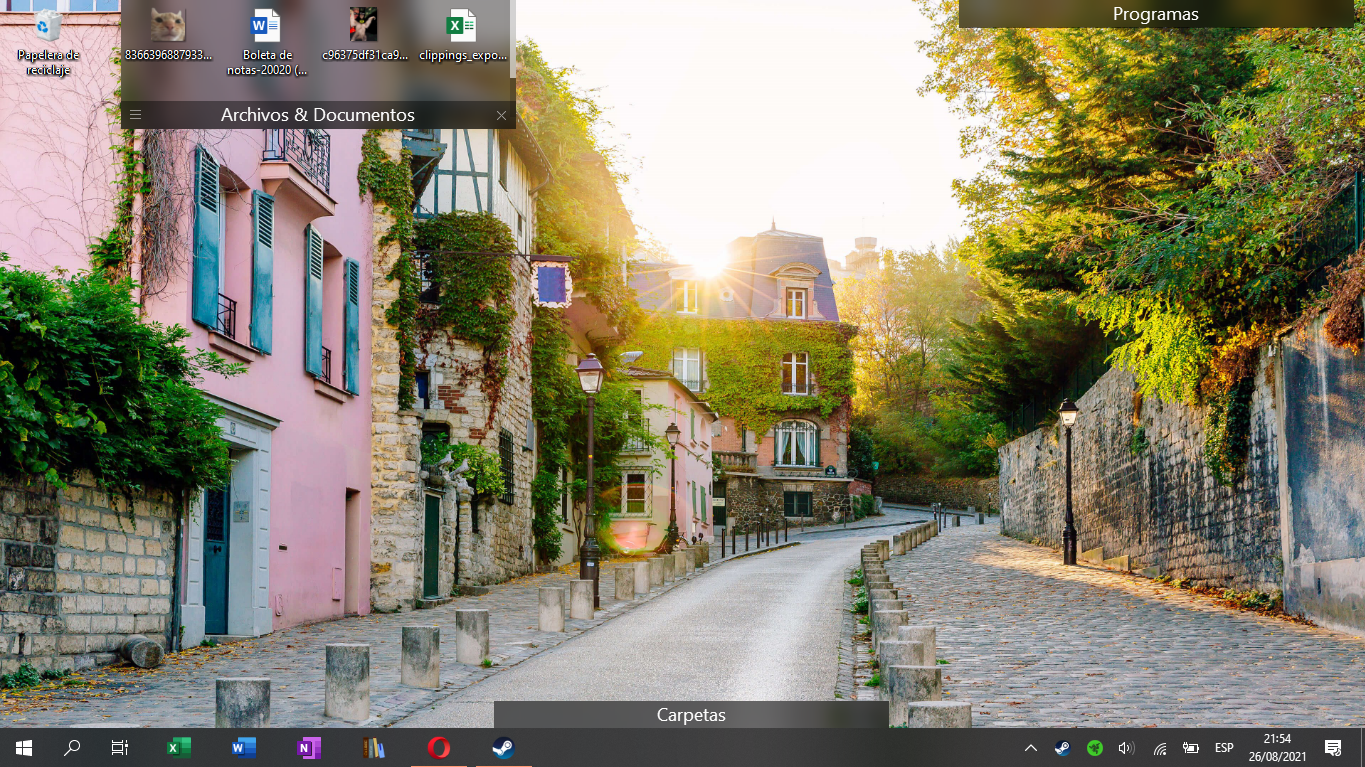
Fences doesn't fit to screen
from  Stardock Forums
Stardock Forums

 Stardock Forums
Hello,
Sorry to hear you are having issues. Does the issue goes away if you disable or uninstall Decent Icons 2?
Thanks
Basj,
Stardock Community Assistant.

I've also tried to uninstall and install Fences and still doesn't work.
Did you reboot after you uninstall DC2? If yes and still the issue happen, please try purge and reinstall steps as mentioned here: https://forums.stardock.com/486084/fences-support-faq#reinstalling. Just make sure to re-download the latest version from your account. Reboot after the purged. Reinstall, and Reboot again immediately after the installation. Retest it. Report back here.
Thank you,
Basj,
Stardock Community Assistant
Hello. It worked at the second attempt. I had to redo the process cuz' I used a saved snapshot from the last config, so it had the same problem; at the second one I decided to use the basic layout from Fences and worked. I don't know what's the problem with the snapshots I had. It's fixed tho. Thanks!
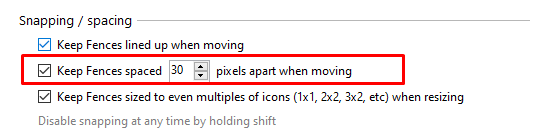
So I figured out what's the problem, apparently this option was set higher than 0 (which makes zero space between the border of the screen and the folders). It's dumb, but it happened cuz' of it.
Awesome, glad to hear you figured it out.
Thank you,
Basj,
Stardock Community Assistant
Welcome Guest! Please take the time to register with us.
Select a reason for giving karma:
You're about to visit an external site:
Sign up here to get the latest news, updates, and special offers delivered directly to your inbox.