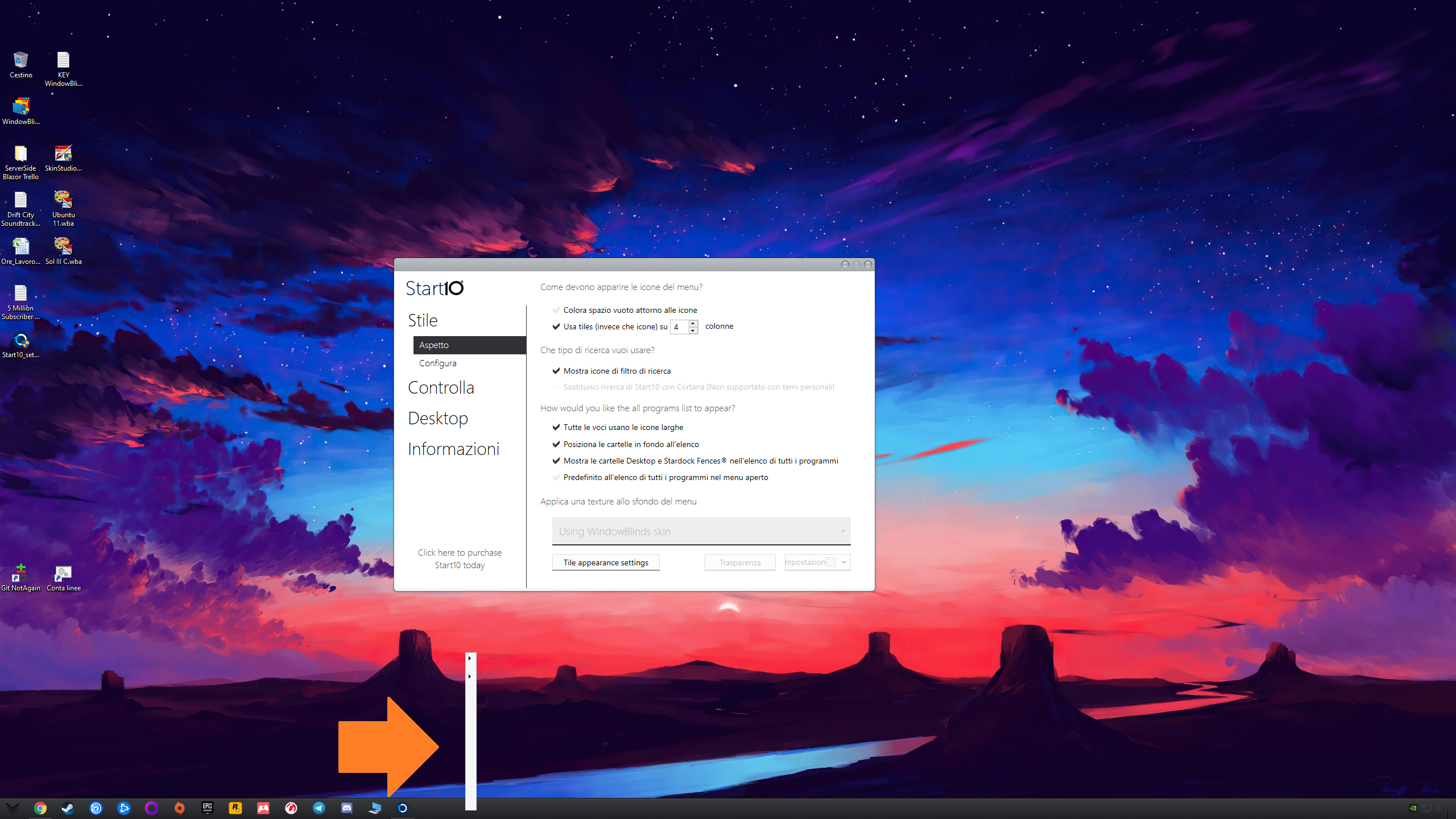
Help no text when right click on taskbar

Hi all,

I bought recently a copy of WindowBlinds when i choose a theme different form default if i click on the taskbar is showing up a window without text. I have included an attachment for example.

All custom skins have this problem...

Thanks in advance for any help
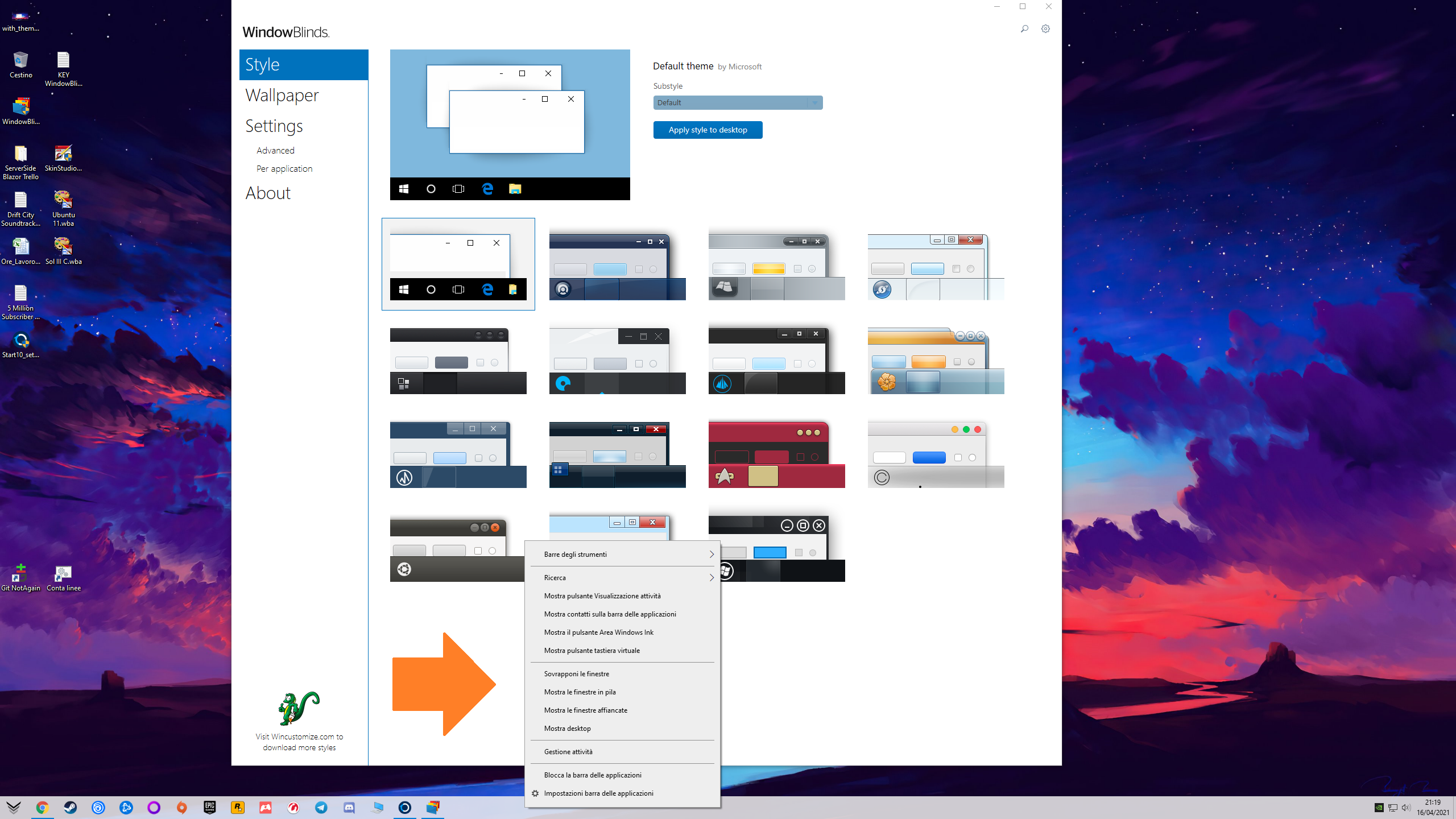
Without ThemeWith Theme

3,456 views 2 replies
Reply #1 Top

What version of Windows and WindowBlinds are you using?

Reply #2 Top

Windows 10 Pro 20H2  Build:19042.928

Windows Feature Experience Pack 120.2212.551.0

WindowBlins 10.87 (before to ask here help)


I have uninstalled WindowBlind and Start10 then i have rinstalled WindowBlinds...from a setup of previous version 10.7 (if i not remember wrong, and setup come from HumbleBundle). Then before to apply any theme i have updated WindowBlinds to 10.87, applied a theme and the problem is fixed. Also with Start10 i was struggle with application search bar that wasn't working. Now Start10 and WindowsBlinds seems to work fine. 


Sorry if i wasted your time, but before asking here i have tried to reinstall and restart my pc several times without success...thanks anyway!