Some old IconPackager version on Windows 10 issues
Some issues to solve
 Stardock Forums
I purchased IconPackager 4 back in 2009 and used it for some time with Windows Vista (maybe) and 7, but since I updated to Windows 8, 8.1 and 10 I forgot I had it.
A few weeks ago I decided to test it on Windows 10 and got some issues I reported on a Windows 10 forum.
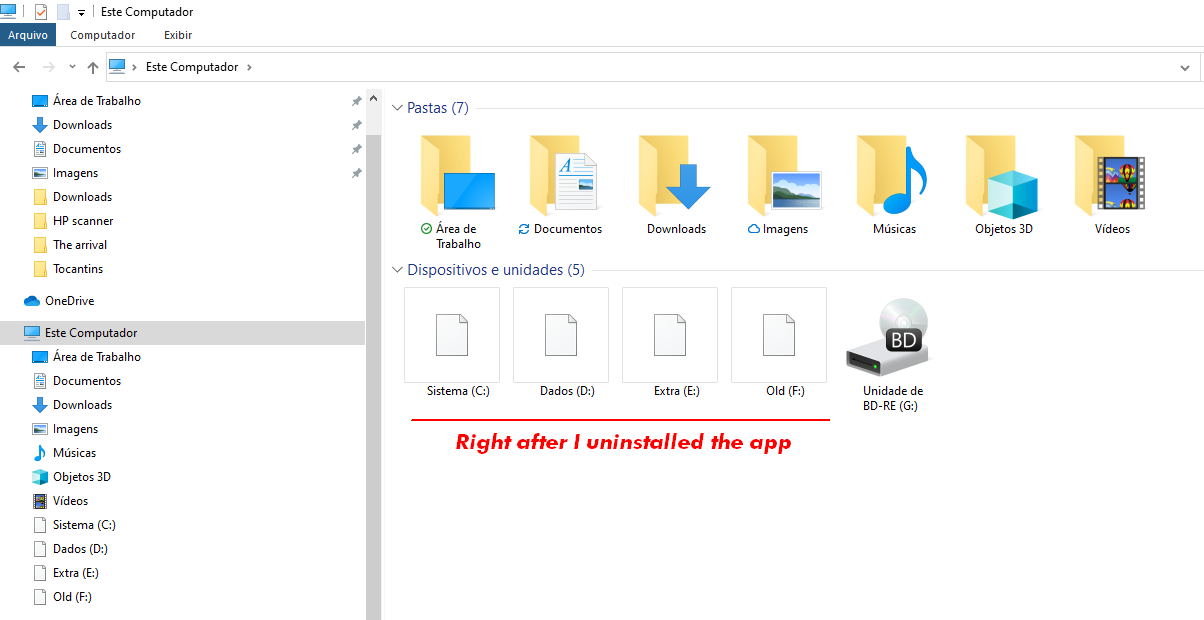
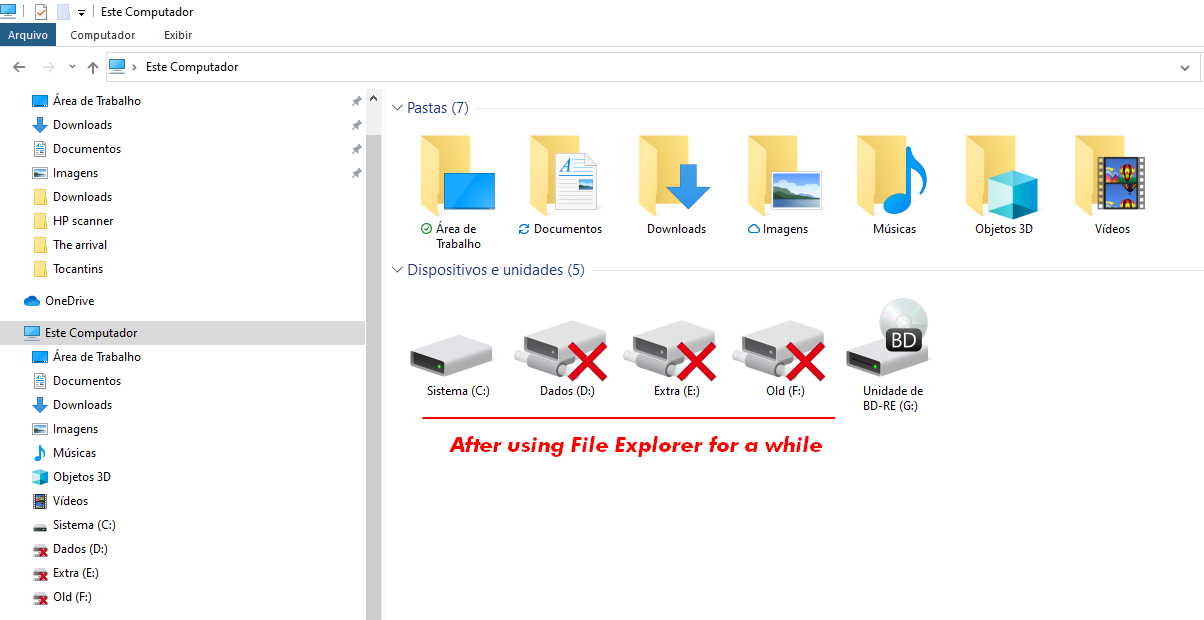
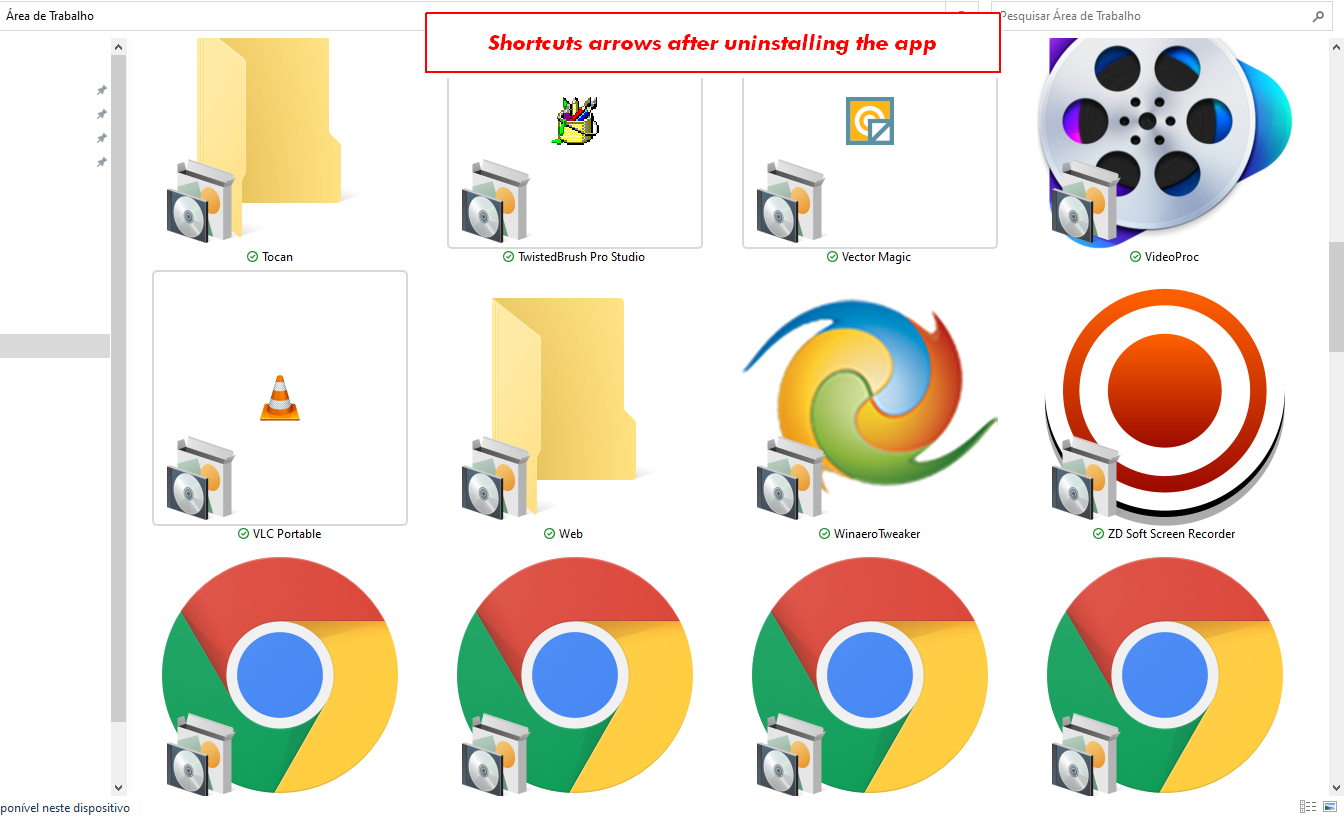
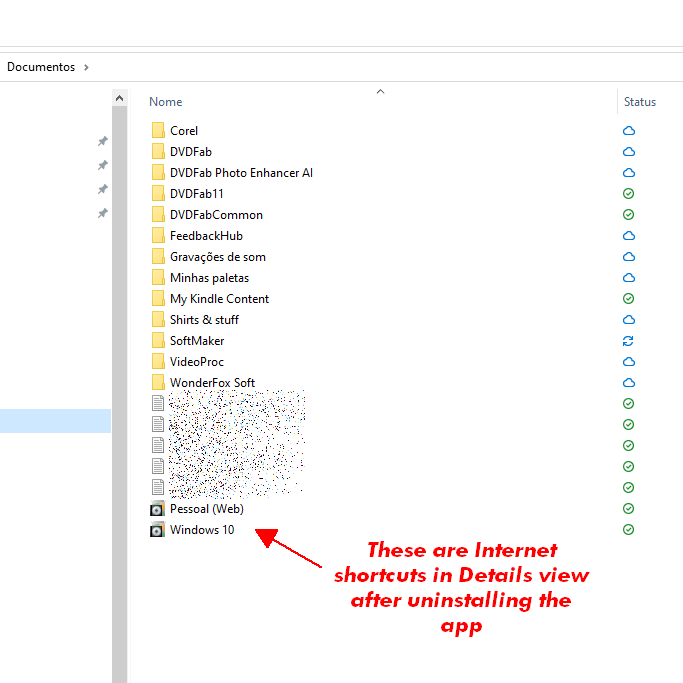
In brief, when I uninstalled it, IconPackager 4 left some stuff broken. The issues were solved only after I reinstalled the app and now I'm kind of "stuck" with it.
So I ask you to please help me.
If I decide to keep it, how can I get the best of it on Windows 10? Change settings somehow? Upgrade to a new version? What else?
If I decide to uninstall it, how can I do it without messing up Windows 10 stuff?
Other "minor" issues
If I go to its Advanced Settings and set the Language to English, despite the warning saying that "this setting requires a restart of the application to take effect", it always goes back do Danish.
And when I open the Properties of files via the Windows File Explorer, I see this tab in Danish. Of course the best would be to have it in the system language (Brazilian Portuguese), but since it's not an option at least it should be in English.
▼
Versions
IconPackager 4.00 (x64)
Windows 10 Pro 20H2 19042.868
TIA.