Stopped working after last Windows 10 update
from  Stardock Forums
Stardock Forums
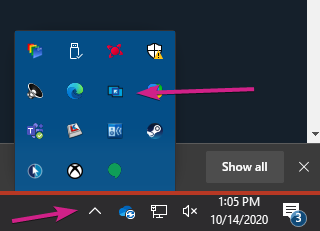
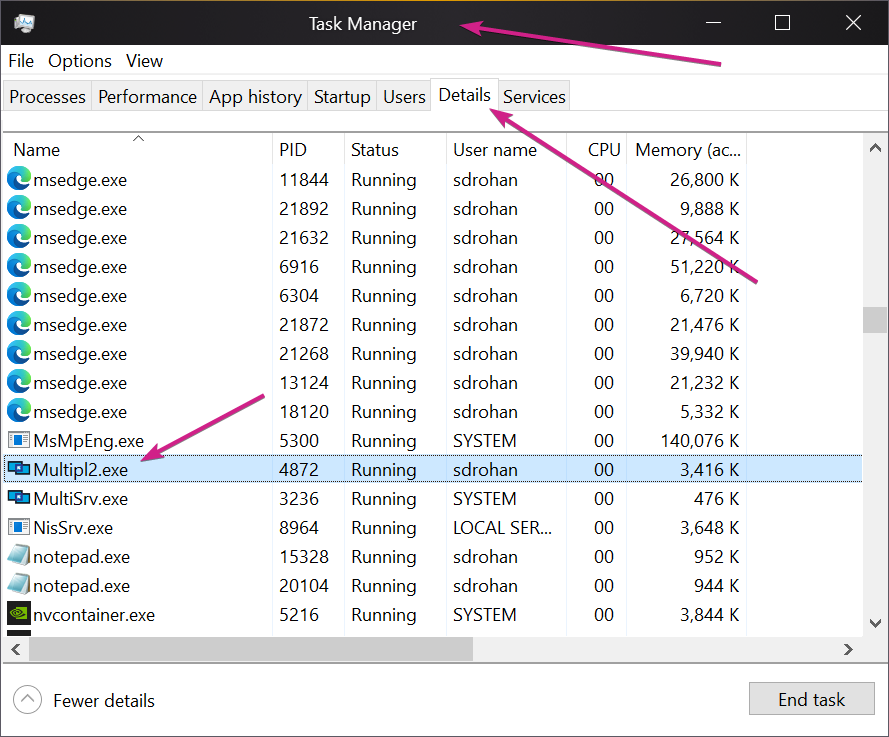
My primary computer no longer shows Multiplicity running in the task bar. I start the program manually by clicking on the app and running in administrator mode but nothing works. Both primary and secondary are connected via Ethernet cable and I have also tried with both Wifi and Ethernet on. Also the opposite. I don't think the program is loading on my primary, it does show active on the secondary. I've been using this program for years and it just stopped working completely after the last Windows 10 update a few weeks ago.
I've downloaded and installed in administrator mode the latest version.
Help!




 I do appreciate all of you trying to help.