Icons Disppeared from SOME Fences, Not All

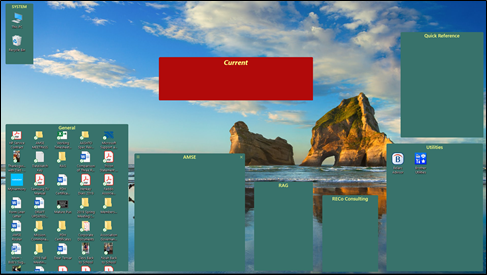
I have 8 Fences on my desktop.  The other day all the icons simply disappeared from 5 Fences, and all but 2 icons disappeared from another Fence.  The last 2 Fences remained normal.

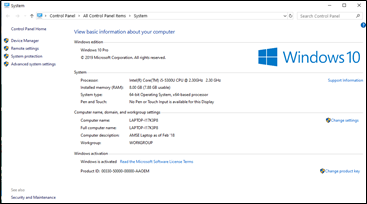
I have Fences 3.09.11 on Windows 10, have used it trouble-free for years before this issue.  Computer info and Fences screenshots below.

No error messages received and, to the best of my knowledge, I did not take any action that I can connect to this happening.


How do I get my icons back into my Fences?


2,844 views 6 replies
Reply #1 Top

Hello,
Sorry to hear you are having issues. Have you tried restore snapshot? Fences automatically save your daily snapshot for 3 days.

Try it and report back.

Thanks

Basj,
Stardock Community Assistant.

Reply #2 Top

Thanks, didn't know snapshots even existed.  Found them, but unfortunately the oldest one was on Sunday, at least 1 day after the disappearance.

Hope you have another suggestion :).

Reply #3 Top

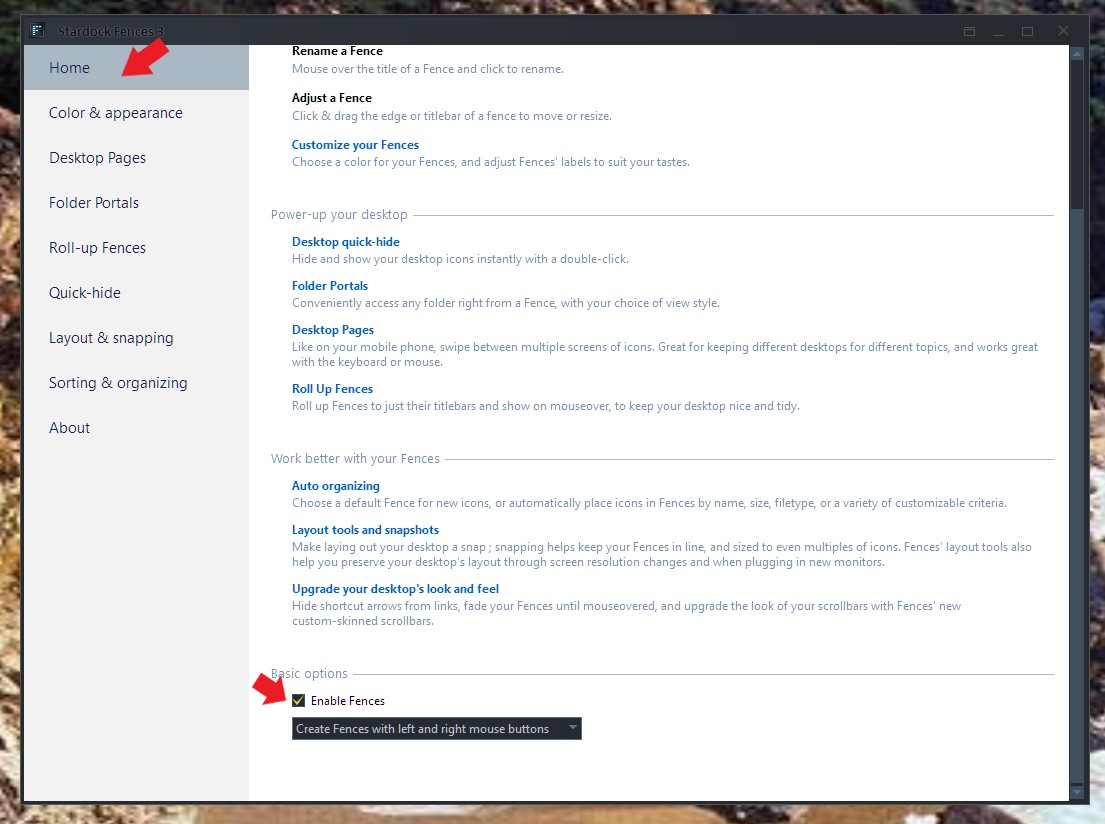
Honestly, I don't really know what happened on your setup. You can check if all the missing icons still in the Desktop by turning off / disable Fences. This should bring back all your icons to desktop. If all those missing icons reappear.

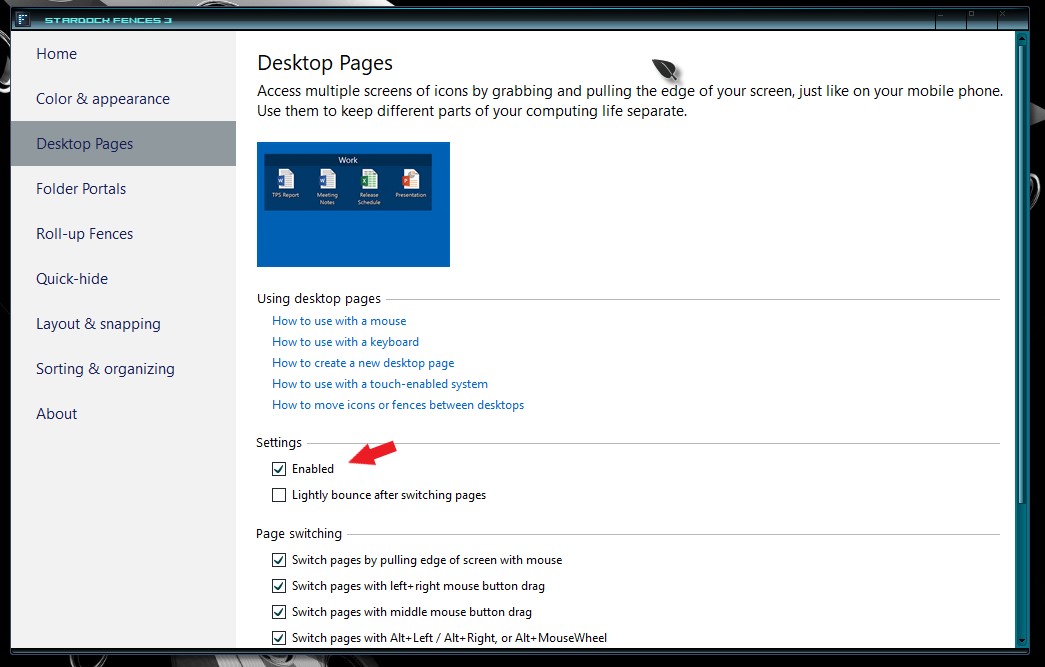
You should also check if your icons accidentally moved to other desktop page, you can turn off desktop page to see if it return to your main page :

Try those and report back.

Thank you,

Basj
Stardock Community Assistant.


Reply #4 Top

Hi Basj,

Sorry to say that disabling Fences did not change a thing - same icons except they were spread over more space on the desktop.

Even sorrier to say that, because I was unaware of Fences allowing desktop pages, therefore it was not even turned on.

Bob

Reply #5 Top

So you are saying that after disabling the Fences, the missing icons does not reappear? If so, than it is not really Fences causing it. Something else must have physically delete those icons from desktop. Only option now is to recreate those shortcut icons and repopulate it into Fences manually and make sure to save a layout snapshot.

Thank you,

Basj
Stardock Community Assistant.

Reply #6 Top

I was afraid it would come to this, but thanks for your help and for causing me to leran more about the capabilities of Fences.