Fences disappears from my screeen - windows 10

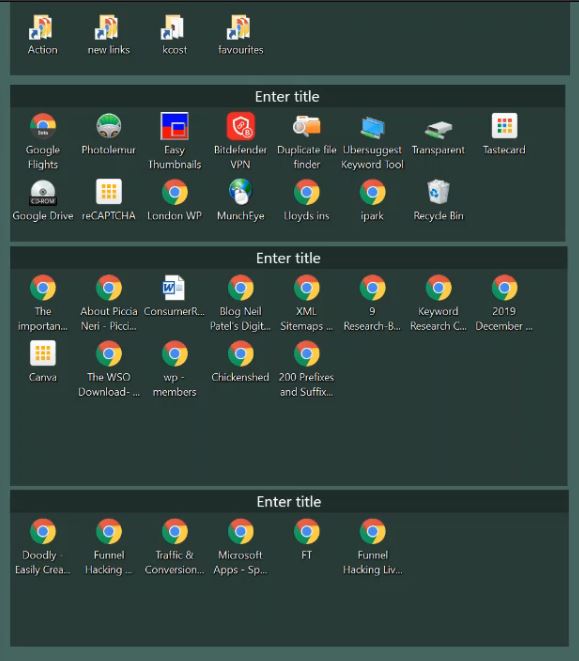
Often fences just disappear or the icons flow into each other

I have installed Fences on my desktop PC, with windows 10, and often the Fences just dissapear from the screen, sometimes a refresh will bring them back, other times I have to reboot the PC to recover.

I also see a 2nd problem that often the icons flow into each other, eg the icons on teh 2nd row partly cover the icons on the first row. Again after a reboot they are correct.

7,638 views 14 replies
Reply #1 Top

Hello,
Sorry to hear you are having issues. Need to know more.

1) Windows version. Please use winver.exe for full version numbers

2) Fences version.

3)Screenshot or video of the issue might help understand it more clearly.

Thanks

Basj,
Stardock Community Assistant.

Reply #2 Top

Windows 10 Pro

Windows version 1903 - OS build 18362.592

Fences Version 3.0.9.11

I will try and make a video - if i can replicate 


Reply #3 Top

i have made a video  - but cant see how to upload it to you.

Reply #4 Top

Hello,

You can upload it to a Video or file sharing site and post its link here.

Thank you,

Basj
Stardock Community Assistant.

Reply #6 Top

Hello,

I don't see an issue there. Unless I am mistaken, that is just the Fences Desktop page changing. That will happened when you drag and I icon or a Fences pass the left/right most border of your screen. It will jump to next Desktop page.

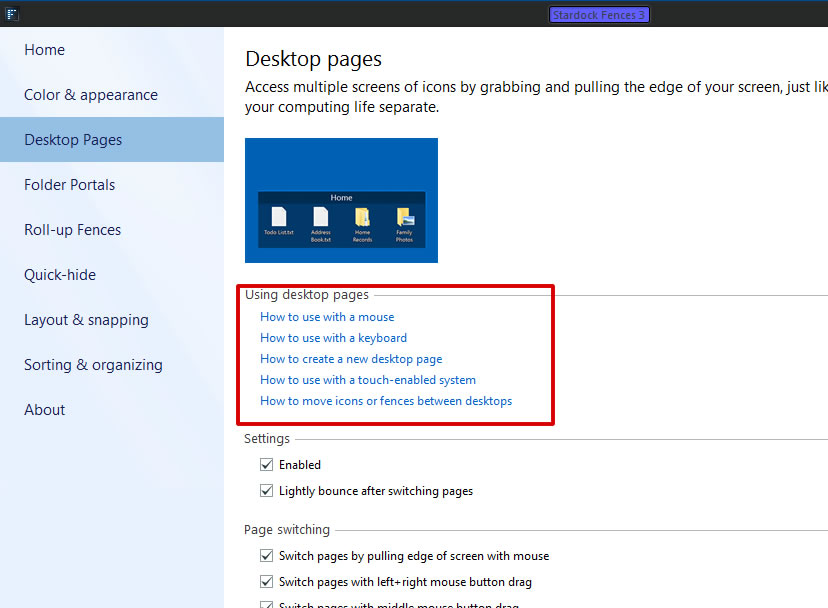
You can click on those blue link to learn how to use it or you can disable Desktop page if you wish not to use it. This will than bring all you fences and Icon back into one main page

Thank you,

Basj
Stardock Community Assistant.

Reply #7 Top

no - what happened is my fences completely dissapear from the page with all links 

Reply #8 Top

Hello again.

Is these fences you mentioned missing?

If it is, than from your video it look like it slide to the left as you drag that white arrow icon to the right. That is a standard looking of Fences desktop page changing from the Main Desktop page to the right desktop page.

Thank you,

Basj
Stardock Community Assistant.

Reply #9 Top

all i was doing was dragging files from one windows folder to another and the fences and icons dissapeared and i ented up with a blank page with neither - when i tehn rebooted they were back to normal.

Reply #10 Top

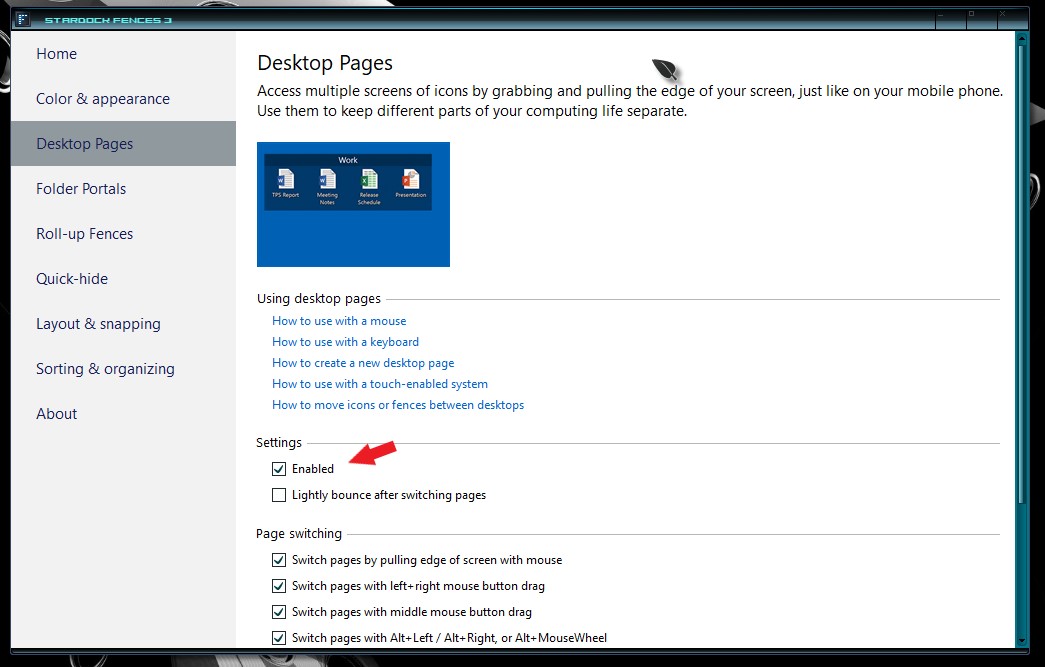
Please try the Disable Desktop Pages by un-tick that box and see if you still have the same problem.

Thank you,

Basj
Stardock Community Assistant.

Reply #11 Top

seems to have worked, lets hope it is fixed, really like the fences othewise

thanks for help

Reply #12 Top

Great, glad to help

Thank you,

Basj
Stardock Community Assistant.

Reply #14 Top

Please try purge and reinstall steps as mentioned here : https://forums.stardock.com/486084/fences-support-faq#reinstalling

Just make sure to redownload the latest version from your account. Reboot after the purge, reinstall using the latest version you just download. Reboot again and retest.

Report back here.

Thank you,

Basj
Stardock Community Assistant.