NVIDIA Control Panel - Compatibility Issue

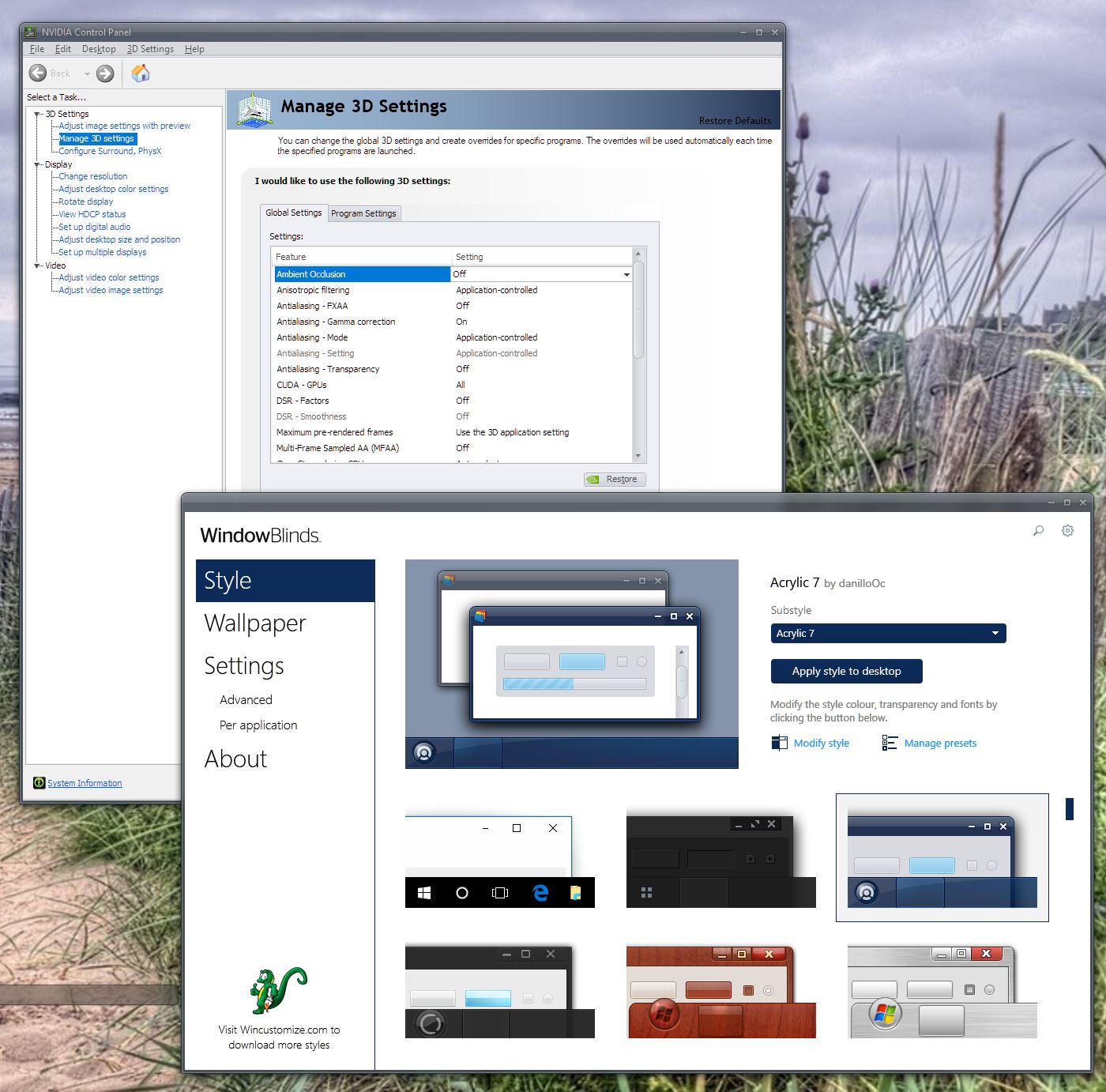
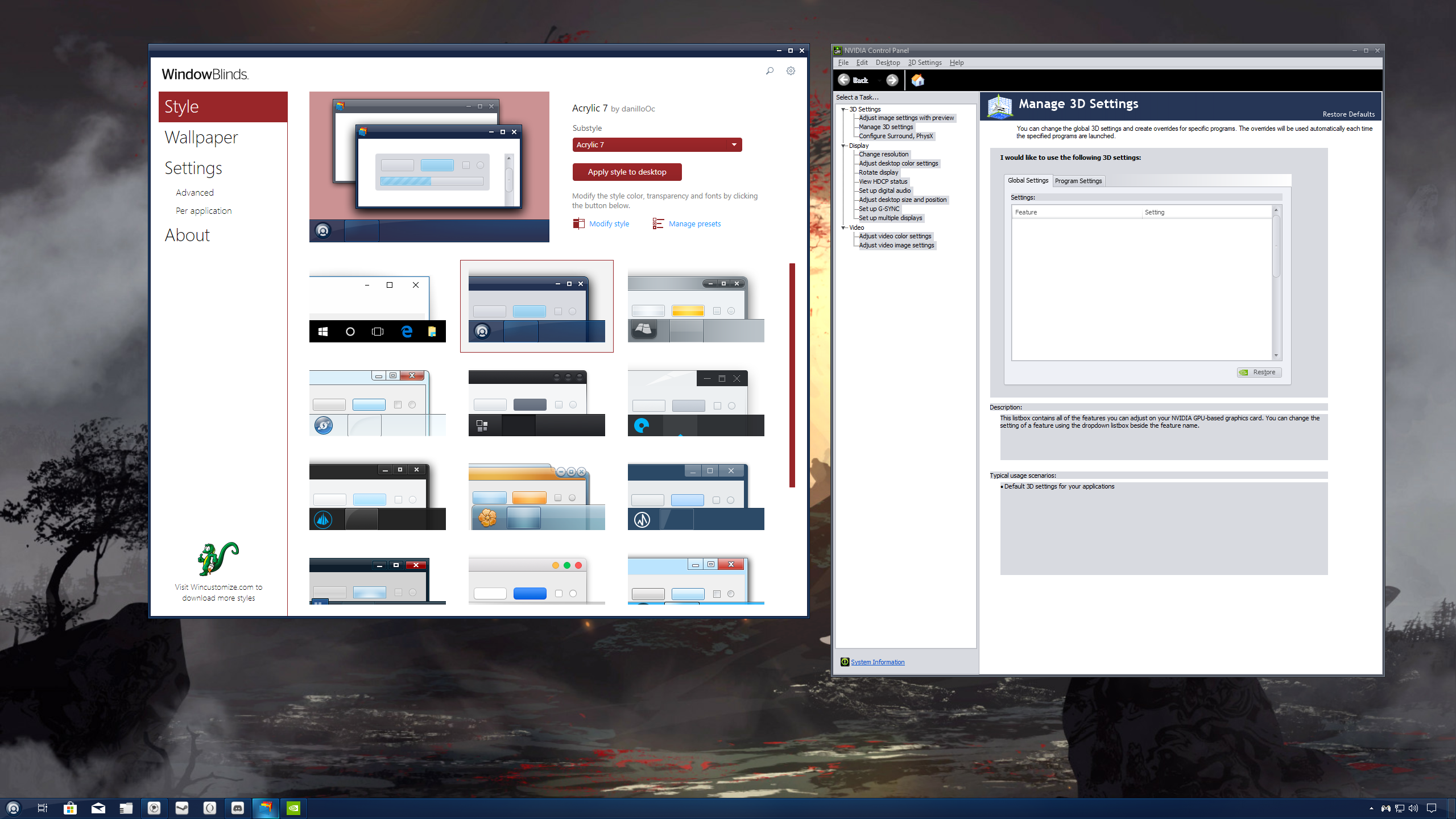
When skinned, the NVIDIA Control Panel is not being displayed correctly. I have highlighted some of the problems in red in the screenshot below. Any solution/workaround for this other than using the default Windows theme?

4,754 views 7 replies
Reply #1 Top

Hello,
Sorry to hear you are having issues. But I don't see the issue on my system. Could you test Nvidia Control panel with other theme and see if it still invisible text.

Thanks

Basj,
Stardock Community Assistant.

Reply #3 Top

Please take a screenshot and post Nvidia Control Panel on Acrylic 7 that come along with Windowblinds. Need to see if its Windowblinds issue or theme issues.

Thank you,

Basj
Stardock Community Assistant.

Reply #5 Top

Need information.

1) Windows 10 version. Please use Winver.exe

2) Windowblinds version.

3) Nvidia Control Panel version.

Just for reference : I am on

1) Windows 10 1903 (OS Build 18362.476)

2) Windowblinds V. 10.84

3) Nvidia Control Panel V 8.1.940.0

Thank you,

Basj
Stardock Community Assistant.

Reply #6 Top

I've got it sorted. Looking at the references you put up, I didn't realize that WindowBlinds had been updated to 10.84. I was still on 10.83. But yeah, everything is all good now after updating to 10.84. Appreciate the help. 

Reply #7 Top

Great, glad you get it solved.

Thank you,

Basj
Stardock Community Assistant.