WindowBlinds refuses to work!

I'm at a loss here. Need help.

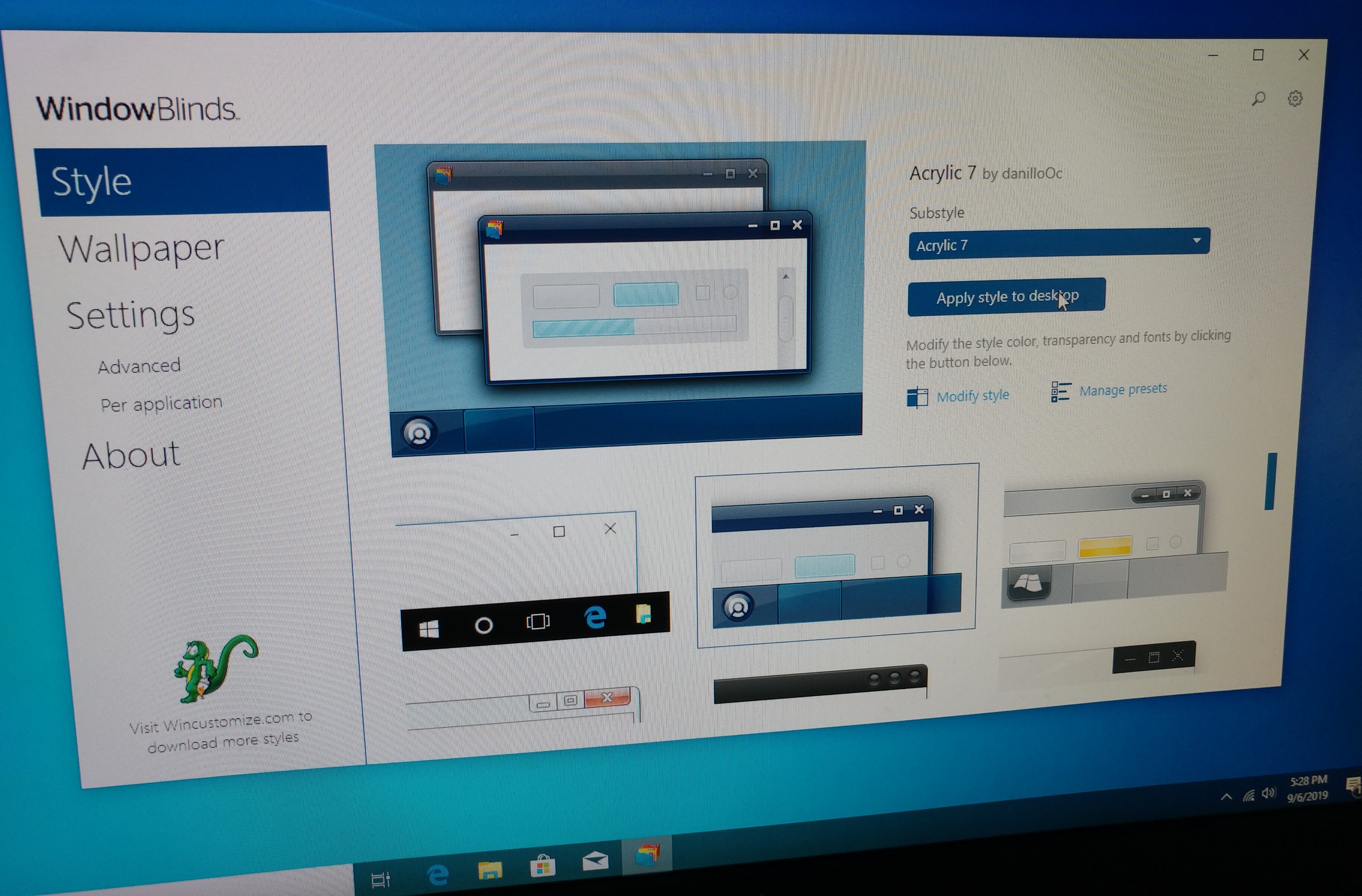
Hey. I just bought and installed WindowBlinds. I'm using Windows 10; 1903 and I have restarted several times, I have purged WindowBlinds and reinstalled it, but nothing seems to help. No matter what I do, I can't get WindowBlinds to actually like... do ANYTHING.


I'll click a theme and it will show the theme's respective loading bar and after that finishes, nothing. The standard windows 10 theme is still all I get, while the program says it has changed themes.
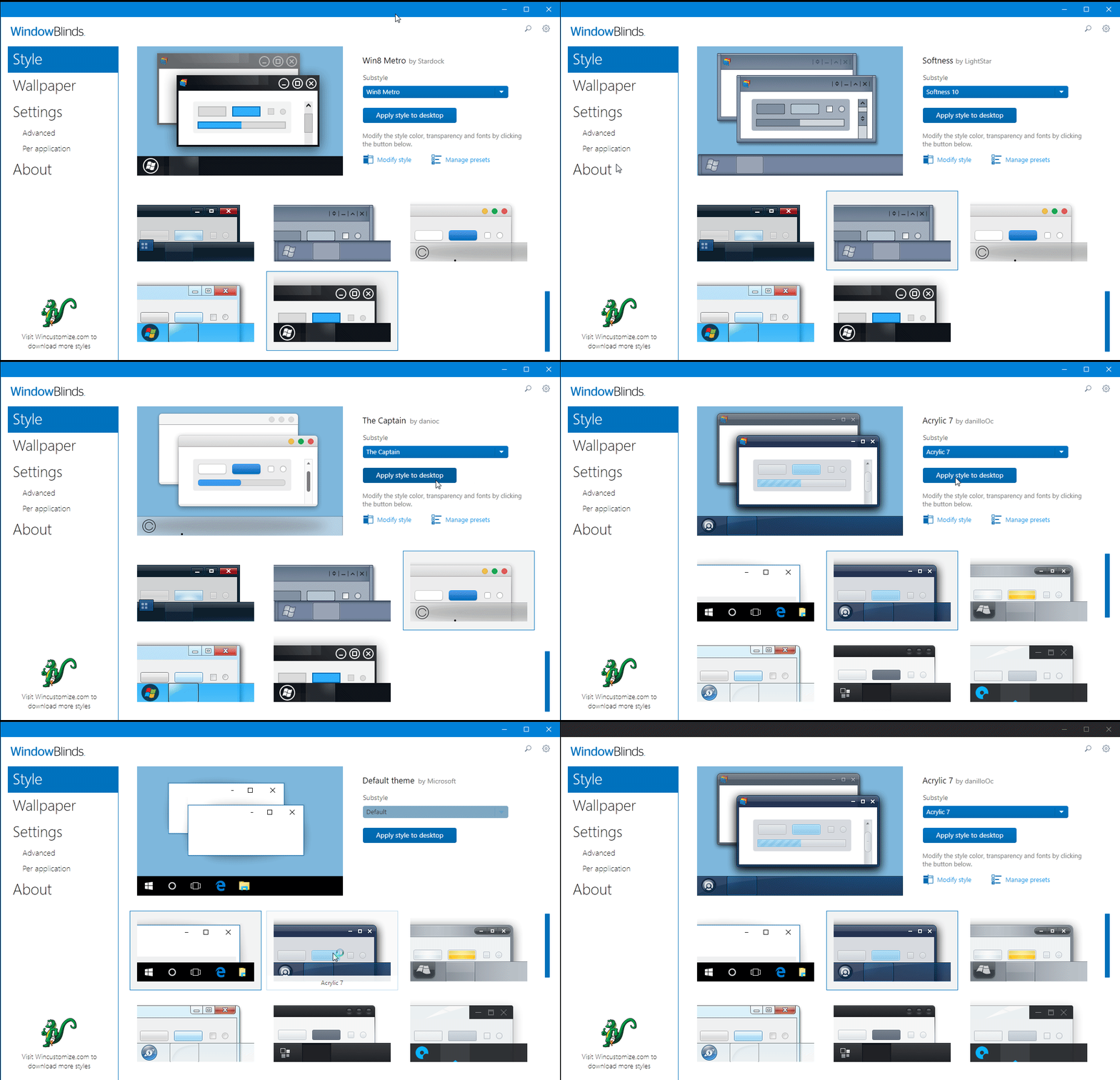
 

In this GIF, I cut out the part with the blurry loading screen so you wouldnt have to watch like 50 seconds of nothing.

3,375 views 5 replies
Reply #1 Top

Hello,

I have forwarded your report to the Stardock support team for their review and recommendations.

Please keep an eye on this thread for any updates.

We really do appreciate your feedback, thanks.

AzDude
Stardock Community Assistant

Reply #2 Top

Hello,

Sorry to hear you are having issues.

I've been advised for you to try logging in under new Windows admin account .

then report back here please .


AzDude
Stardock Community Assistant

Reply #3 Top

Okay. I just tried this. Unfortunately, it gave me the same results with the fresh account.


In any case, I would not be satisfied with having to use an entirely different account just to have WindowBlinds.

Reply #4 Top

Do you use eset antivirus?

Also what does it say on the Windowblinds about page, please copy and paste it here.

Reply #5 Top

No, the only Antivirus that I have is Windows Defender, the built in one.


Windows 10 Enterprise (18362.19h1_release_svc_prod1.190628-1641)

WindowBlinds 10.82 (057 - Windows 10 Edition) - 64 bit OS


Window titlebar blur features are enabled on this operating system


        Wblind.dll                2019/06/25 15:37:48

        Wblind64.dll              2019/06/25 15:37:49

        Wbsrv.dll                2019/05/04 00:29:46

        WB10Config.exe            2019/06/25 15:37:54

        Wbload.dll                2019/05/08 16:13:37

        Screen10.exe              2019/05/04 00:29:17


Additionally, I can't create any more replies. I would like to continue this thread. Is there some way that can happen?