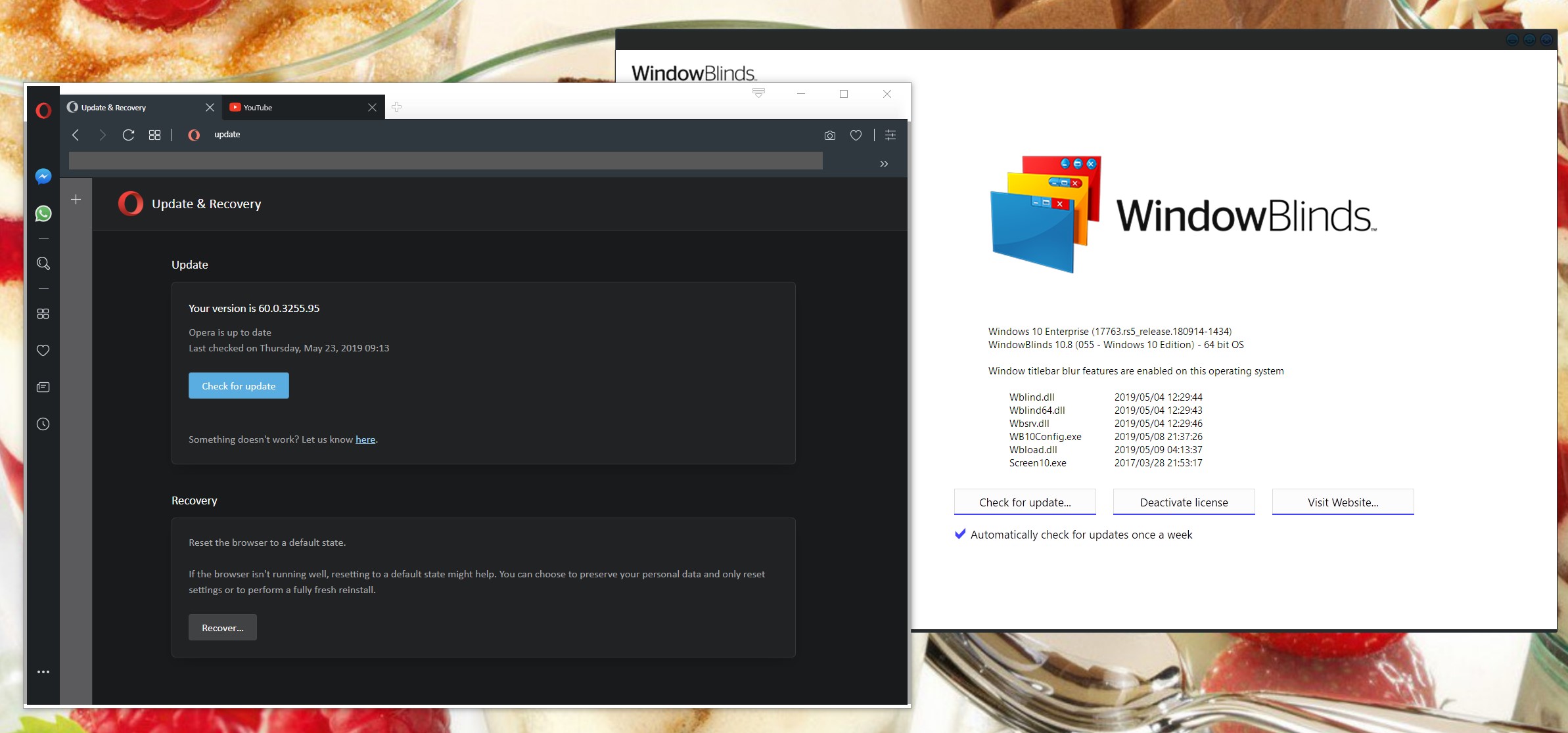
Opera & WindowBlinds

Old problem.. any new solution?

More and more of my development / maintenance work necessitates using web browser(s).

After a quick Internet search I see that there has been an issue with Opera and WindowBlinds not playing nicely together since 2010 and the Per Application exclusion in WindowBlinds not helping either.

Is there any fix or work around I've not found using the latest (May 2019) version of WB and Opera 60.nn?

I prefer using Opera as my main browser and am leaning towards turning off WB just to continue using Opera. This would be shame.


5,085 views 6 replies
Reply #1 Top

Hello,

Sorry to hear you are having issues. I have Opera 60.0.32555.95 on my system and it run without problem. The only problem is that WB can't skin it. So I just exclude it.

Basj,

Stardock Community Assistant.

Reply #2 Top

Hello Basj,

Many thanks for your reply.

Happy to know it must be something I've not properly tried, yet.

In the Per Application exclusion, I have tried to exclude Opera but only found (in the Opera directory) Launcher.exe. This exe file doesn't prevent WB from skinning Opera.

Would you be so kind as to tell me the folder path and .exe filename that you use to successfully exclude Opera?

Regards

E

Reply #3 Top

Hello,

Mine is at : C:\Program Files\Opera\60.0.3255.95\Opera.exe. Not sure if you need to update it everytime you upgrade a version. Since, look like Opera create new folder everytime it install a new version.

Thank you,


Basj,

Stardock Community Assistant

Reply #5 Top

Great, glad to help.

Thank you,


Basj,

Stardock Community Assistant

Reply #6 Top

Quoting basj, reply 3

Hello,

Mine is at : C:\Program Files\Opera\60.0.3255.95\Opera.exe. Not sure if you need to update it everytime you upgrade a version. Since, look like Opera create new folder everytime it install a new version.

Thank you,


Basj,

Stardock Community Assistant
End of basj's quote

You will not need to update the exclusion as the exclusion is based on filename not path so the fact it makes a new folder shouldn't impact it.