skin studio problem

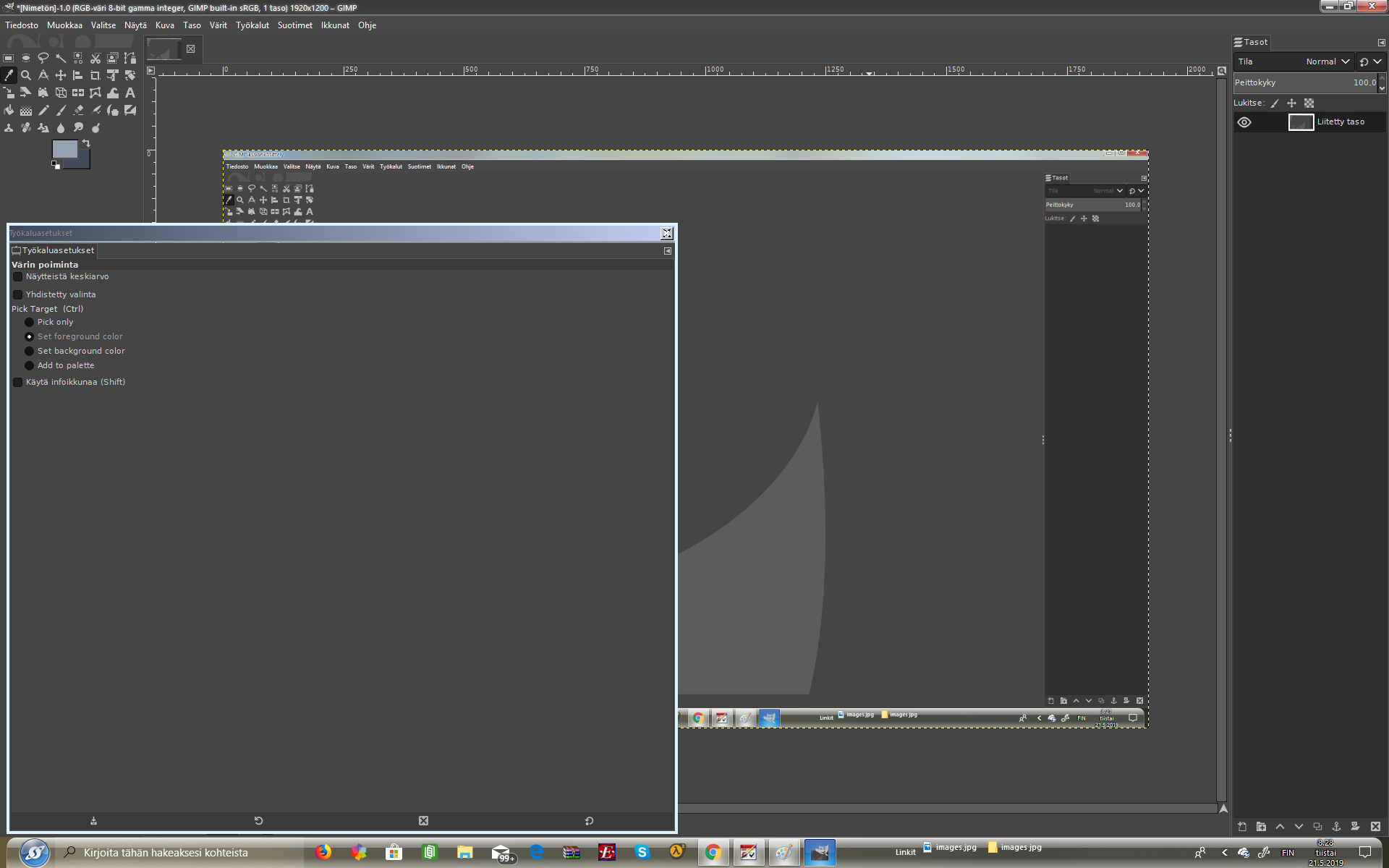
I applied my exit button to a toolwindow, but for some reason there is a smaller white X on top of it. When I apply it to my computer, the exit button is normal until I hover my mouse over it. After that the white X appears and just stays there.
2,810 views 5 replies
Reply #1 Top

Hello,

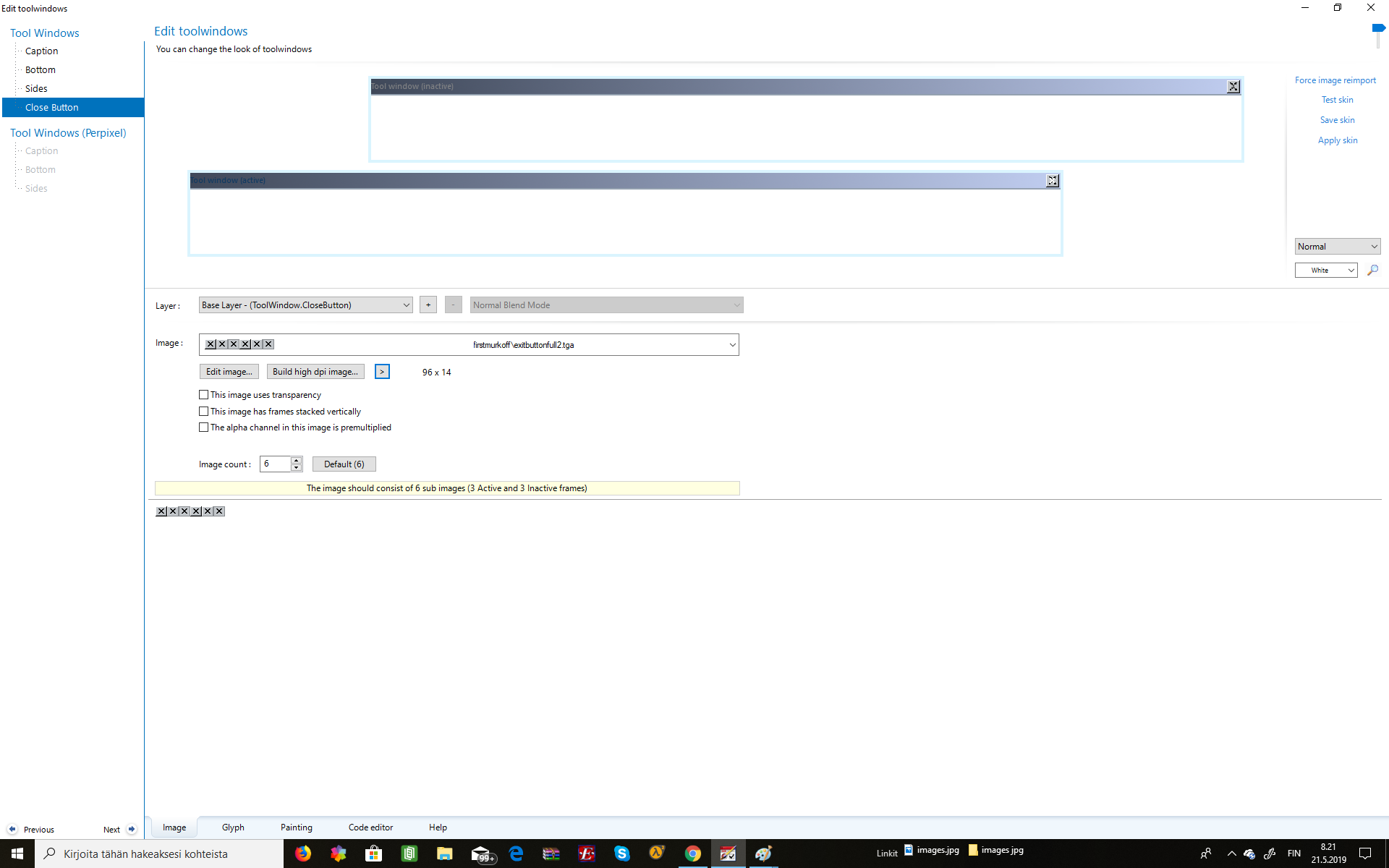
Sorry to hear you are having issues. Could you provide us with a screenshot of this issues. Screenshot on your skinstudio setting and on the actual problem.

Thanks

Basj,

Stardock Community Assistant.

Reply #3 Top

Hello,

Here usually how I do it.

Back button without the "X" as main graphic button.

and another for the Glyph part like below (The white "X" you saw ontop of your button most probably come from the "Glyph" section)

Let me know if you still need assistance.

Thank you,


Basj,

Stardock Community Assistant

Reply #5 Top

Hello,

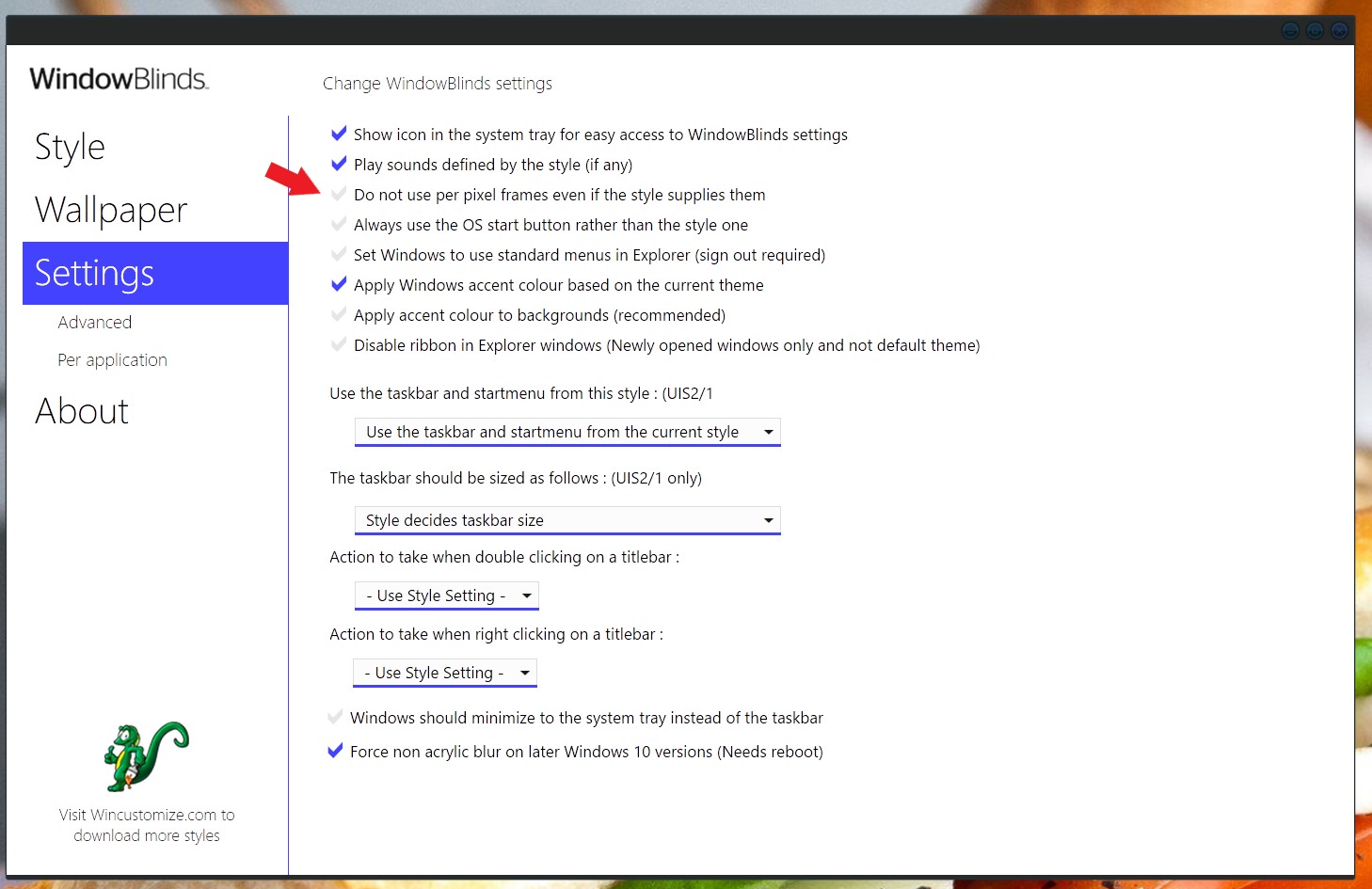
If you need to see your UIS2 frame in action. The simplest way is use the WB config windows -> Settings -> Tick the "Do not use per pixel frames even if the style supplies them".

Once you "Apply setting now" button. All the frame will be using the UIS2 frame.

Thank you,


Basj,

Stardock Community Assistant