Failure of Fences on computer with three monitors
 Stardock Forums
Hello
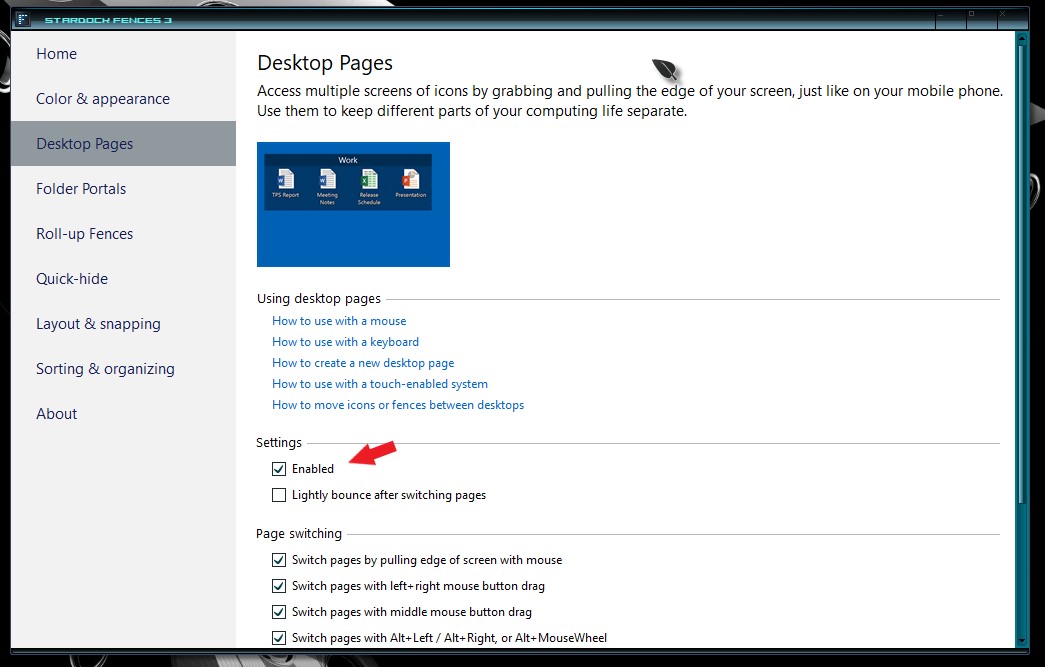
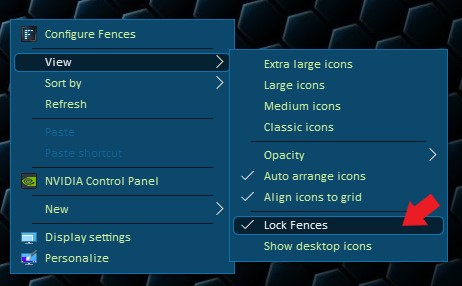
I purchased the Stardock Fence last night and created the rectangle fence for Folders and Documents. I was impressed with the logic behind the separation of files and documents from folders. I powered down and this morning when I turned on the computer/screen, no fences were visible. I followed the instructions under "How to Configure Fences" and tried double clicking on desk top etc... then after multiple attempts (12) at dragging the cursor from the edge of the monitor, I noticed that one of the fences appeared from the corner of the monitor number one. Somehow, the fence number one was hidden somewhere. As I continued to move the fence to monitor number two, fence number two appeared from the right of monitor number two. Currently, I have fence number one (Files and Documents) on monitor number one but fence number two is hiding. As I drag the edges of fence number one towards monitor number two, fence number 2 (folders)appears on monitor number three and fence number one disappears. Also, when the fence is moved to screen number 3, the image of the fence is behind the background display I am afraid that the Fence format does not work on a three monitor format. If there is no solution to solving the issue, I would like a refund. I will wait for your response.